


muno + Asana
Draft Asana notes and meeting summaries automatically from your AI-guided 1:1 conversations.
What is muno?
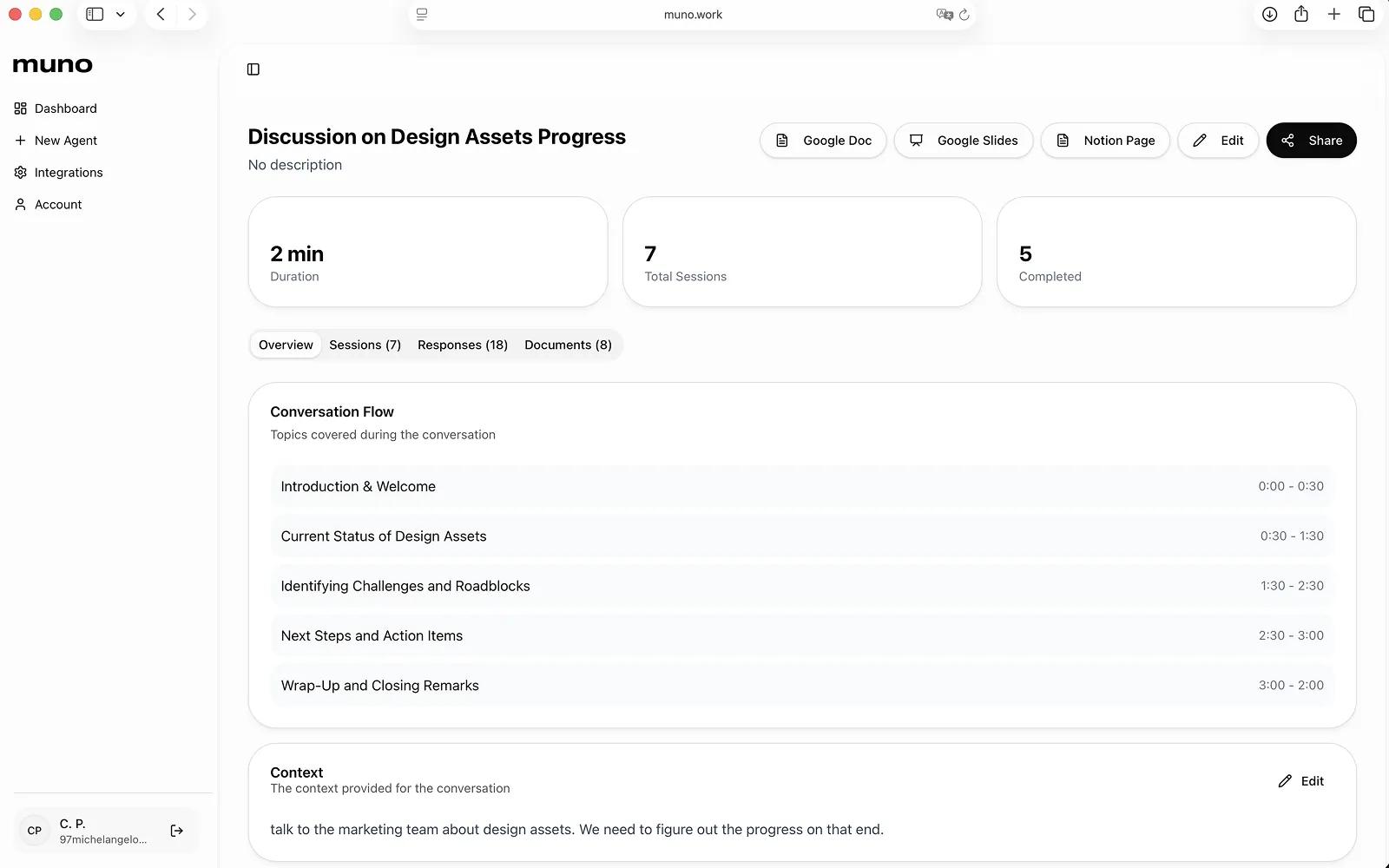
Let muno draft Asana notes and meeting summaries from your agents.
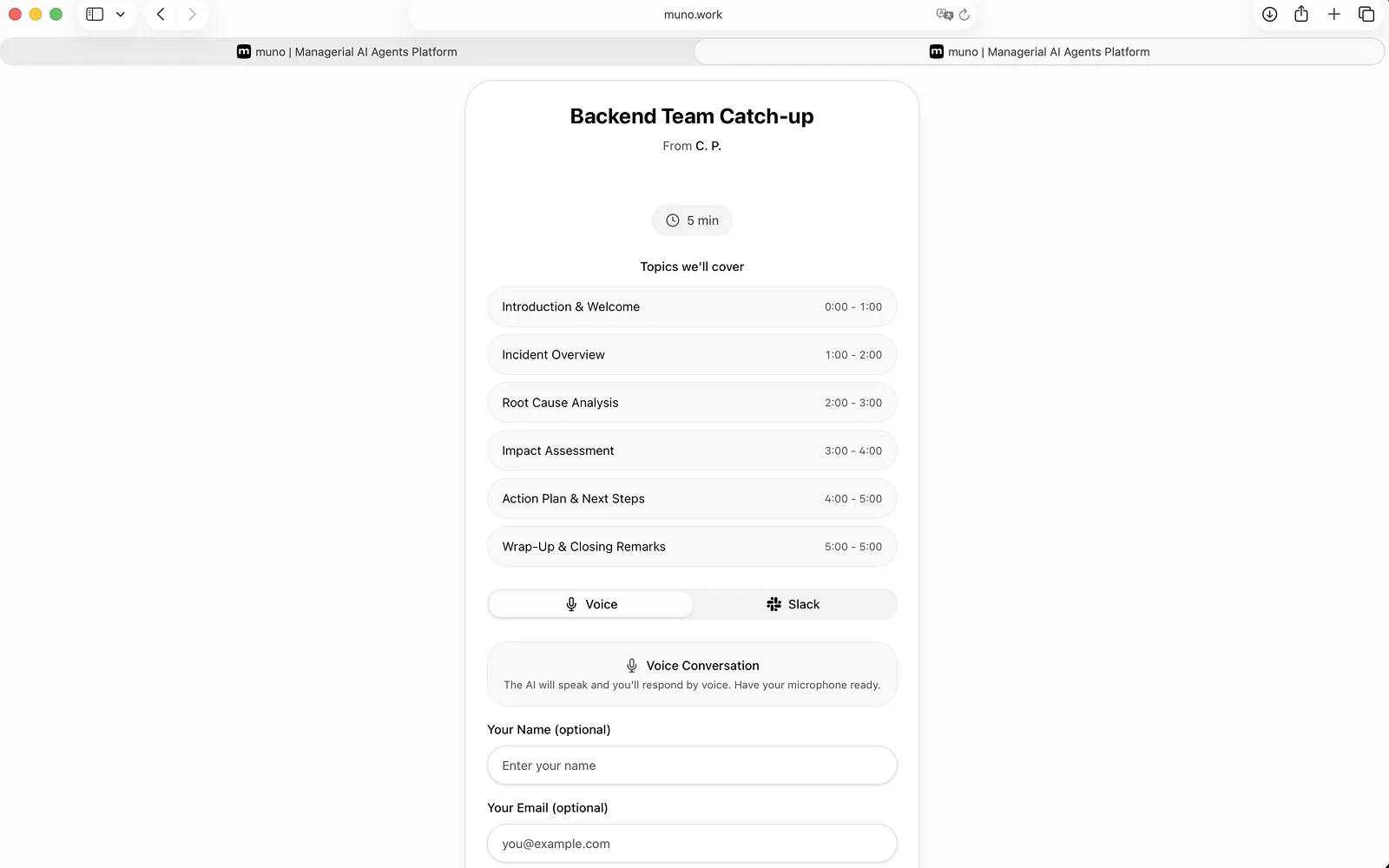
Our web application empowers line managers to scale meaningful one-to-one conversations using customizable AI voice agents. In just minutes, managers can configure an agent’s topic, duration, and structure, then share a simple link with direct reports to launch guided voice conversations.
The agents create a consistent, psychologically safe space for feedback, check-ins, performance reflections, or engagement surveys while saving managers hours of scheduling and note-taking. Every conversation is automatically transcribed, with AI-generated summaries that surface key themes, risks, and action items, giving leaders clear, structured insight without manual review.
How to connect muno + Asana?
- Navigate to the integrations page in muno.
- Find the Asana Integration and click "Connect Asana".
- Authorize muno to access your Asana workspace.
- Once this is done, you can create your agent and connect it to your Asana project to generate notes.
Learn more and get support
To learn more about using the muno + Asana integration, visit muno.
If you have questions, feedback, or need support, visit the muno support page.
Asana does not endorse or certify apps built by third-party developers. If you encounter inappropriate content or behavior, please report it here. Otherwise, please contact the app developer for support.
Collaborate effortlessly with Asana
From the small stuff to the big picture, Asana organizes work so teams know what to do, why it matters, and how to get it done. It's free to get started, simple to use, and powerful enough to run your entire business. Learn more about Asana today.