


Lucen Track + Asana
The Lucen Track timer adds a time-tracker button to your tasks in Asana to easily measure time spent on them.
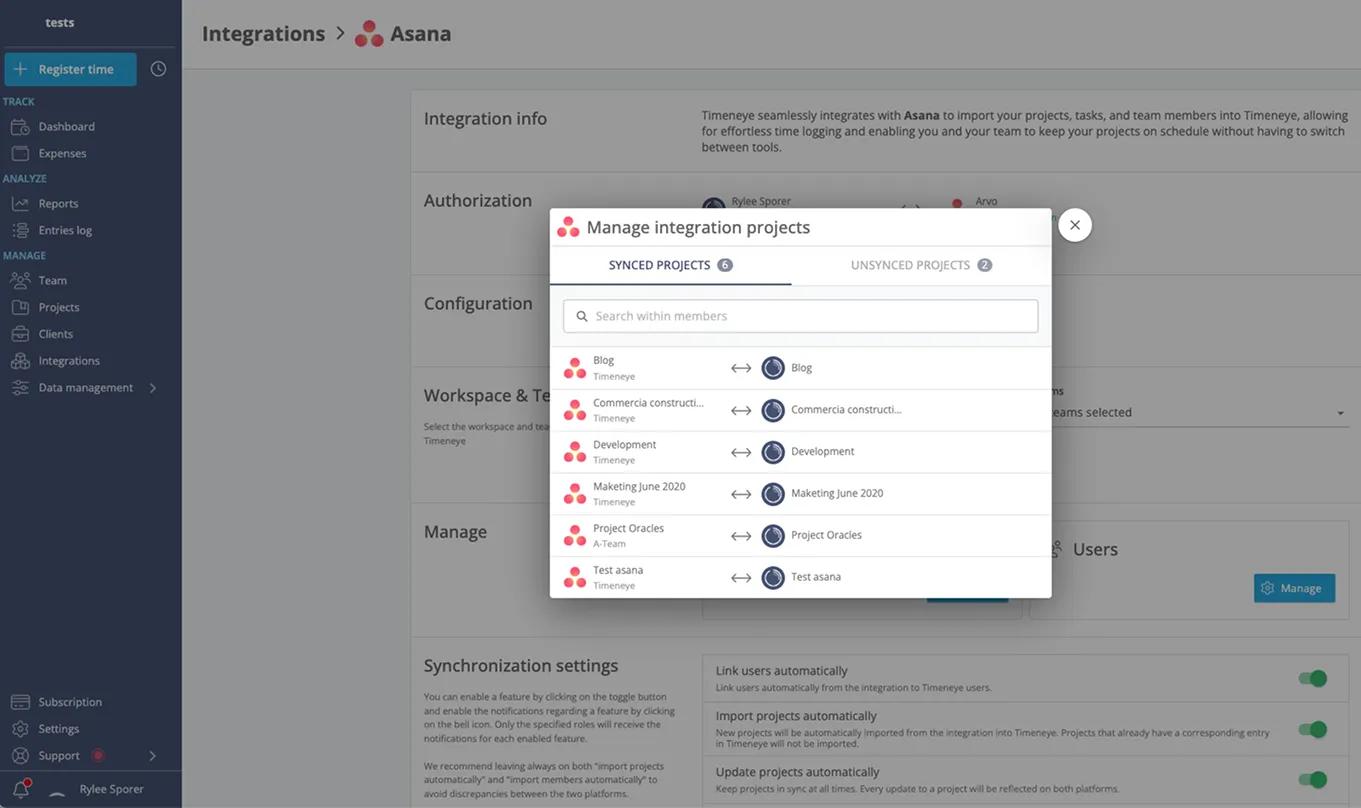
What is Lucen Track?
Lucen Track seamlessly integrates with Asana to import your projects and team members, allowing for effortless time logging and enabling you and your team to keep your projects on schedule without having to switch between tools.
After importing the projects, you will be able to easily track time on your Asana app though our browser extension and see how much time you and your team have spent on each of your tasks.
How to connect Lucen Track + Asana?
- Go to track.lucensoftware.com.
- Log in to Lucen Track using an admin account.
- Navigate to the Integrations page.
- Select Asana from the list of available integrations.
- Follow the prompts to connect your Asana account to Lucen Track.
- Once connected, confirm that your Asana projects have been imported successfully into Lucen Track.
Learn more and get support
To learn more about using the Lucen Track + Asana integration, visit Lucen Track.
If you have questions, feedback, or need support, visit the Lucen Track support page.
Asana does not endorse or certify apps built by third-party developers. If you encounter inappropriate content or behavior, please report it here. Otherwise, please contact the app developer for support.
Collaborate effortlessly with Asana
From the small stuff to the big picture, Asana organizes work so teams know what to do, why it matters, and how to get it done. It's free to get started, simple to use, and powerful enough to run your entire business. Learn more about Asana today.