


liftOS + Asana
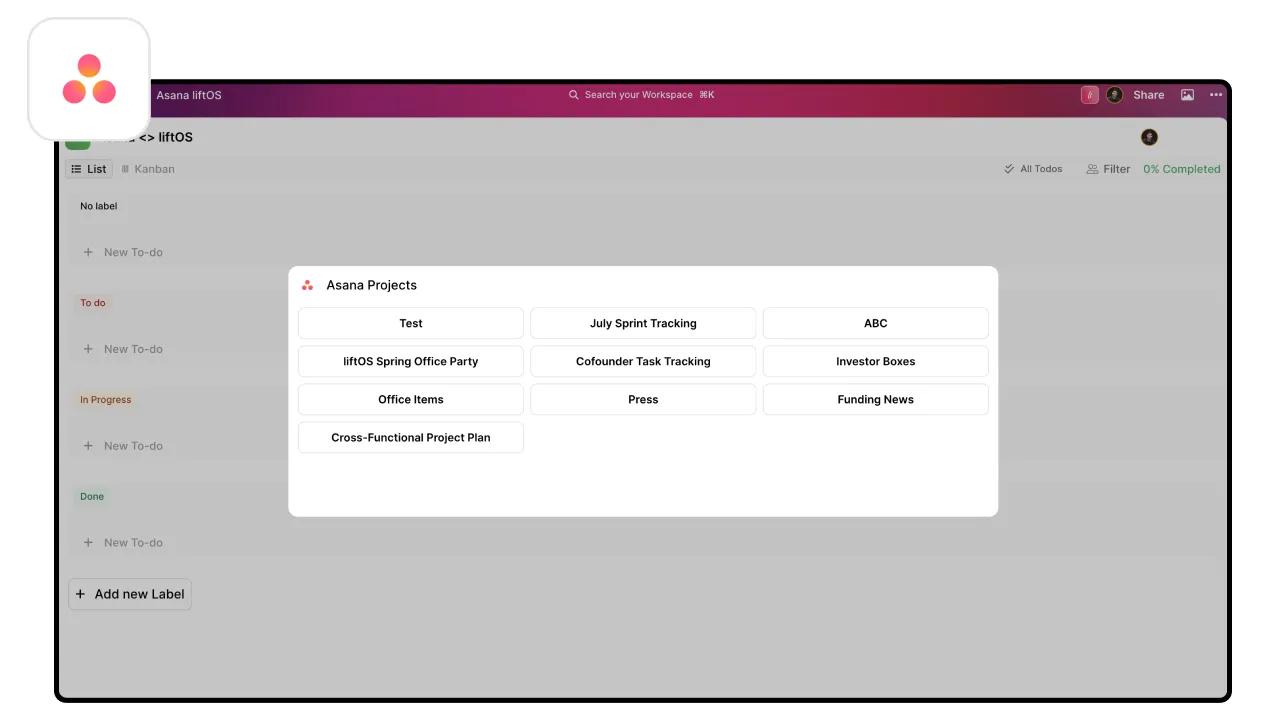
Connect Asana to liftOS and work with all of your tasks, notes and files from one place with ease.
What is liftOS?
Do you juggle many tools, tasks, and tabs daily? For busy workers who use different software, it's easy to end up with multiple projects scattered, notes everywhere, and a browser open with hundreds of tabs. This can be overwhelming and cost up to 7 hours of time weekly.
With liftOS, you can organize your work in minutes, add your links, use built-in tools, and work with your team from one place with ease.
How to connect liftOS + Asana?
- Sign up or log in to your liftOS account.
- Navigate to the Integrations section within liftOS.
- Select Asana and follow the on-screen prompts to connect your account.
- Once connected, your Asana tasks will be accessible directly within liftOS alongside your other tools.
Learn more and get support
To learn more about using the liftOS + Asana integration, visit the liftOS website.
If you have questions, feedback, or need support, contact the liftOS support team.
Asana does not endorse or certify apps built by third-party developers. If you encounter inappropriate content or behavior, please report it here. Otherwise, please contact the app developer for support.
Collaborate effortlessly with Asana
From the small stuff to the big picture, Asana organizes work so teams know what to do, why it matters, and how to get it done. It's free to get started, simple to use, and powerful enough to run your entire business. Learn more about Asana today.