


Foxit AI Assistant + Asana
Turn document work into project progress, with Foxit AI on your Asana tasks and their attachments.
What is Foxit AI Assistant?
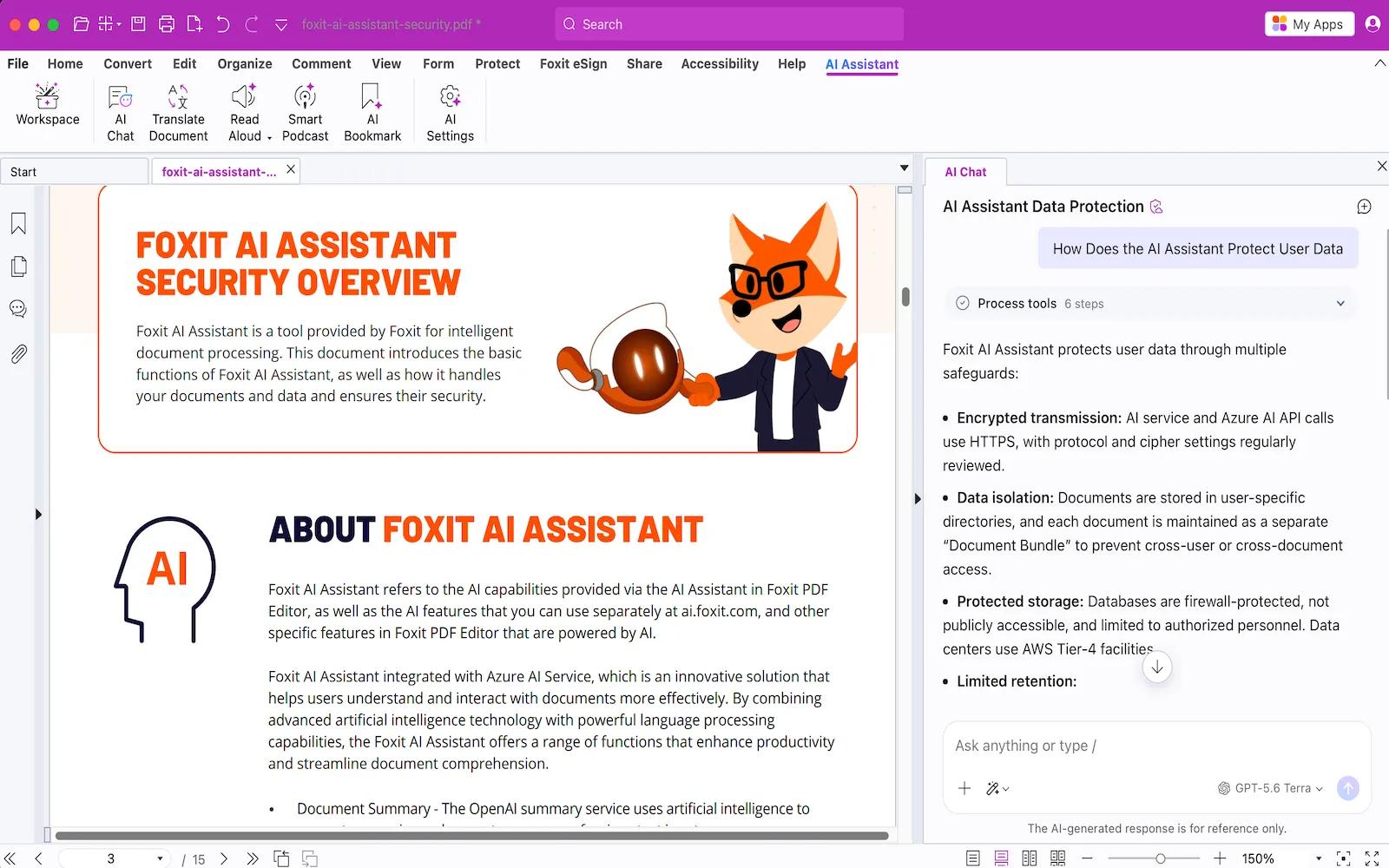
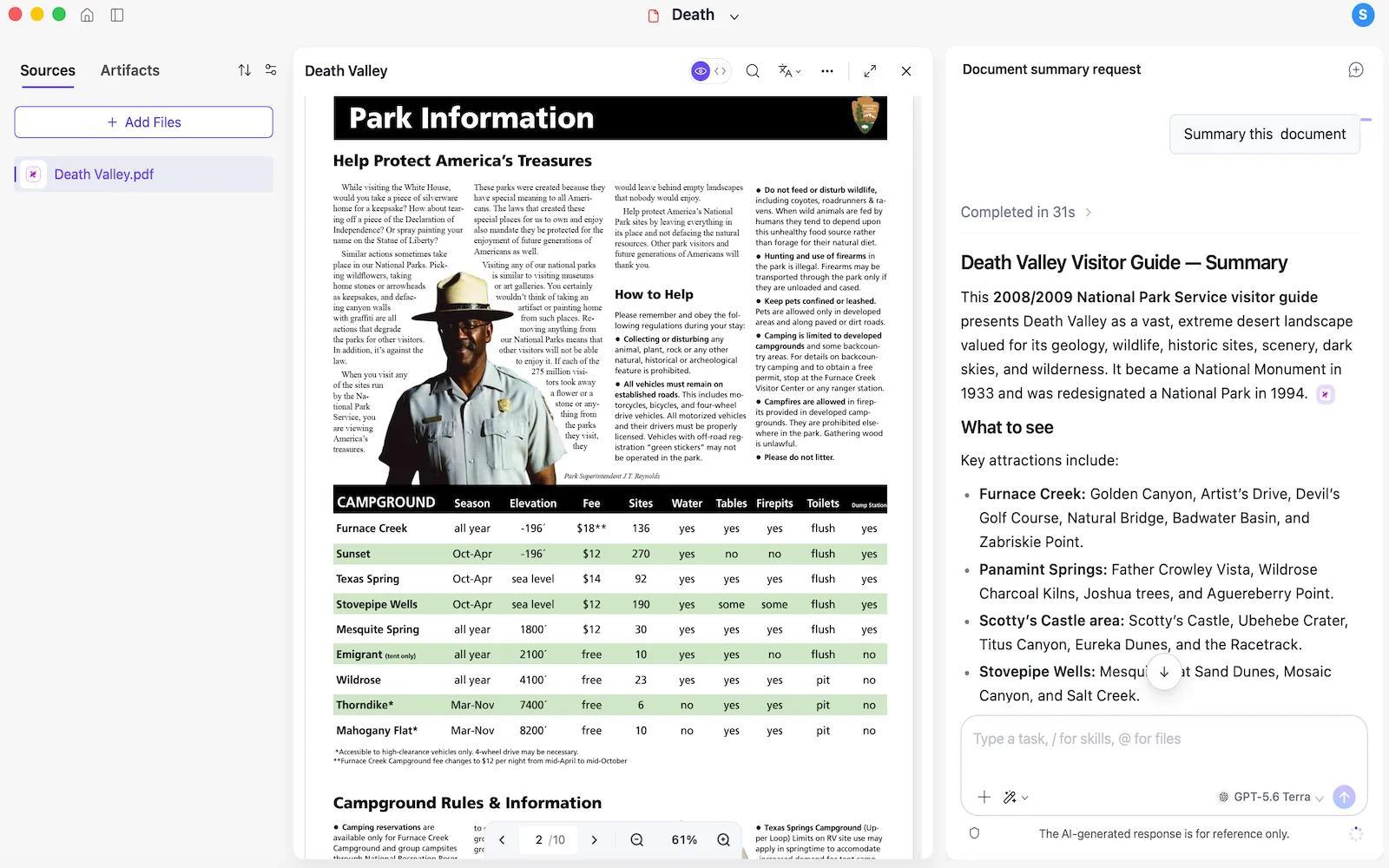
Do the document work and the project work in one place by connecting Foxit AI Assistant to Asana. Inside Foxit PDF Editor, work on the files attached to your Asana tasks and act on the tasks themselves, without switching between the two. Read a contract and create the tasks it implies, check what is open or blocked, and post a status update while the document is still in front of you.
Key Features:
- Tasks From Documents: Turn what a document says into Asana tasks with owners, dates, and dependencies.
- Full Task Control: Create, reassign, reschedule, complete, and comment on tasks without leaving Foxit.
- Project Status At Hand: See open work, blockers, and recent activity, and post status updates.
- Work On Attachments: Open the file a task carries and summarize, translate, redact, or convert it.
- Source-Grounded Answers: Ask anything about a document and get answers cited to the exact passage.
How to connect Foxit AI Assistant + Asana?
Prerequisites:
- A Foxit account with access to Foxit AI Assistant. The free tier is sufficient for testing.
Follow these steps to connect Foxit AI Assistant and Asana:
- Open Foxit PDF Editor and sign in to your Foxit account.
- Navigate to AI Assistant Settings and select Connectors from the sidebar.
- Locate Asana under the Available Connectors list.
- Click the + icon to authorize and securely connect your Asana account.
- Open a file attached to an Asana task and start working on your PDF with AI Assistant.
Learn more and get support
To learn more about using the Foxit AI Assistant + Asana integration, visit Foxit AI Assistant.
If you have questions, feedback, or need support, visit the Foxit AI Assistant support page.
Asana does not endorse or certify apps built by third-party developers. If you encounter inappropriate content or behavior, please report it here. Otherwise, please contact the app developer for support.
Collaborate effortlessly with Asana
From the small stuff to the big picture, Asana organizes work so teams know what to do, why it matters, and how to get it done. It's free to get started, simple to use, and powerful enough to run your entire business. Learn more about Asana today.