


Cassidy + Asana
Connect Cassidy's AI agents to Asana to search, create, and manage tasks and projects in real time.
What is Cassidy?
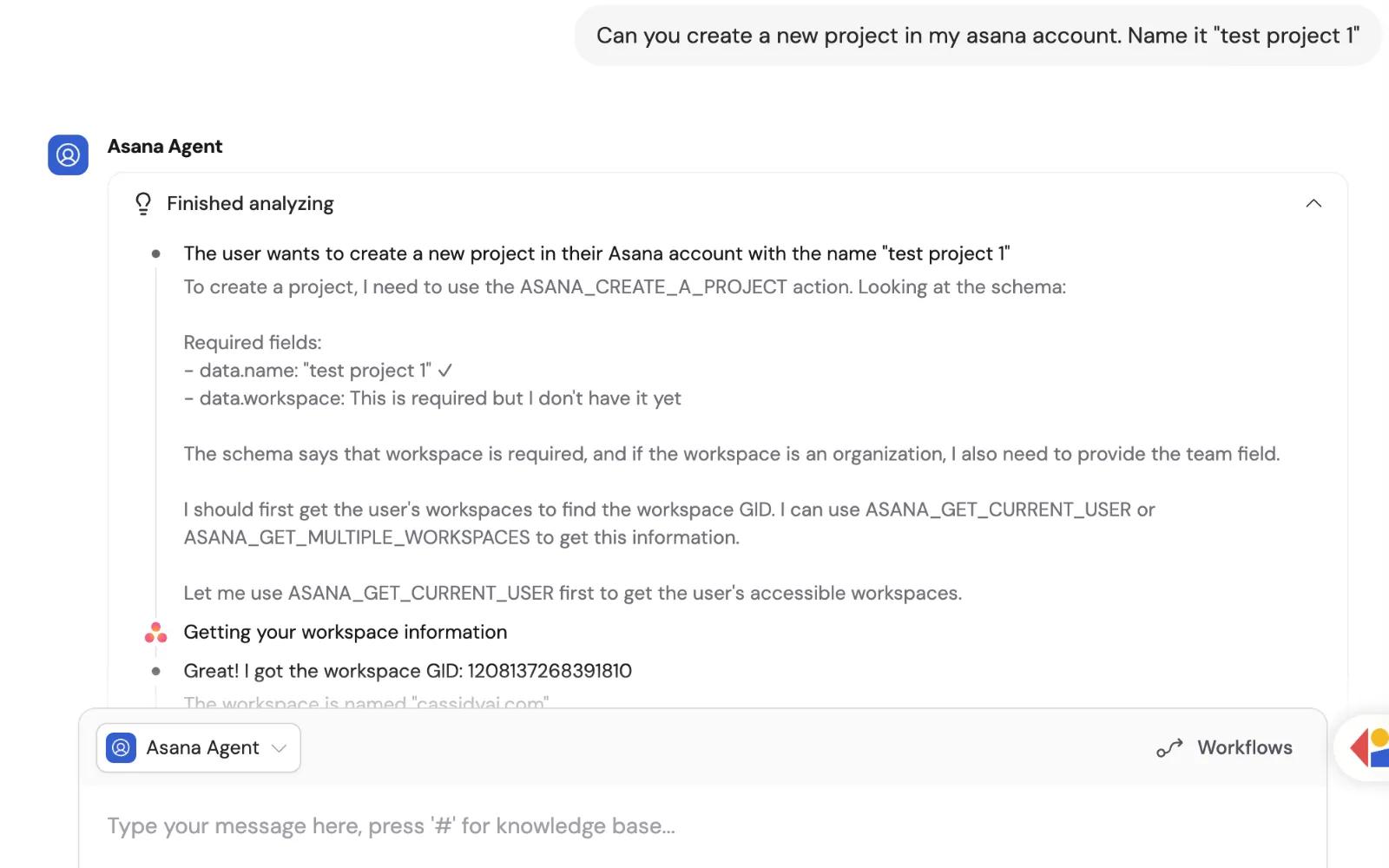
Cassidy is an AI automation platform that lets teams build and deploy AI-powered agents and workflows without writing code. With the Cassidy + Asana integration, your AI agents get live access to your Asana workspace, so you can search tasks, read project data, create and update tasks, add comments, and more, all directly in conversation. Teams use it to automate project management workflows, get instant answers about task status, and take action in Asana through natural language. Asana data is accessed in real time and is never copied or stored in Cassidy. It's a powerful way to bring AI-assisted project management to your entire team.
How to connect Cassidy + Asana?
- Sign up or log in to your Cassidy account at app.cassidyai.com
- Navigate to Agents and select the Agent you want to connect to Asana.
- Click the Setup tab and scroll to the Connectors section.
- Click + Add Connector and select Asana.
- Choose your connection method: either each user connects their own Asana account upon chat invocation (recommended), or use a shared Asana connection for your team.
- Authorize the connection by signing in to your Asana account when prompted.
- Configure tool permissions (View Data, Create & Modify, Remove Data) based on the actions your Agent should be allowed to take.
- Click Add Tool to enable the Connector. Your Agent is now connected to Asana.
For full documentation, visit Cassidy documentation page.
Learn more and get support
To learn more about using the Cassidy + Asana integration, visit the Cassidy website.
If you have questions, feedback, or need support, contact the Cassidy support team.
Asana does not endorse or certify apps built by third-party developers. If you encounter inappropriate content or behavior, please report it here. Otherwise, please contact the app developer for support.
Collaborate effortlessly with Asana
From the small stuff to the big picture, Asana organizes work so teams know what to do, why it matters, and how to get it done. It's free to get started, simple to use, and powerful enough to run your entire business. Learn more about Asana today.