


ASANA E MS PROJECT A CONFRONTO
Aumenta le capacità dei tuoi team con la potenza di Asana
Collega e gestisci il lavoro tra tutti i tuoi team, per migliorare collaborazione, visibilità ed efficienza.


Oltre 170.000 team* si affidano ad Asana, dalle startup alle aziende Fortune 100

![[Logo] Goodrx - IA](https://assets.asana.biz/m/464cae48ddeaf94a/original/WEB-AI26-buyer-goodrx-logo.svg)







Confronto tra Asana e MS Project
FUNZIONALITÀ
IA creata per i team
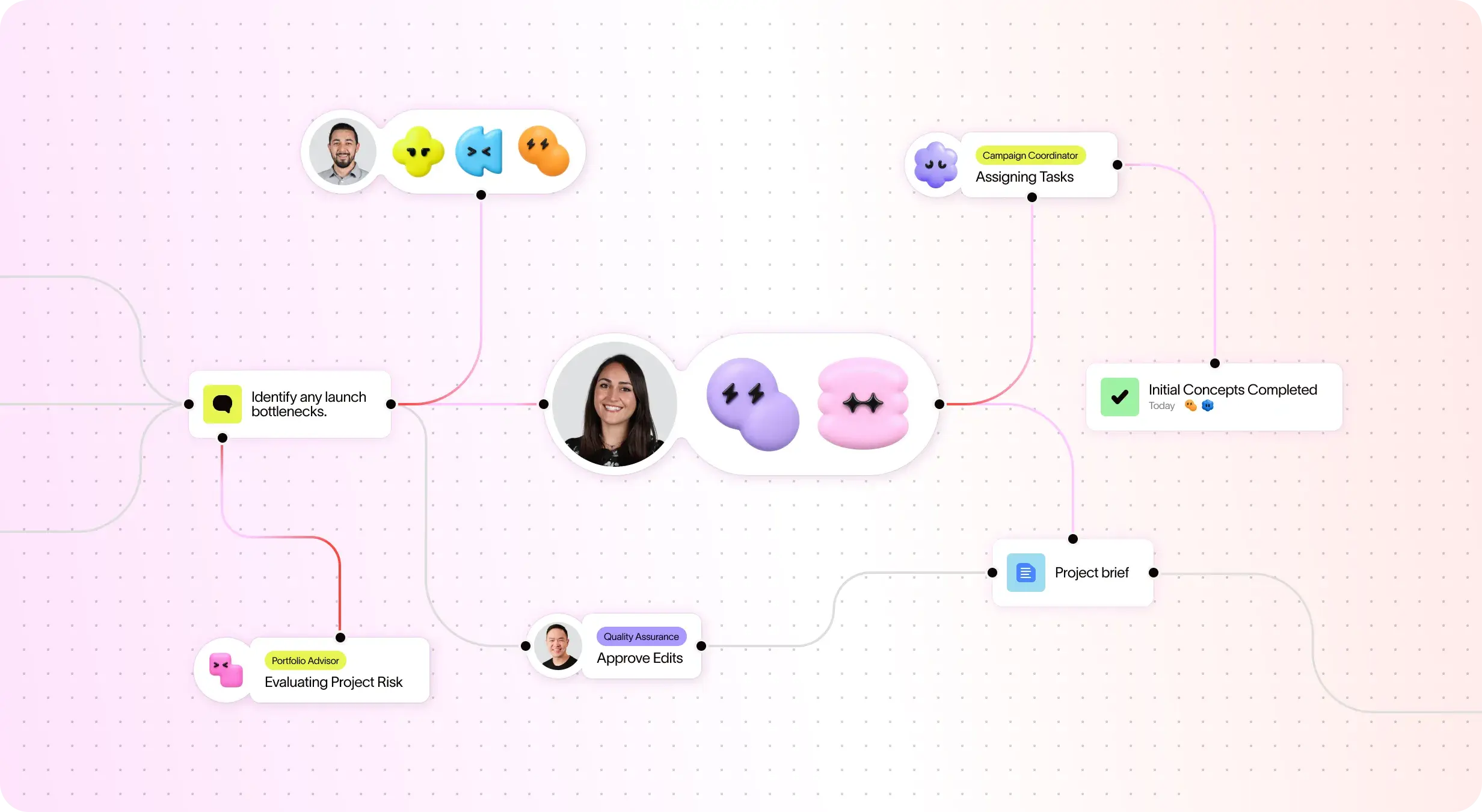
Gli AI Teammate di Asana sono agenti IA basati sul grafico del lavoro, quindi comprendono gli obiettivi, i progetti e le dipendenze del tuo team fin dal primo giorno, e ogni azione dell'IA è visibile e verificabile. Scopri di più.
Onboarding strutturato e indicazioni per un'adozione rapida
Asana combines an intuitive interface with comprehensive onboarding, in-app guidance, templates, checklists, and Asana Academy training, enabling teams to scale from task tracking to enterprise portfolio management within a single platform. Learn more
Cross-functional visibility across projects
Asana connects communication and project updates in one place. Comments, file sharing, and a centralized inbox keep teams aligned, and tasks can live in multiple projects to enable cross-functional visibility and organization-wide collaboration. Learn more
Oltre 400 integrazioni per il lavoro correlato
Asana offre oltre 400 integrazioni con strumenti popolari come Slack, Microsoft Teams, Google Drive e Salesforce, consentendo ai team di collegare i flussi di lavoro tra progetti e reparti e di scalare la collaborazione in modo efficiente. Scopri di più
Controlli di gestione delle risorse Advanced
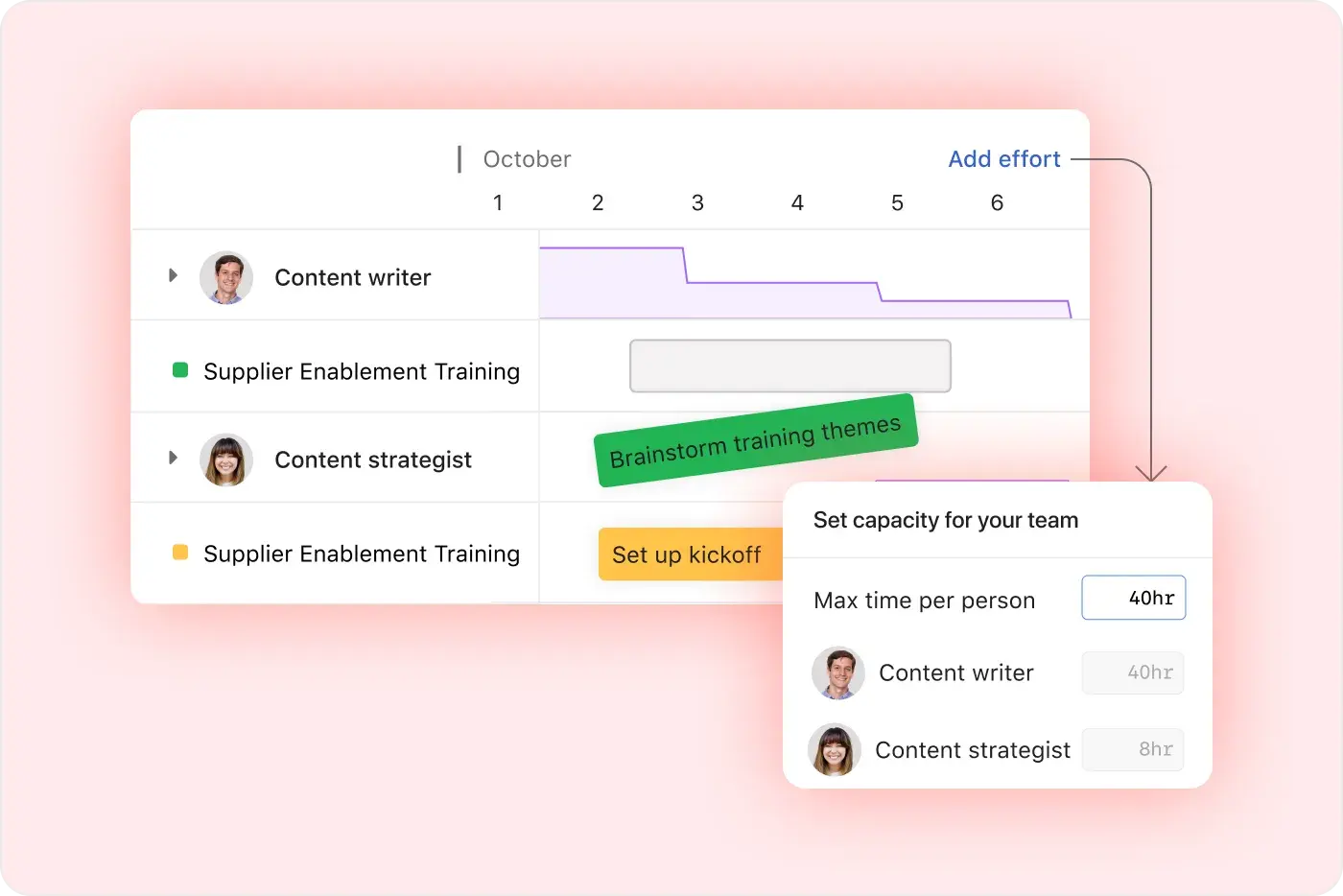
Asana emphasizes ease of use with visual workload views, real-time capacity planning, and flexible task management, making it easy for teams to balance work and track effort in real time. Learn more
Project and workflow customization
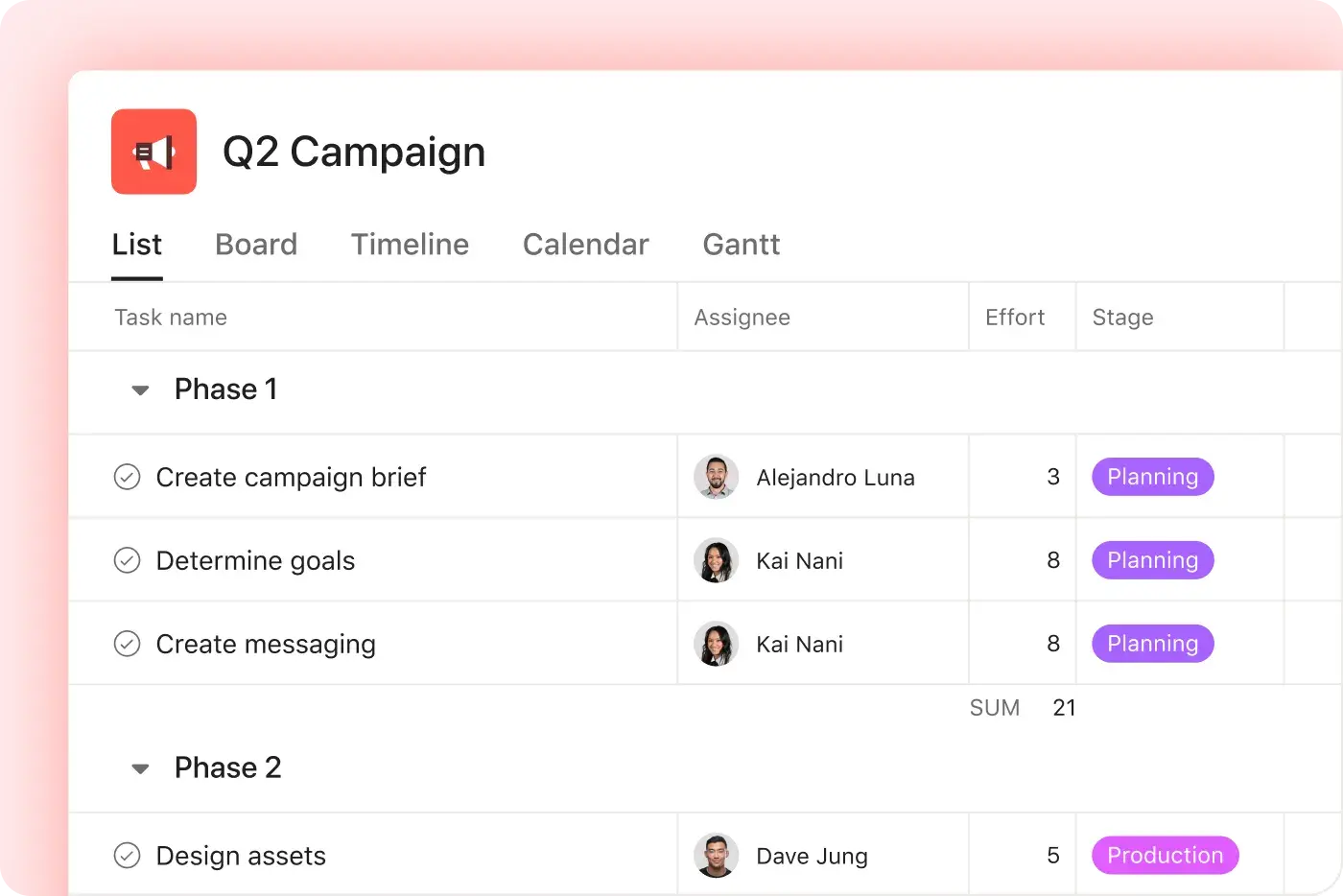
Asana offers multiple native project views—including list, board, timeline, and calendar—along with advanced customization through custom fields, rules, and templates, enabling teams to tailor workflows and manage work with greater flexibility. Learn more
Reportistica intuitiva a livello di organizzazione
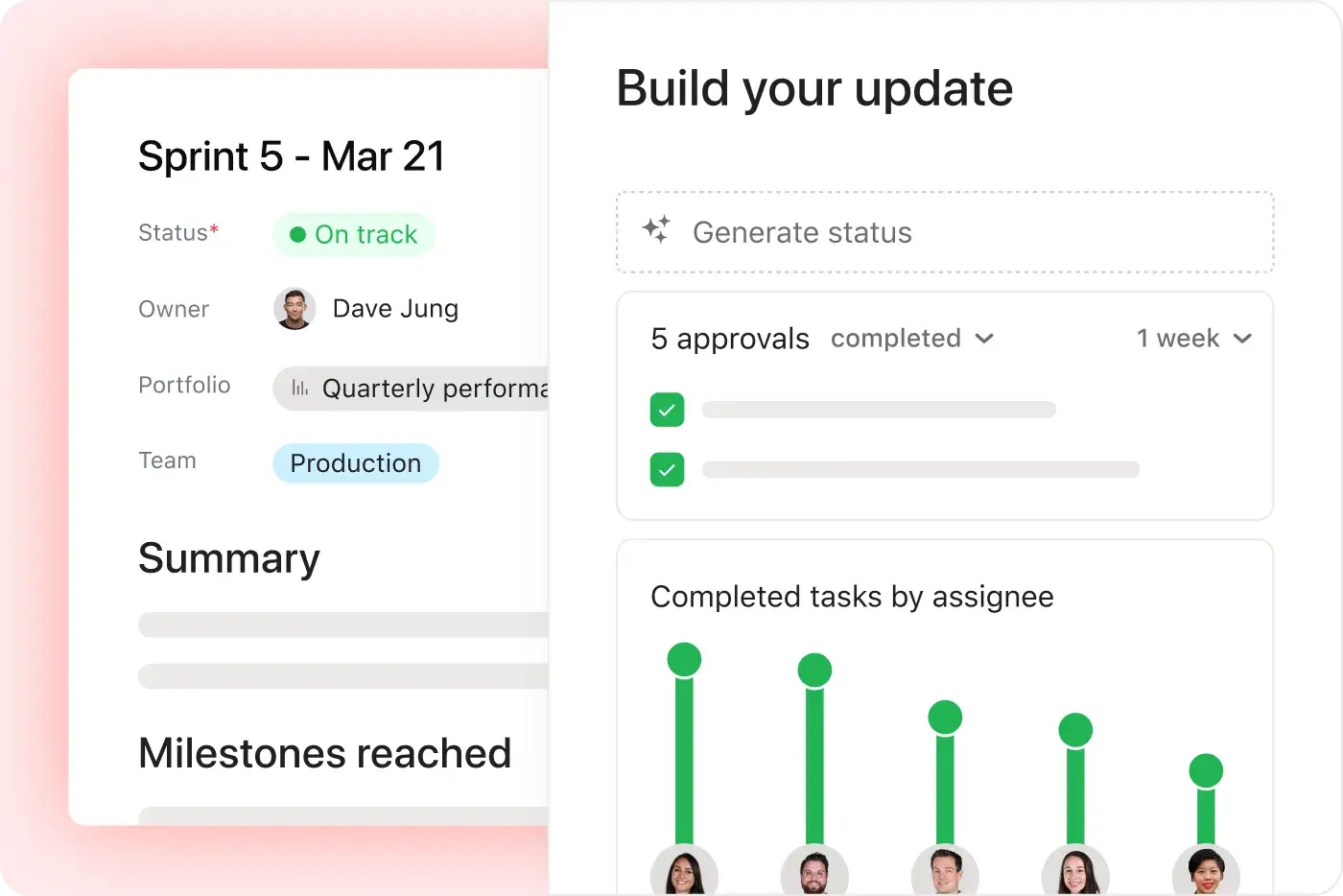
I team possono monitorare obiettivi, portfolio e metriche sulle prestazioni per migliaia di progetti e attività, grazie a Dashboard e Approfondimenti che collegano la strategia all'esecuzione.
Perché i nostri clienti preferiscono Asana


I've used Trello, Smartsheet, MS Project, and other platforms similar to Asana. I must say that it's by far the simplest to absorb and make your own but still align with your primary platforms for email and calendar.
Asana is very simple and intuitive to use. Additionally, our team members appreciate the dashboard, as it helps us easily visualize the status of our projects. We have also integrated Asana with Outlook Calendar, which has been a lifesaver for us.

“Asana semplifica la gestione e il monitoraggio degli OKR. Tutta la nostra azienda è sempre al corrente delle priorità chiave e può di conseguenza pianificare, monitorare e generare resoconti. Ci ha reso molto più efficienti, riusciamo a fare di più e ad adattarci più velocemente.”
- Dian Rosanti, Gestione dei prodotti

“Man mano che Zoom cresceva, volevamo una panoramica generale di tutto ciò che accadeva per poter definire le priorità e prendere decisioni aziendali.” Avevamo bisogno di visibilità, responsabilità e coerenza nel modo in cui il lavoro viene svolto e di condividere le conoscenze tra i team.”
- Ariel Chavan, Head of Security
Asana offre ai team flussi di lavoro flessibili e scalabili
Scopri come Asana aiuta i team di ogni dimensione a personalizzare i progetti, connettere gli strumenti e creare resoconti sull'avanzamento, tutto in un unico posto.



![[Confronta - Monday] Scheda Funzionalità (integrazioni e scalabilità)](https://assets.asana.biz/transform/2090e635-5343-4f52-a1ee-4e4a04a8f67e/compare-monday-fy26-features-integrations?io=transform:fill,width:2560&format=webp)
AI your whole team can actually use
Asana AI Teammates understand your goals, projects, and dependencies from day one—Microsoft’s Copilot relies on manual prompts, whereas Asana Teammates proactively understand your Work Graph.
Asana AI Teammates build shared memory that compounds across your whole team—Microsoft’s AI is session-based; once the chat ends, the context vanishes rather than building team-wide intelligence.
Every AI action is visible in your activity log, just like a human teammate—MS Planner attributes AI actions to individual users, blurring the line between human and automated work.
Ecco cosa pensano gli esperti di Asana
Asana è considerata la migliore piattaforma di gestione del lavoro dagli analisti del settore e dalle organizzazioni aziendali.


Leader nella gestione del lavoro in collaborazione per tre anni consecutivi

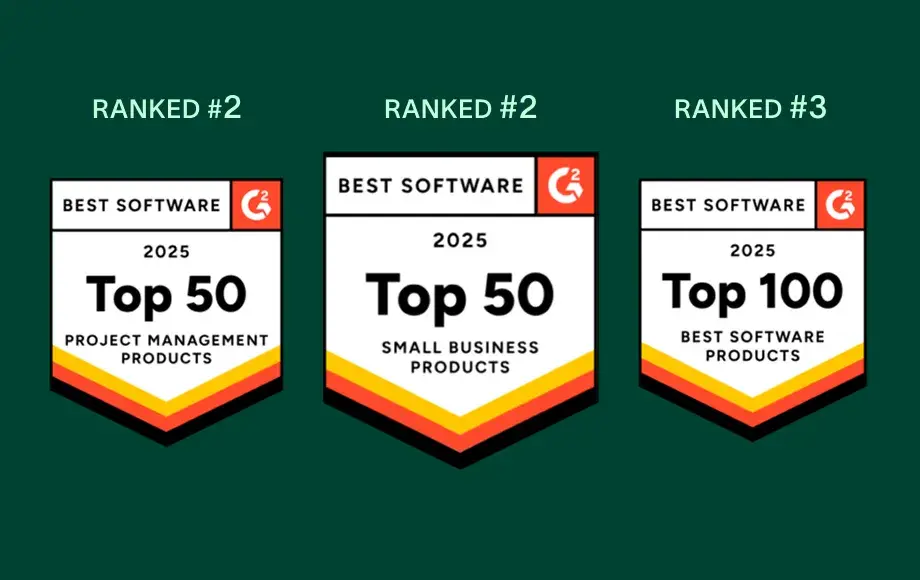
Leader nella gestione del lavoro e nel software OKR, con oltre 12.000 recensioni degli utenti


Dimensioni dell’azienda
Mid-market
Settore
Tecnologico
Vogliamo approfondire la relazione con i nostri clienti mantenendo allo stesso tempo un approccio unificato e coerente. Asana ci aiuta anche in questo. La colleghiamo a Zendesk, Zoom, Slack e alla nostra stessa piattaforma, e in questo modo Asana diventa una fonte di riferimento sulla quale possiamo contare per ottenere risultati e collaborare tra team.
Kevin Weiss
Vicepresidente del reparto per il successo dei clienti, Retail Media, Skai


Domande frequenti
Switching from Microsoft Project to Asana is straightforward for most teams, thanks to Asana’s intuitive interface and comprehensive onboarding resources such as Asana Academy and ready-to-use templates. Most users can learn Asana in just a day or two, enabling even non-technical team members to become productive quickly through step-by-step onboarding guidance.
Microsoft Project, by contrast, typically requires more extensive training and ongoing maintenance, which can slow down adoption for teams that want to move quickly. Asana’s simpler setup and user-friendly workflows reduce onboarding friction, helping teams transition faster without relying heavily on specialized project management expertise.
Asana provides new users with a robust onboarding experience that includes the Asana Academy for self-paced learning, live training sessions, and a library of ready-to-use templates and checklists for project management and task management. These resources are designed to help teams of all backgrounds quickly adopt the platform, reduce the learning curve, and standardize onboarding across departments.
Microsoft Project does not offer comparable built-in onboarding resources and often requires users to rely on external documentation or third-party training. Asana’s centralized learning ecosystem makes it easier for teams to ramp up consistently, without added complexity or specialized support.
Asana integrates with over 400 business tools, including Microsoft Teams, Salesforce, Slack, Google Drive, and many more, so your team can connect work across platforms without disruption. This broad integration ecosystem supports workflow automation, cross-functional coordination, and tool consolidation for both technical and non-technical users through Asana’s core project management capabilities and platform-wide features.
Microsoft Project is primarily limited to the Microsoft ecosystem and often requires additional workarounds or add-ons to connect with non-Microsoft tools. Asana’s wider integration network makes it easier for organizations with diverse tech stacks to unify workflows and reduce manual handoffs as teams scale.
Asana is designed to be user-friendly and intuitive, making it easy for non-technical users and teams new to project management to get started quickly. Most people can learn the basics in a day or two, supported by step-by-step onboarding resources, ready-to-use project templates, and the My Tasks view, with additional training available through the Asana Academy.
Microsoft Project is often complex for beginners and typically requires more time and technical knowledge to use effectively. Asana’s simpler workflows and built-in guidance make it easier for new users to manage tasks, stay organized, and adopt project management practices without a steep learning curve.
Asana offers robust support for change management and adoption through a combination of onboarding resources, professional services, and a global partner network. Teams benefit from guided onboarding, training, and expert-led change management to ensure a smooth transition, especially for those moving from legacy project management software like Microsoft Project.
Unlike Microsoft Project, which does not explicitly offer change management support, Asana’s partner ecosystem and onboarding resources are designed to accelerate adoption and reduce risk for new users.
Unisciti all'85% delle aziende Fortune 100 che utilizza Asana**
**Informazione verificata a partire da dicembre 2025, include gli utenti con piani gratuiti e a pagamento.