


AI Teammates
Your team just got bigger
Prebuilt AI agents that work alongside your team inside real workflows, ready to go with shared memory, governance and context from the Work Graph®.
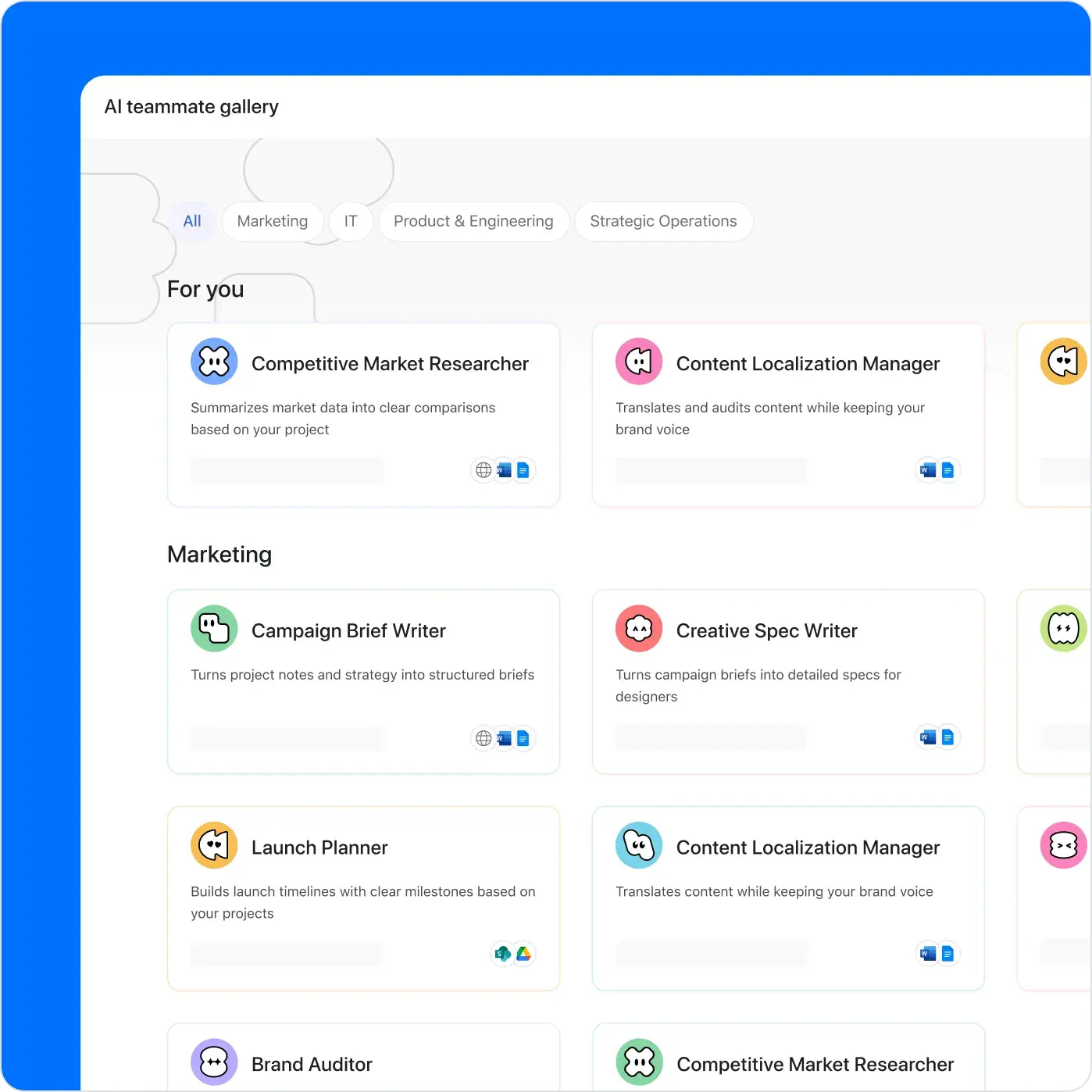
Meet your AI Teammates
The more these 30+ prebuilt Teammates work with your team, the smarter they get. No prompt engineering needed.
Multiplayer by design
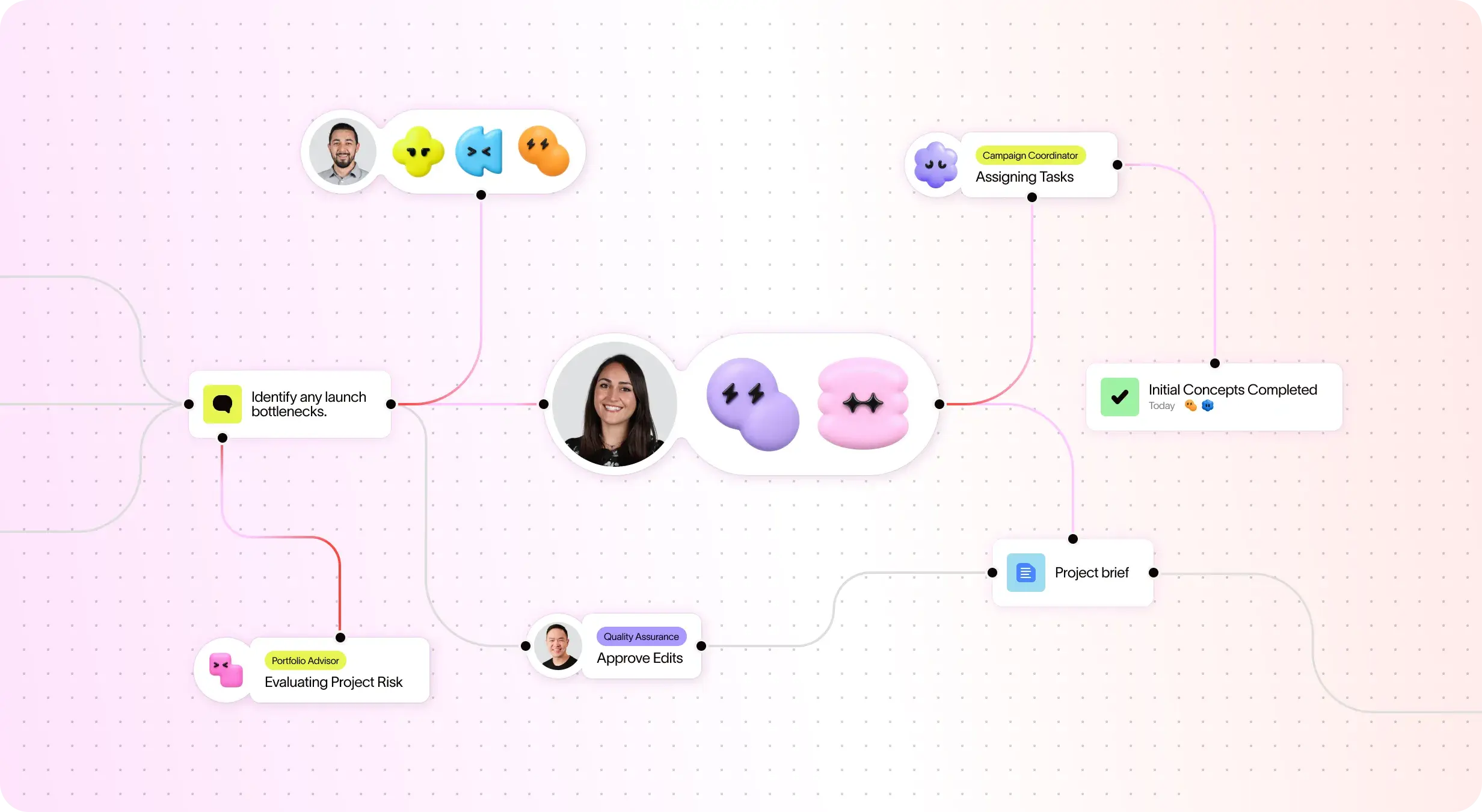
Humans and AI Teammates act on the same plan, with shared context, and move work forward together. Multiple people can train, guide and improve any AI Teammate.

Support for any project
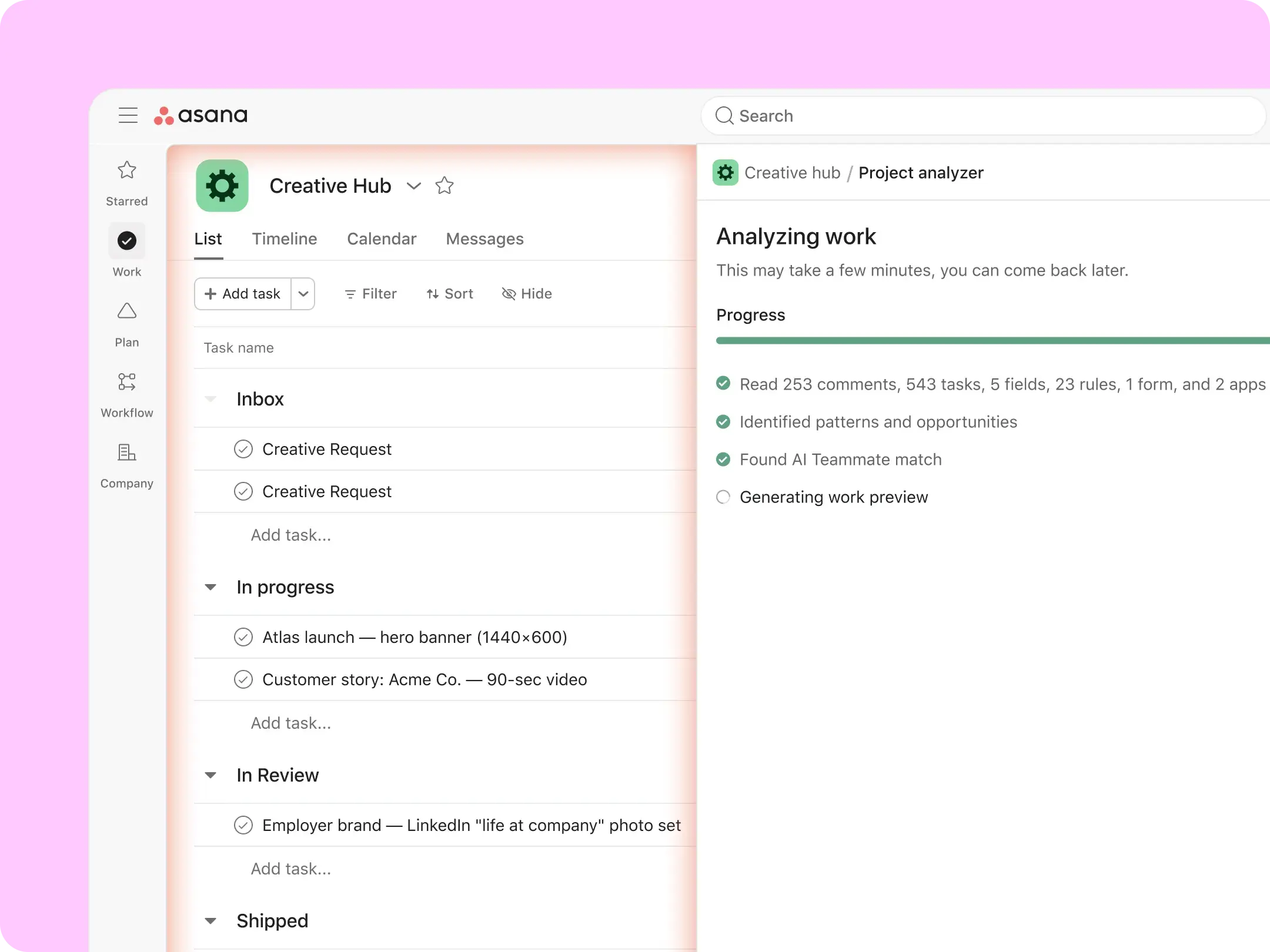
The Project Analyser reviews your project and recommends the right AI Teammate, already equipped with the skills for the job.
One AI Teammate, many skills
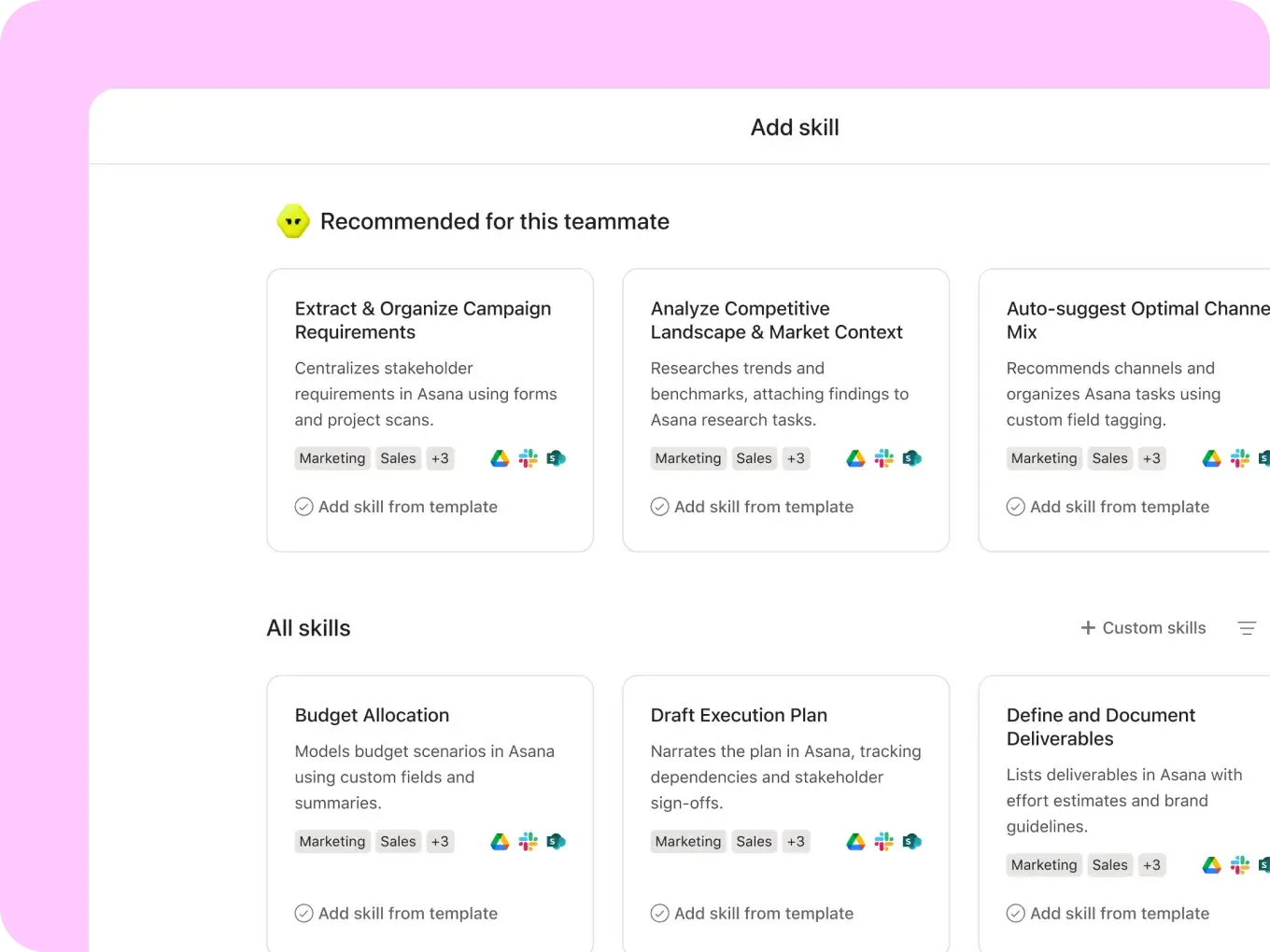
Skills bundle role-specific information so your AI Teammate delivers dependable results, not general answers. Each AI Teammate is equipped with the skills needed for its role, and you can add more anytime.
Integrated wherever work happens
AI Teammates can search, read and write across 10+ connected apps, including Gmail, Slack, Hubspot, Databricks and more.

Build your own AI Teammate
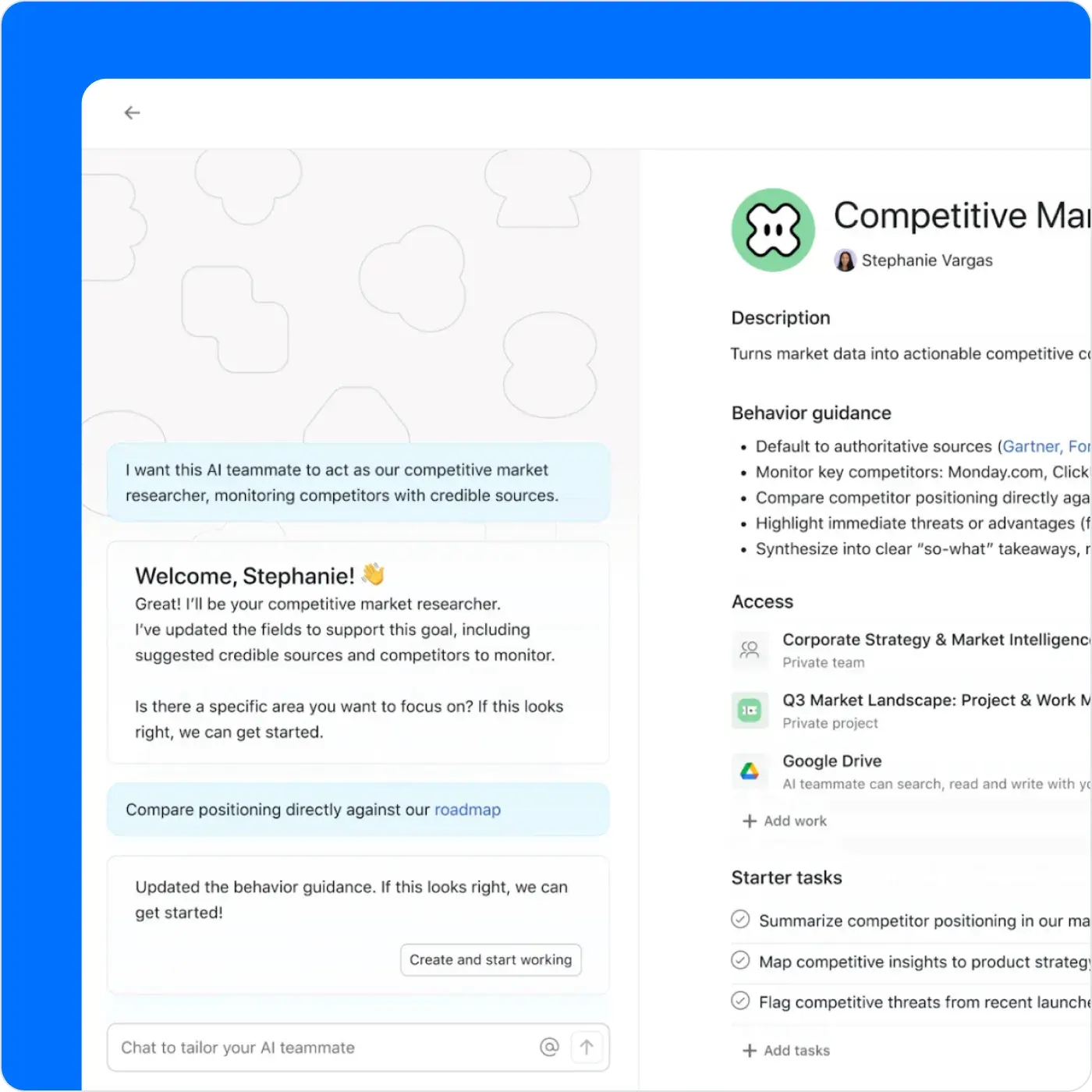
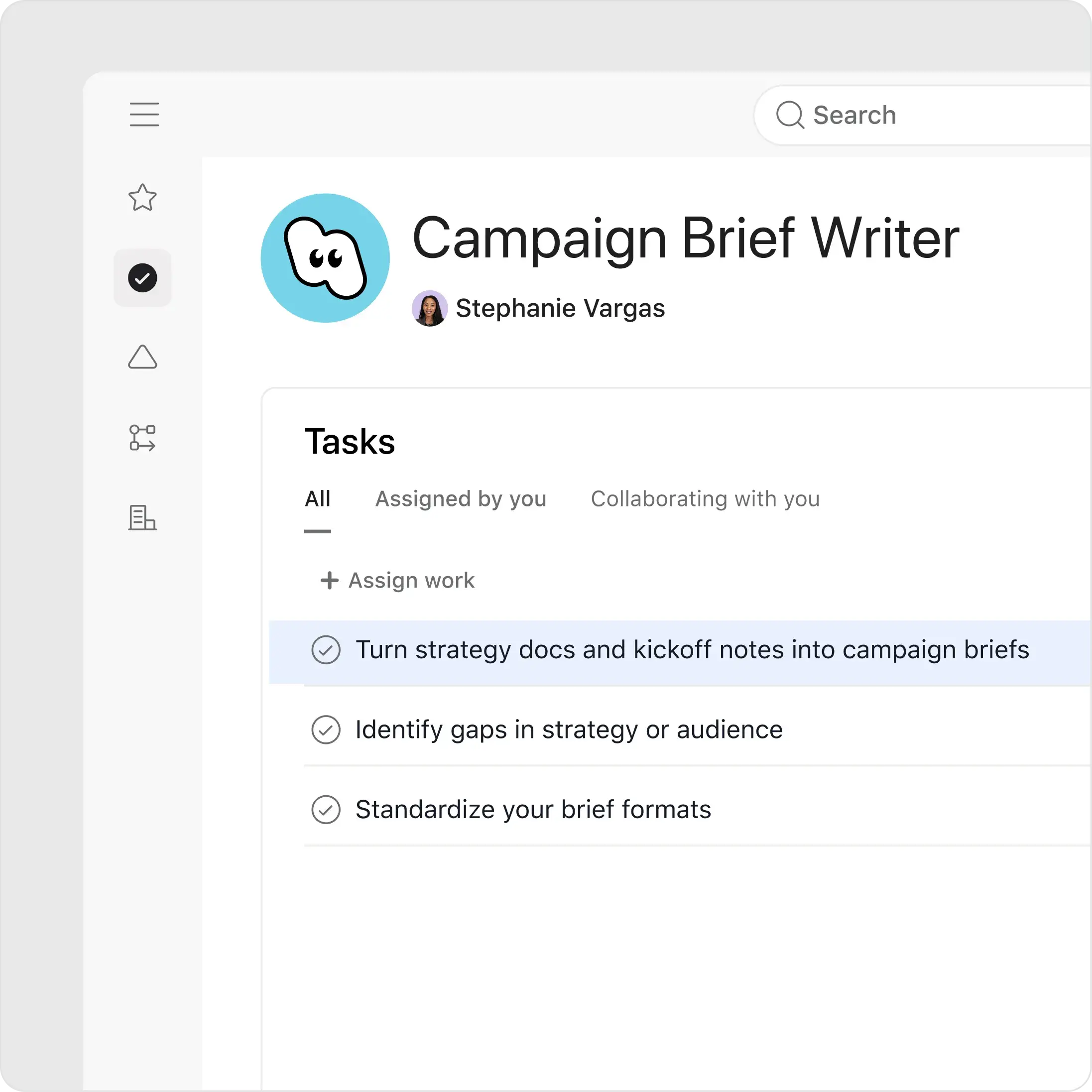


Write a short description of what the AI Teammate helps with.
Add a few instructions or examples.
Expand what your AI Teammate can do by adding prebuilt skills for common workflows and tasks.
Choose what projects and work it can see using your existing permissions.
You're always in control
Security without compromise
AI Teammates follow the boundaries your team sets for data access and sharing.
Manage access with precision
Choose who can create, modify and collaborate with AI Teammates.
Your data stays your data
Asana and our AI partners don't use customer data to train models.


Company Size
Enterprise
Industry
Technology
Setting up an AI Teammate is less like coding a rule and more like coaching a colleague. With the AI generating drafts and auditing content instantly, our team shifted focus from data entry to strategic auditing, moving us from managing work to architecting outcomes.
Brandi Johnson
Senior Manager, Creative Operations, Indeed




Your easy button for AI productivity across every team.
Agentic Work Management is how people and agents run critical workflows together, on one plan, powered by the Work Graph®.
Get started with AI Teammates
Your new AI Teammates are ready to help. Learn how teams and organisations of any size can get started today.
![[Resource Card] Agentic Work Assembly](https://assets.asana.biz/transform/0b057417-e1ad-4ec3-9d8d-b85f8cbddcdf/web-RC26-illustration-questionschatbubbles-blue-lightmode?io=transform:fill,width:2560&format=webp)


![[Resources] How AI Teammates learn from your whole team (image)](https://assets.asana.biz/transform/23b249c9-e7b8-4383-aa0a-8c72ae5d19e6/How_AI_Teammates_learn-thumbnail?io=transform:fill,width:2560&format=webp)

![[Resource Card] Education video: Ops Teammates](https://assets.asana.biz/transform/9ad6d74b-79d5-4583-bf6c-66fd310722b0/web-RC26-grid-ai-play-pause-batch4?io=transform:fill,width:2560&format=webp)
![[Resource Card] Education video](https://assets.asana.biz/transform/8bea379a-6341-4ddf-b2f0-0d684c0986ac/web-RC26-grid-ai-on-demand-webinar-batch3?io=transform:fill,width:2560&format=webp)
![[Resource Card] Edutainment video: How AI Teammates execute on real work](https://assets.asana.biz/transform/497639f5-9009-437f-abe3-3eb40a851844/web-RC26-grid-webinars-achievements-batch3?io=transform:fill,width:2560&format=webp)

![[Resource Card] Accelerate outcomes with AI Teammates (Asana Academy)](https://assets.asana.biz/transform/94a96da5-10ce-4f84-8fb2-c07d79064f79/web-RC26-illustration-aimagic-purple-lightmode?io=transform:fill,width:2560&format=webp)
Frequently asked questions
Asana AI Teammates are collaborative AI agents designed for teams. They take on complex work to deliver outcomes and collaborate with your team — just like a real teammate would.
An AI Teammate is a collaborative AI agent you assign work to like a colleague. Unlike a chatbot, it acts on shared project context, works inside real workflows and delivers outcomes — with checkpoints for human review.
Most AI tools are single-player — one person prompting a model in a private tab. Asana AI Teammates are multiplayer: they live in your projects, draw context from the Asana Work Graph® and build shared memory of how your team works, so they take on work end to end rather than just answering questions.
Asana AI Teammates can be assigned tasks like any other team member. They use project context to complete work, collaborate with your team and improve over time by building knowledge of how your team works.
Yes. Anyone can create a custom AI Teammate without code — just describe what you want it to do in plain language, and define its role, responsibilities and permissions. It learns from your team’s context and gets smarter the more you use it.
AI Teammates follow the same enterprise-grade access controls you already use in Asana — your team decides what data they can access and at what level. They inherit the same permissions your users have across Asana and connected tools, and never elevate access.
You also control who can use, share and teach each AI Teammate, ensuring each AI Teammate learns the right information for your organisation.
Yes. AI Teammates are built with enterprise-grade security and privacy protections. Neither Asana nor our AI partners use customer data to train AI models, and our AI partners delete your data after each interaction. AI Teammates must also be explicitly added to private projects and tasks before they can access them — just like any team member.
AI Teammates are designed to support real work inside team workflows—not just answer questions. While chatbots respond to prompts in isolated conversations, AI Teammates act as AI agents that analyse project context, collaborate with teams and help complete tasks directly within shared projects.
Asana AI Teammates and AI Studio work better together. AI Studio automates repeatable work at scale, while AI Teammates take on collaborative, complex tasks. Together, they handle busywork and accelerate strategic work – so your team can focus on what matters most.
Asana AI Teammates are available as an add-on to Starter, Advanced, Enterprise and Enterprise+ plans. To learn more or get started, contact our sales team.