


Why allocating people gets harder as projects multiply

追蹤工作量
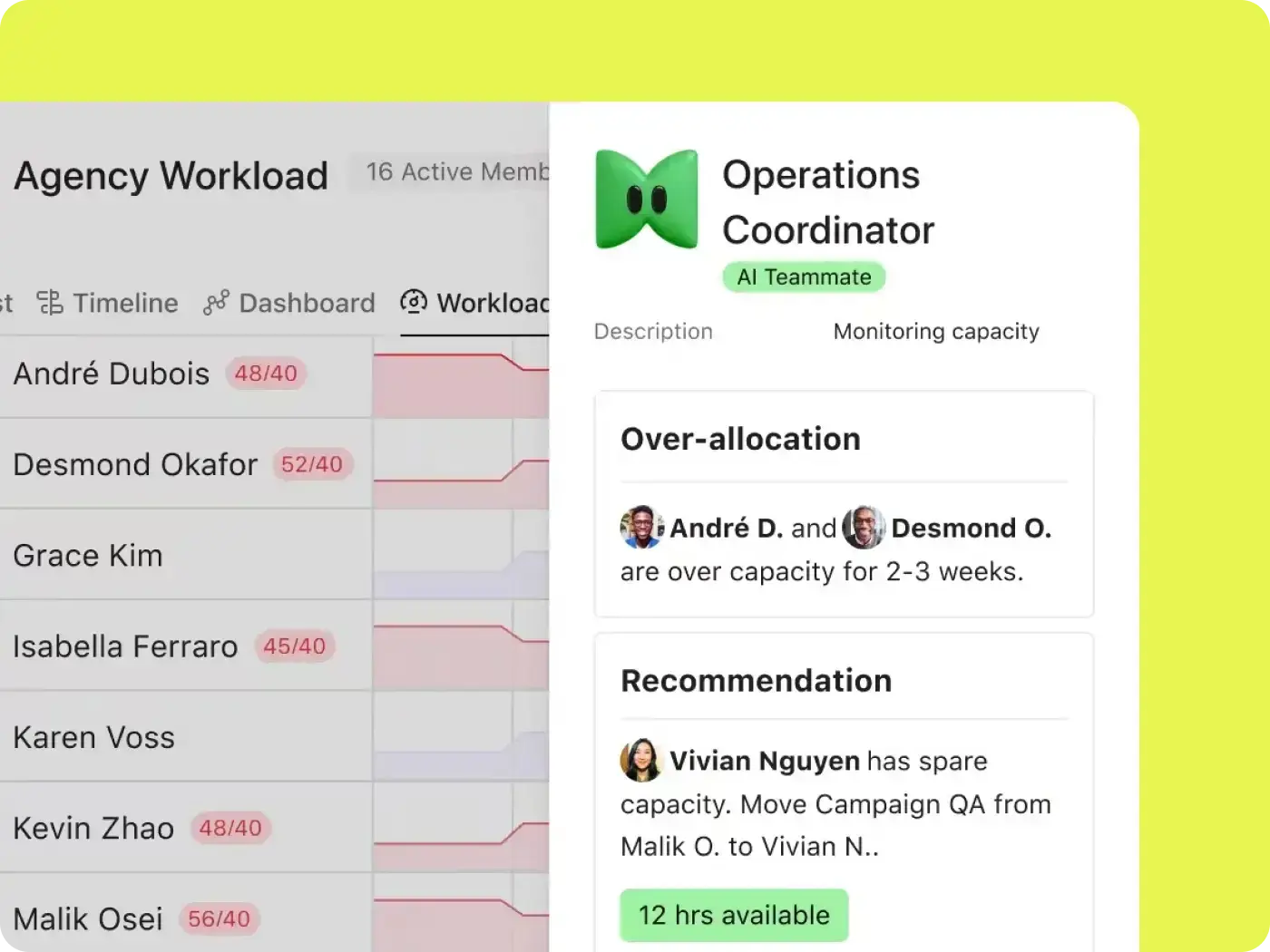
可視化團隊的人員配置以及整個企業有哪些可用資源。

防止過勞
重新平衡工作負荷,確保沒有人過勞或賦閒。

快速調整
透過智慧資源建議滿足不斷變化的業務需求。
How Asana works as a resource management tool
In Asana, every task has an owner, a due date, and an estimate of the effort it takes. The resource management features build your staffing view from those details, so project resource management happens where your projects already live. Here's how that plays out.
員工關鍵計劃
根據團隊能力無縫接軌地為新專案請求分配人員,以便優先事項獲得所需的資源。
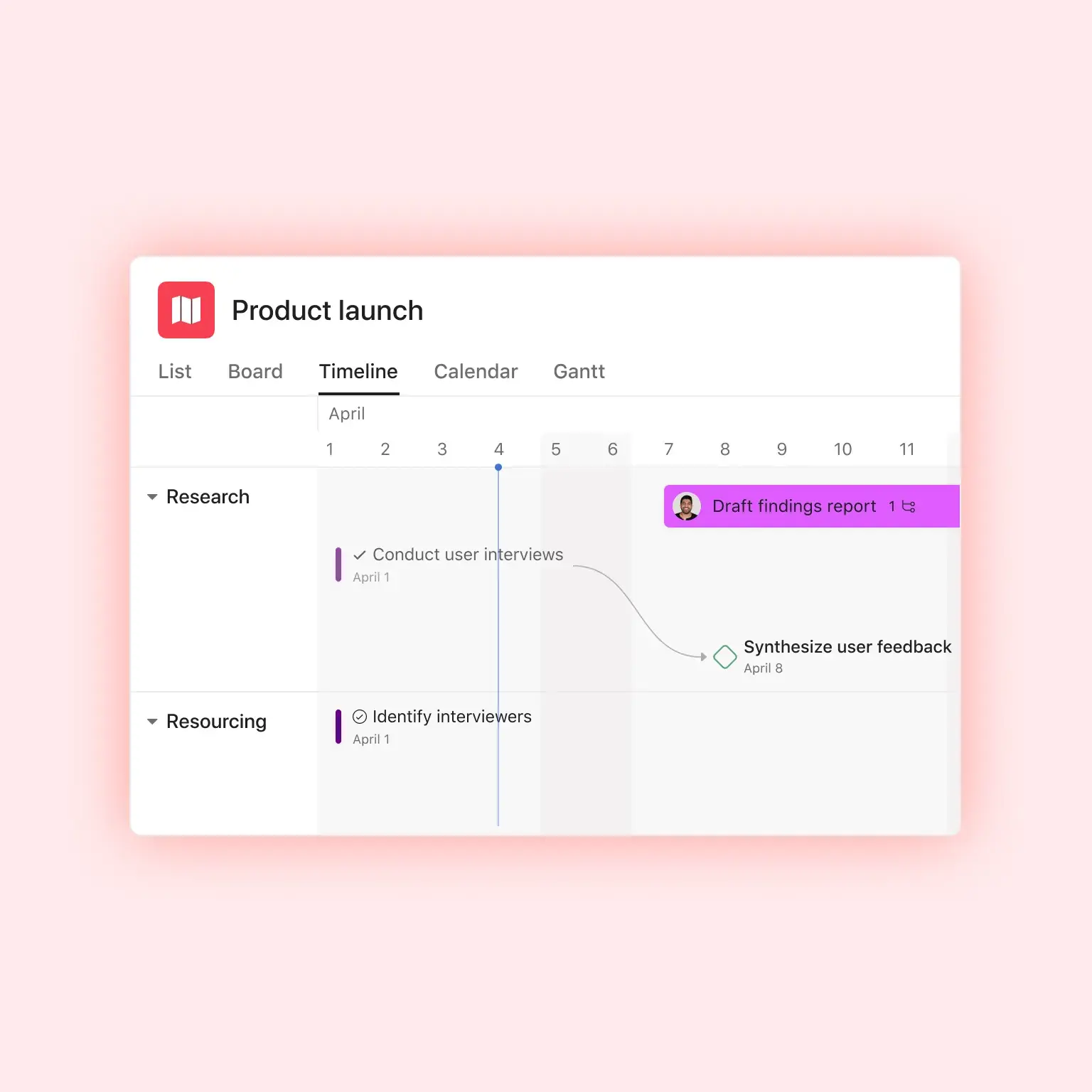
將目前和未來的任務可視化,以便您瞭解誰負責關鍵事項中的哪些內容。

重新平衡資源
輕鬆地在個人之間移動工作內容,以重新平衡團隊工作負荷。
讓 AI 確定哪些工作流程偏離進度並需要更多支援。

做出以資料為依據的決策
幫助團隊在他們用於工作的同一個平台上無縫接軌地追蹤時間。
透過將時間軸與原始估計內容進行比較,使用時間追蹤資料來最佳化工作流程。

Report on allocation across teams and portfolios
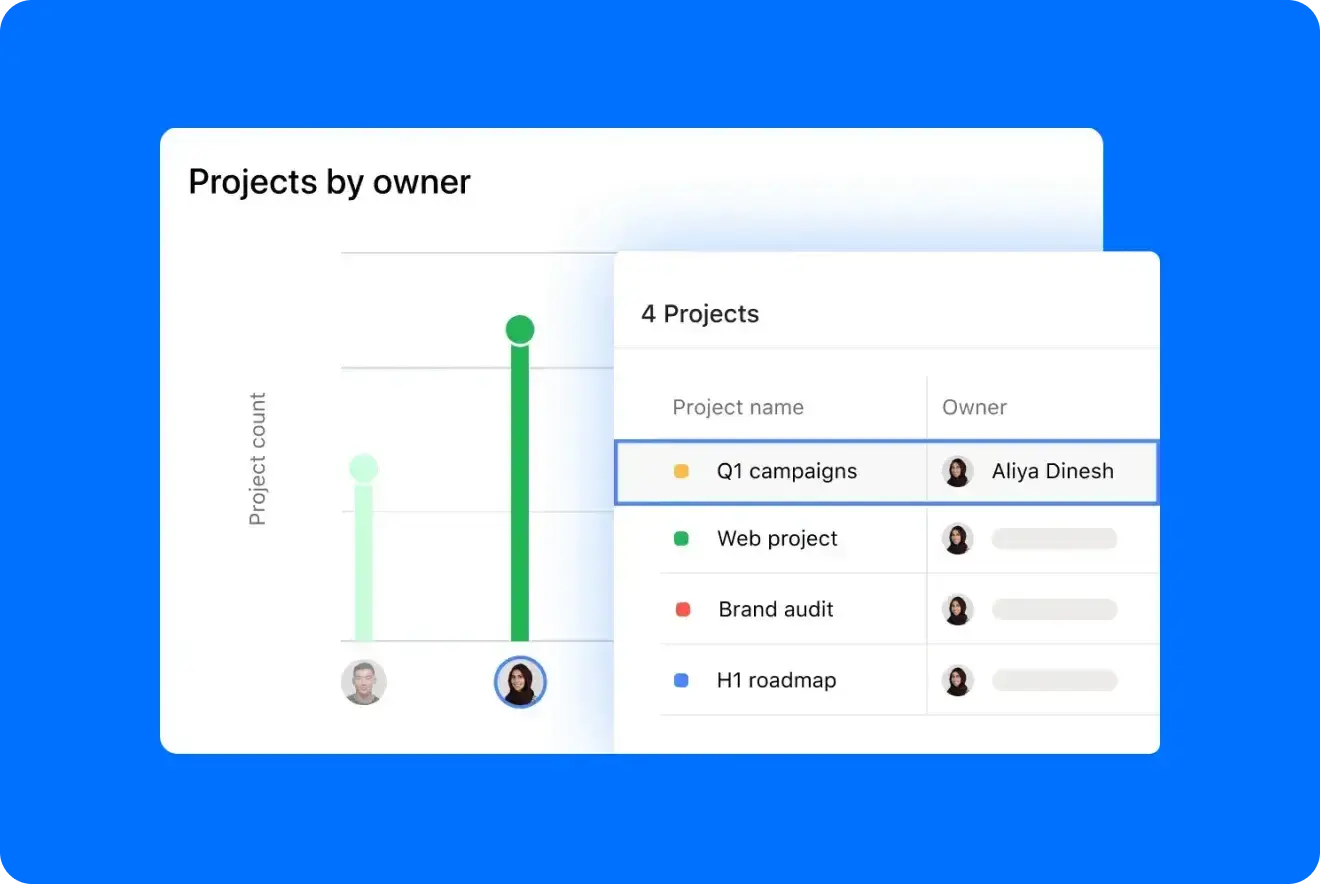
When leadership asks why your team needs another hire, show them. Portfolios and reporting dashboards roll allocation up across projects and teams, so you can point to where people are stretched and where there's room. There's no separate report to build first. Together, these resource management tools give you the numbers for a hiring request, or for saying no to the next project.
Purpose-built for the teams that decide who does the work
Staffing looks different depending on who's doing it. Here's how teams use Asana project resource management software.

![[團隊 - 機構] 主圖片](https://assets.asana.biz/transform/bd8fb516-1527-40d9-a49d-1978e69c189e/-16_9-Hero-Agency-Lo-Fi?io=transform:fill,width:2560&format=webp)

![[團隊 - 營運] PMO 接收 (圖片)](https://assets.asana.biz/transform/52e2b46b-6cdf-41f7-bb18-e20cd55b27fb/ops-pmo-intake-mid-fi?io=transform:fill,width:2560&format=webp)

Every project in a single view
When utilization is your business model, one idle consultant or wrong assignment shows up in your margin, and the staffing spreadsheet is out of date by Wednesday. Asana puts every client project in one view, so account and delivery leads can staff each engagement against who's actually free. With the timesheets and budgets add-on, you can also separate billable hours and see how time tracks against each budget.
Asurion improved capacity planning and reached 89% team utilization with Asana
Asurion is a global technology care company serving more than 300 million customers. Its 1,100 people across training, content, media, and innovation teams use Asana to track utilization and bandwidth in real time, so managers can see who's available and where work is piling up. Projects now start 37% faster.

![[案例研究] Asurion (分享圖片)](https://assets.asana.biz/transform/7fd36f72-23bf-4f93-b431-a631334123e5/WEB-JPG_Customer-Story_Asurion?io=transform:fill,width:2560&format=webp)
Asana has completely changed the way our design team works. We now have full visibility into priorities, timelines, and workloads, which has helped us deliver higher-quality work faster—and with less burnout.Mike Evans
Sr. Manager Multimedia, Asurion
Frequently asked questions about resource management tools
A resource management tool is software that tracks how your team's time is committed across projects and shows who has room before you assign new work. Unlike a spreadsheet, it updates as plans change and totals each person's workload for you. In Asana, that view is built from the updates your team already makes to their tasks, like reassigning work or pushing a due date.
Most teams use spreadsheets, dedicated scheduling tools, or a work management platform. With the first two, the staffing plan lives apart from the project plan, and you have to copy every moved deadline or new assignment over by hand. In a work management platform like Asana, the staffing view updates on its own whenever a task changes.
Resource management decides who does what work and when. Capacity planning looks at how much work your team can take on before you commit to it. You need both to make a good staffing call, and Asana supports both, including capacity-planning software to size up what your team can absorb.
You can track resource allocation across multiple projects by rolling every person's assignments into one view. But that only works if the work lives in one place. In Asana, each task carries an owner, dates, and an effort estimate, and Workload totals them per person across every project they're on.
You don't need a separate resource management tool if your team's work is already in Asana. Allocation comes from the assignments and effort on real tasks. A dedicated professional services tool can still make sense if you need deep billing, invoicing, or financial resource planning.
With the Advanced plan, you get Workload for $24.99 mo./per user, billed annually. Upgrade to Enterprise and you can see workload across your whole organization and plan your team's capacity. Neither requires a separate resource management add-on. See Asana pricing for the full breakdown.
The allocation view is only as accurate as what's in it. You don't need perfect estimates, though. Rough effort on the bigger pieces of work is enough to show who's overloaded. Start with hours or points on your largest tasks, then refine as you learn how long things actually take.
Yes. Allocation rolls up across projects and Portfolios, which lets an operations or PMO lead see the whole organization instead of one team at a time. When one team is stretched and another has room, you can move work between them.