


ASANA VS. JIRA
Simplify project management for every team
Move beyond Jira’s technical complexity with Asana’s intuitive interface and flexible customization. Teams can automate, integrate, and adapt workflows visually, making project management accessible for both business and technical users.


Asana доверяют более 170 000 команд*, от стартапов до компаний из списка Fortune 100









How does Asana compare to Jira?
FEATURES
ИИ, созданный для команд
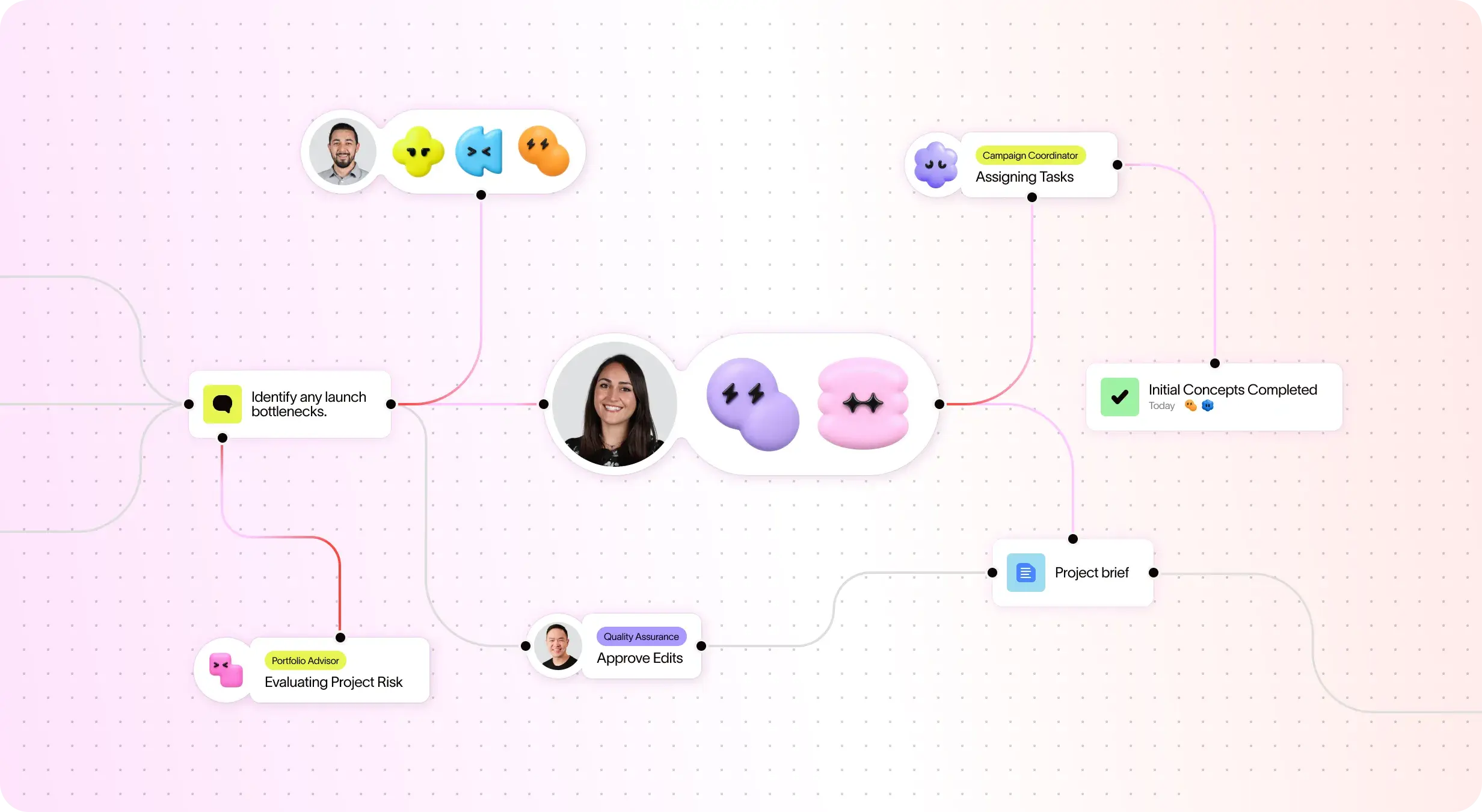
ИИ-ассистенты Asana — это ИИ-агенты, работающие на основе Work Graph, поэтому они с первого дня понимают цели, проекты и зависимости вашей команды, а каждое действие ИИ можно увидеть и проверить. Подробнее.
400+ native integrations for connected work
Asana предлагает более 400 собственных интеграций с популярными инструментами, такими как Slack, Microsoft Teams, Google Диск и Salesforce, что позволяет командам объединять рабочие процессы разных отделов и эффективно расширять масштабы совместной работы.
Индивидуальная настройка проектов и рабочих процессов
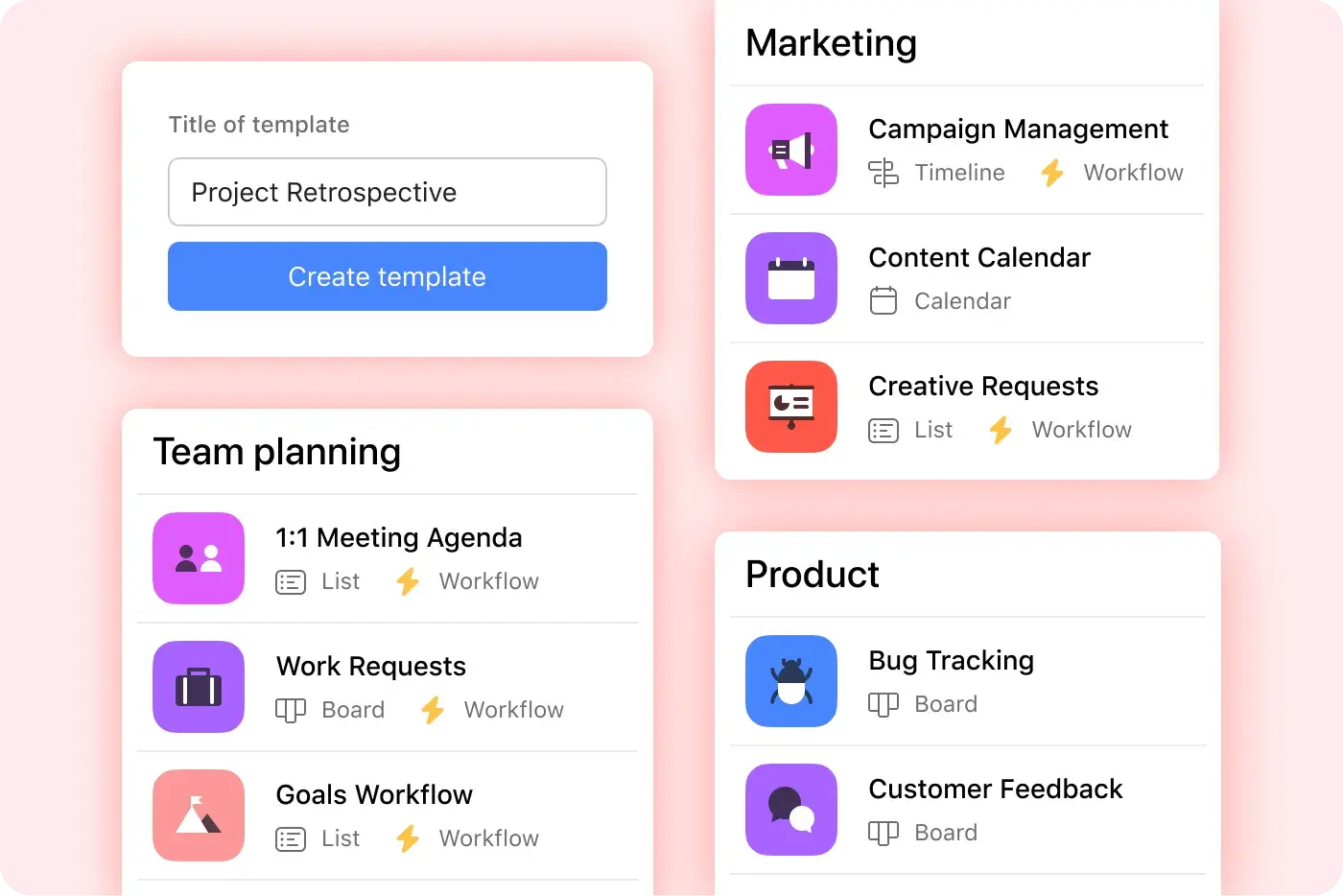
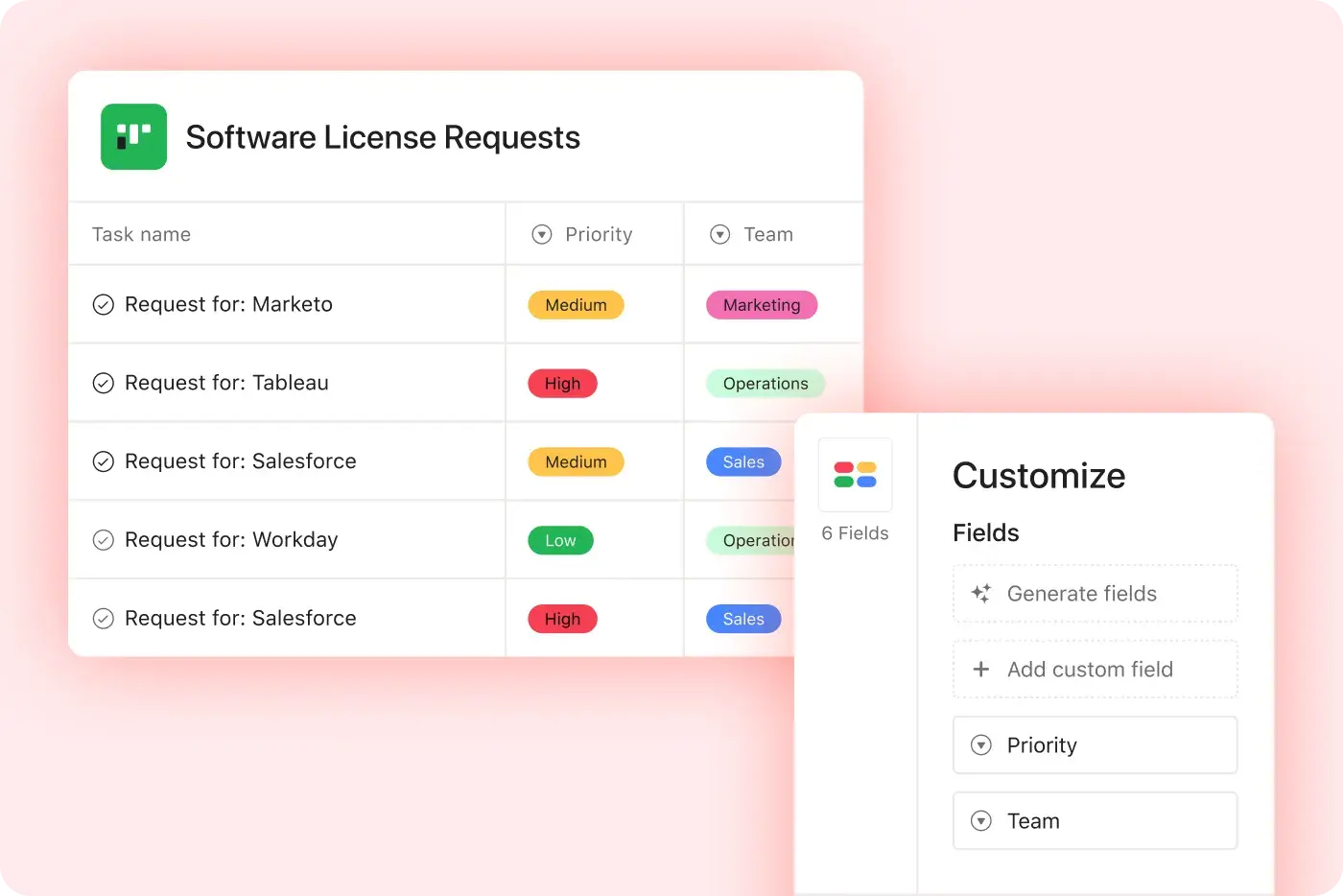
Asana предоставляет структурированные и удобные возможности настройки с помощью нестандартных полей, нескольких представлений проектов и шаблонов, что позволяет командам быстро адаптироваться и эффективно управлять рабочими процессами без лишних сложностей
Centralized updates across work
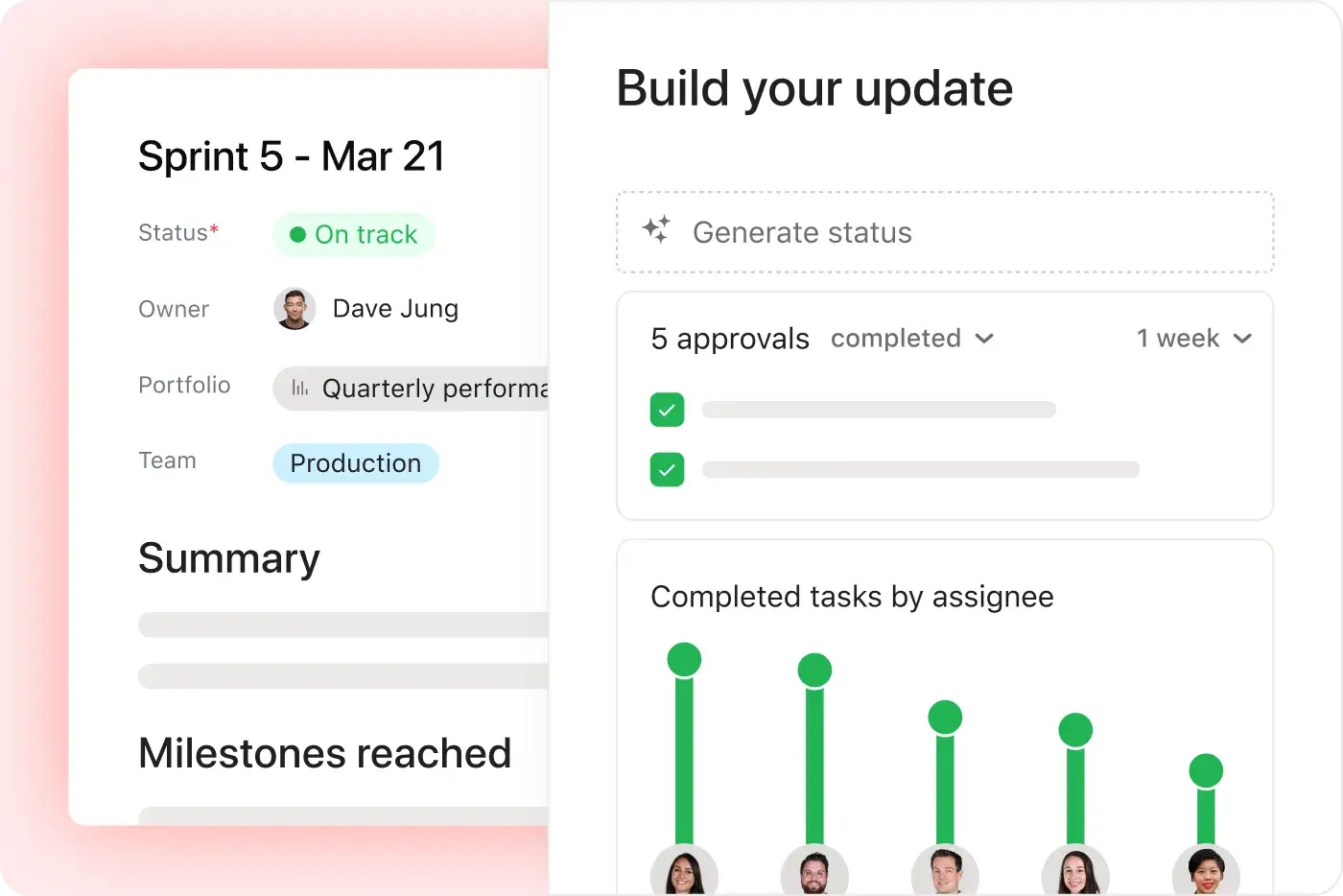
Asana connects communication and project updates in one place. Comments, file sharing, and a centralized inbox help keep everyone aligned, and tasks can live in multiple projects so updates flow across teams automatically—without extra tools. Learn more
User-friendly interface
Asana’s simple, approachable design makes it easier for teams to get started, create projects independently, and manage work efficiently without technical setup. Learn more
Complex issue management
Asana simplifies task coordination with clear assignments, deadlines, and flexible project views for business-wide adoption, making it easier for teams to manage work efficiently. Learn more
Платформа, готовая к использованию на корпоративном уровне
Asana offers a unified, user-friendly platform with unlimited automation, broad integration support, and organization-wide standardization, enabling teams to scale efficiently without added operational complexity. Learn more
Почему наши клиенты предпочитают Asana


I find Asana incredibly valuable for managing product teams, planning, and handling daily tasks due to its user-friendly interface, which is a significant improvement over my team's previous experience with Jira.
I love the ease of use that Asana offers, making it simple to set up boards and manage projects. … Compared to Jira, Asana's streamlined project management strongly appeals to me as a designer.

«Asana позволяет легко управлять OKR и отслеживать их.» Вся наша компания знает, каковы ключевые приоритеты, и может соответствующим образом планировать, отслеживать и вести учёт работы. Это значительно повысило нашу эффективность, и теперь мы можем быстрее выполнять работу и масштабировать ее».
— Дайан Розанти, управление продуктами

«По мере роста Zoom нам требовалось единое представление обо всём происходящем, чтобы мы могли расставлять приоритеты в работе и принимать бизнес-решения. Нам были нужны прозрачность, ответственность, единообразие в выполнении работы и обмен знаниями между командами.»
— Ариэль Чаван, начальник отдела безопасности
Asana обеспечивает команды гибкими и масштабируемыми рабочими процессами
Узнайте, как Asana помогает командам любого размера настраивать проекты, подключать инструменты и отчитываться о ходе работ — и всё это в одном месте.



![[Сравнение — Monday] Вкладка «Функции» (интеграции и масштабируемость)](https://assets.asana.biz/transform/2090e635-5343-4f52-a1ee-4e4a04a8f67e/compare-monday-fy26-features-integrations?io=transform:fill,width:2560&format=webp)
AI your whole team can actually use
Asana AI Teammates understand your goals, projects, and dependencies from day one—Jira’s AI is siloed within technical tickets, missing the cross-functional context of your business goals.
Asana AI Teammates build shared memory that compounds across your whole team—Atlassian Intelligence focuses on summarizing issues rather than maintaining a persistent "brain" for your organization.
Every AI action is visible in your activity log, just like a human teammate—Jira often attributes AI suggestions to the user who accepted them, creating accountability gaps.
Что говорят об Asana эксперты
Отраслевые аналитики и корпоративные организации признают Asana лучшей платформой для управления работой.

Projects are spread across tools and inboxes
Лидер в области управления совместной работой три года подряд

No shared view of progress and deadlines
Лидер в области управления работой и программного обеспечения для OKR с более чем 12 000 отзывов пользователей

Status updates eat the week
Every Friday, you chase updates and paste them into a deck. Then Monday's check-in runs on Friday's information, because that's the last time anyone pulled it all together. It's stale before anyone reads it. Across every project you run, manual reporting turns into a second job.
This is exactly what we built Asana to fix.
Вопросы и ответы
Switching from Jira to Asana is straightforward for teams of all sizes, thanks to Asana’s intuitive interface and robust onboarding resources, including step-by-step migration guides and in-product education through theAsana Academy. Teams can quickly import projects and tasks, learn new workflows, and start collaborating without the need for technical administrators or complex setup. Guides on creating tasks in Asana help teams adopt best practices immediately.
Jira is often described as having a steep learning curve and requiring more admin involvement, which can slow down adoption and increase migration anxiety. Asana’s project management features help teams maintain structured workflows, collaborate across departments, and adopt advanced features quickly, allowing teams to stay productive without relying on IT support.
Asana offers a full range of training and support resources, including the Asana Academy for on-demand courses, a comprehensive Help Center, and live support options for all users. These resources are designed to help teams of any size quickly learn, troubleshoot, and optimize their use of the project management platform, regardless of technical background.
Jira’s support ecosystem is often more complex and less accessible for smaller teams. Asana’s structured learning and responsive support make ongoing training straightforward and approachable, allowing teams to get answers quickly, improve project management skills over time, and maintain productivity without relying heavily on IT support.
Asana is designed for rapid onboarding across both technical and business teams, with an intuitive interface and in-product education that help everyone get started quickly—no technical administrator required. Flexible workflows and clear project management features make it easy for marketing, operations, and engineering teams to collaborate from day one, regardless of their background, supported by resources like the getting started guide.
Jira is often tailored for software development teams and can require more technical setup, making onboarding less accessible for non-technical users. Asana’s structured approach, cross-functional support, and accessible onboarding resources allow all team members to start managing projects efficiently from day one.
Yes, you can import your existing projects and data into Asana using built-in import tools for CSV files, Jira, and other platforms, with step-by-step guidance available in the Help Center. This makes it straightforward for teams—including those moving from Jira—to bring their project management data into Asana without manual re-entry or data loss, supporting a smooth onboarding experience for both technical and non-technical users.
Jira typically requires more manual migration steps or technical expertise, while Asana provides dedicated import resources and onboarding support through features like project importing and exporting and CSV import.
Asana helps teams get up to speed quickly by offering an intuitive user interface, built-in onboarding resources, and ready-to-use templates that require no technical admin support. This approach enables teams—including those new to project management software—to start organizing projects, assigning tasks, and collaborating right away, with in-product education and help articles available at every step.
Jira often requires more setup time and administrative involvement before teams can begin managing projects, making Asana a faster choice for organizations seeking rapid adoption and immediate value.
Присоединяйтесь к 85% компаний из списка Fortune 100, которые уже используют Asana**
**По состоянию на декабрь 2025 года, включает бесплатных и платных пользователей.