


Less distraction, more focus: Introducing new features designed to help you align attention with intention
Knowledge workers today are more distributed than ever. They’re also more distracted. In fact, 80% of employees work with their inbox and communication apps open, leading to nearly 75% feeling pressured to multitask during the day according to the Anatomy of Work Index. The result? Lower efficiency, overlooked messages, and missed deadlines.
Last summer, we unveiled our product vision for the future of work for organizations, teams, and individuals. Today, we’re excited to realize that vision for individual clarity by introducing a personal productivity suite of new features purpose-built to align your attention with your intention. The suite includes Video Messaging, intelligent prioritization with My Tasks, a smart calendar assistant integration with Clockwise, and a desktop app that together remove distractions and make it easier for you to do the work that requires your full focus and attention.
Prioritize work with intelligent My Tasks
What if you could start your workday and know exactly what you needed to focus on? With our supercharged My Tasks, you can now organize and view tasks assigned to you in List, Calendar, or Board View, and create Rules to prioritize work based on due date or dependencies. My Tasks gives you a personal prioritization system that connects individual tasks to team goals, so you can focus your attention on the work that matters most.
Create focus time with our Clockwise smart calendar assistant integration
For many of us, our task lists often compete with our calendars. What we intend to accomplish for the day is at odds with meetings and other demands on our time. Luckily, our new Clockwise integration can help. Now you can schedule tasks on your calendar—all without leaving Asana. Just enter the amount of time needed to complete a task and when you want to do the work, and Clockwise automatically schedules time on your calendar to complete that task.
Minimize notifications with desktop app
If your web browser has multiple open tabs right now, you’re not alone. But when you need to focus on an important task, those open tabs can be distracting. Enter the Asana desktop app. Available on Mac and Windows, our new desktop app has all the functionality of Asana on the web—and more—and is purpose-built to help you block out noise and focus on the work at hand. You can download the desktop app here.
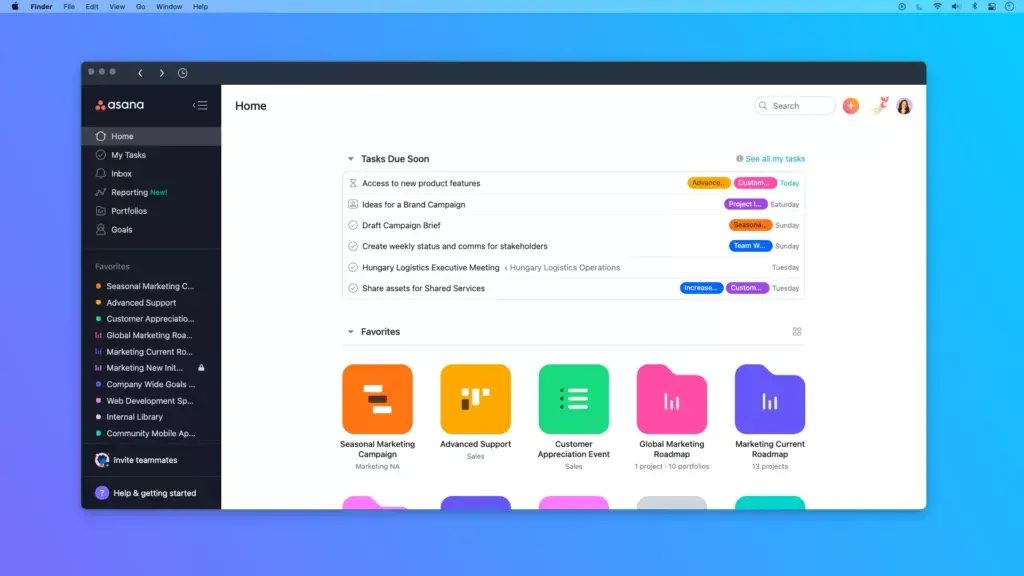
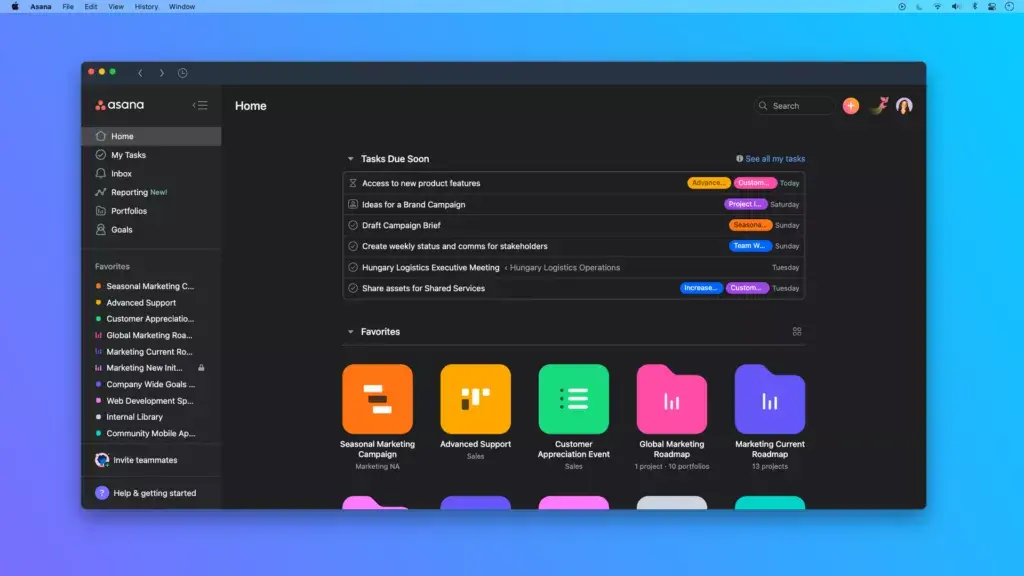
If you’re working on a task that requires deep focus over a long stretch of time, our new Dark Mode feature—available on desktop, web, and mobile—can help reduce eye strain from prolonged screen time and make it easier to focus.
Find your focus and flow
Ready to find your focus with Asana? Our desktop app and Clockwise integration are now available, and Video Messaging and improved My Tasks are rolling out over the next few months.
On June 9th, Asana hosted the Focus & Flow Summit, featuring leading experts who will share insights and tips on how to unlock positive habits, mindset, purpose, and productivity. If you missed the summit, watch it on demand through June 23rd.