


스타트업부터 Fortune 선정 100대 기업에 이르기까지 170,000개 이상의 팀*이 Asana를 신뢰하고 있습니다









Asana와 Smartsheet의 차이점은 무엇인가요?
기능
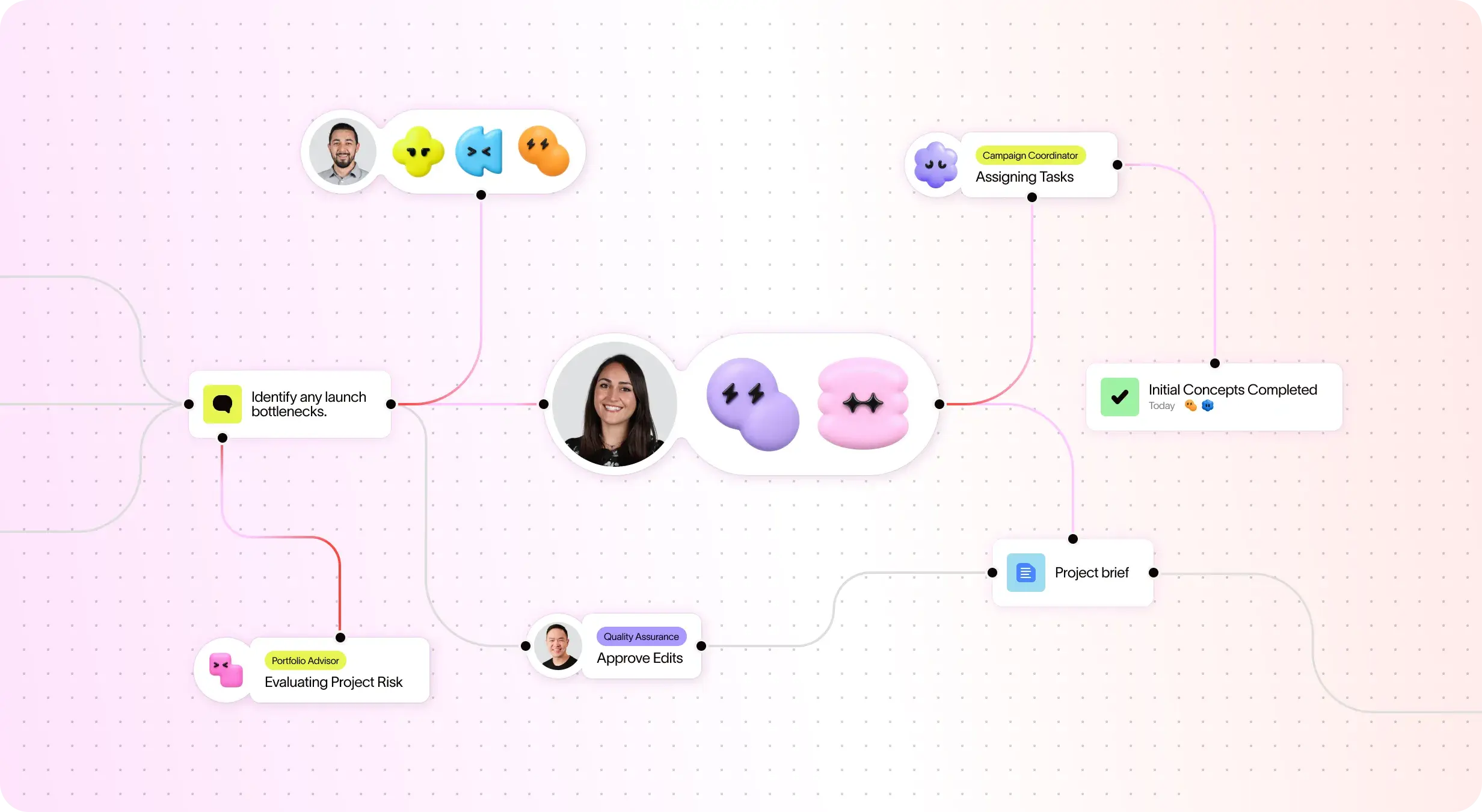
팀을 위해 구축된 AI
Asana AI 팀원은 업무 그래프를 기반으로 하는 AI 에이전트이므로 첫날부터 팀의 목표, 프로젝트, 종속성을 파악할 수 있습니다. 모든 AI 작업은 확인 가능하며 감사 가능합니다. 더 알아보기.
가치 실현 시간 단축
신속하게 구현하고 생산성, 효율성, 협업을 극대화하세요.
신속한 도입을 위한 체계적인 온보딩 및 지침
Asana는 직관적인 인터페이스와 함께 내장된 가이드, 템플릿, 체크리스트, Asana 아카데미 교육을 제공하여 팀이 빠르게 시작하고, 일관성을 유지하며, 업무 규모가 커져도 체계적으로 업무를 관리할 수 있도록 지원합니다. 더 알아보기
Built-in time tracking
Asana provides built-in time tracking for tasks and projects, enabling teams to estimate and log work directly in the platform, with optional integrations available for advanced analysis. Learn more
직관적인 조직 전체 보고서
Asana는 비즈니스에 따라 조정할 수 있는 실시간 보고 기능을 제공합니다. 팀은 전략을 실행으로 연결하는 대시보드와 인사이트를 통해 수천 개의 프로젝트와 작업 전반에 걸쳐 목표, 포트폴리오, 성과 지표를 추적할 수 있습니다. 더 알아보기
Secure administration at scale
Asana offers governance and compliance features with centralized admin controls, built-in audit logs, and role-based access, supporting scalable administration and audit readiness. Learn more
Asana 고객이 Asana를 선호하는 이유


I've used Trello, Smartsheet, MS Project, and other platforms similar to Asana. I must say that it's by far the simplest to absorb and make your own but still align with your primary platforms for email and calendar.
Having tried other platforms like Smartsheet and Monday, Asana has the cleanest, user-friendly design that doesn't require extensive training. Asana AI Studio is a game changer for automating workflows and coordination.

“Asana를 사용하면 OKR을 관리하고 추적하는 일이 수월해집니다.” 회사의 모든 인원이 주요 우선순위가 무엇인지 알고 이에 따라 업무를 계획, 추적, 보고할 수 있습니다. 이로 인해 효율이 높아져 더 신속하게 실행하고 확장할 수 있습니다.”
- 제품 관리 부문 Dian Rosanti

“Zoom이 성장함에 따라 업무 우선순위를 정하고 비즈니스상의 의사결정을 내릴 수 있도록 모든 진행 상황을 표준화된 방식으로 표시하고 싶었습니다.” 이를 위해 업무 처리 방식과 팀 간 지식 공유 방식에 대한 가시성, 책임감 또는 책임 소재를 파악할 수 있는 능력, 일관성이 필요했습니다.”
- 보안 부문장 Ariel Chavan
Asana는 유연하고 확장 가능한 워크플로로 팀을 지원합니다
Asana가 모든 규모의 팀이 한 곳에서 프로젝트를 사용자 지정하고, 도구를 연결하고, 진행 상태를 보고하는 데 어떻게 도움이 되는지 살펴보세요.


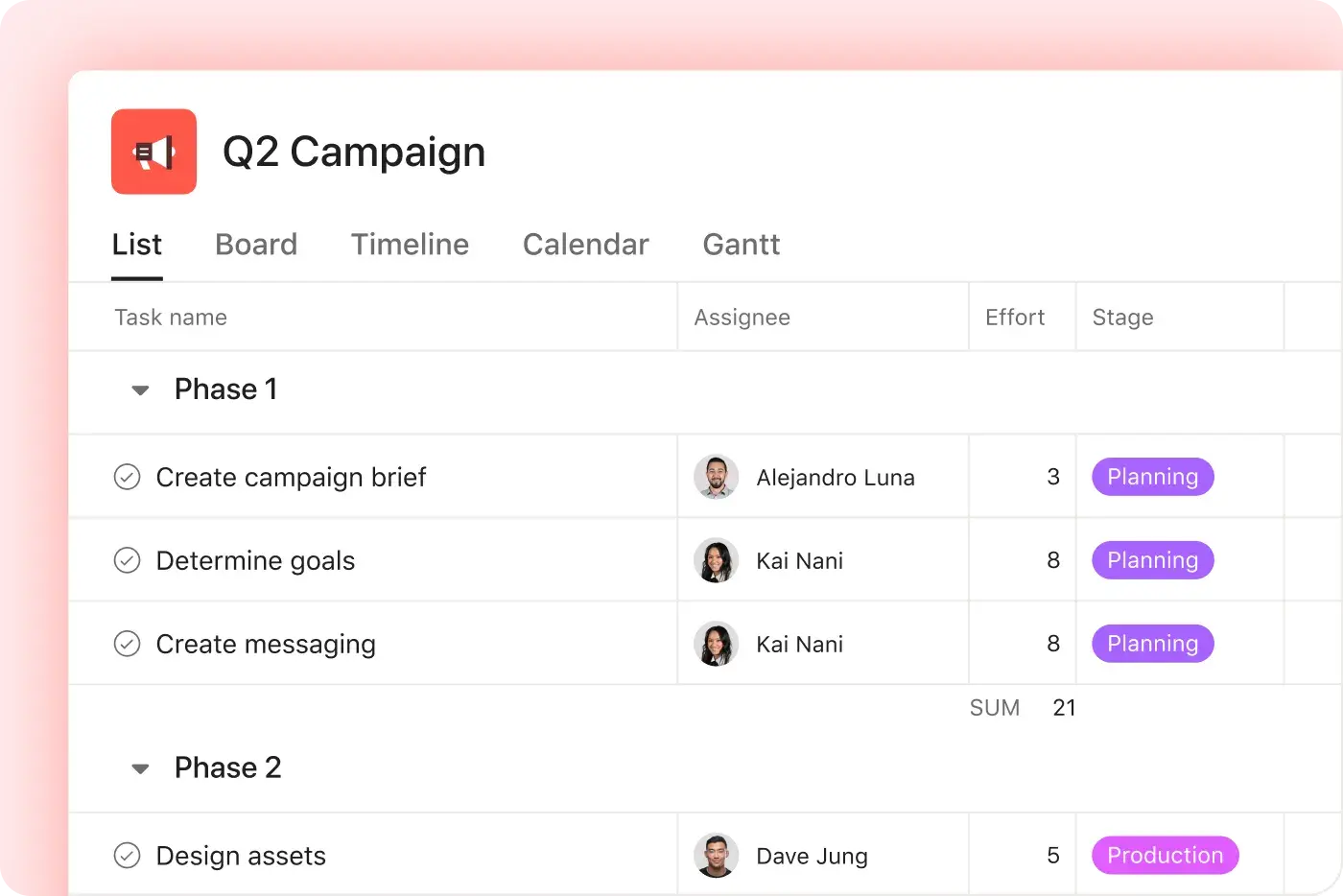


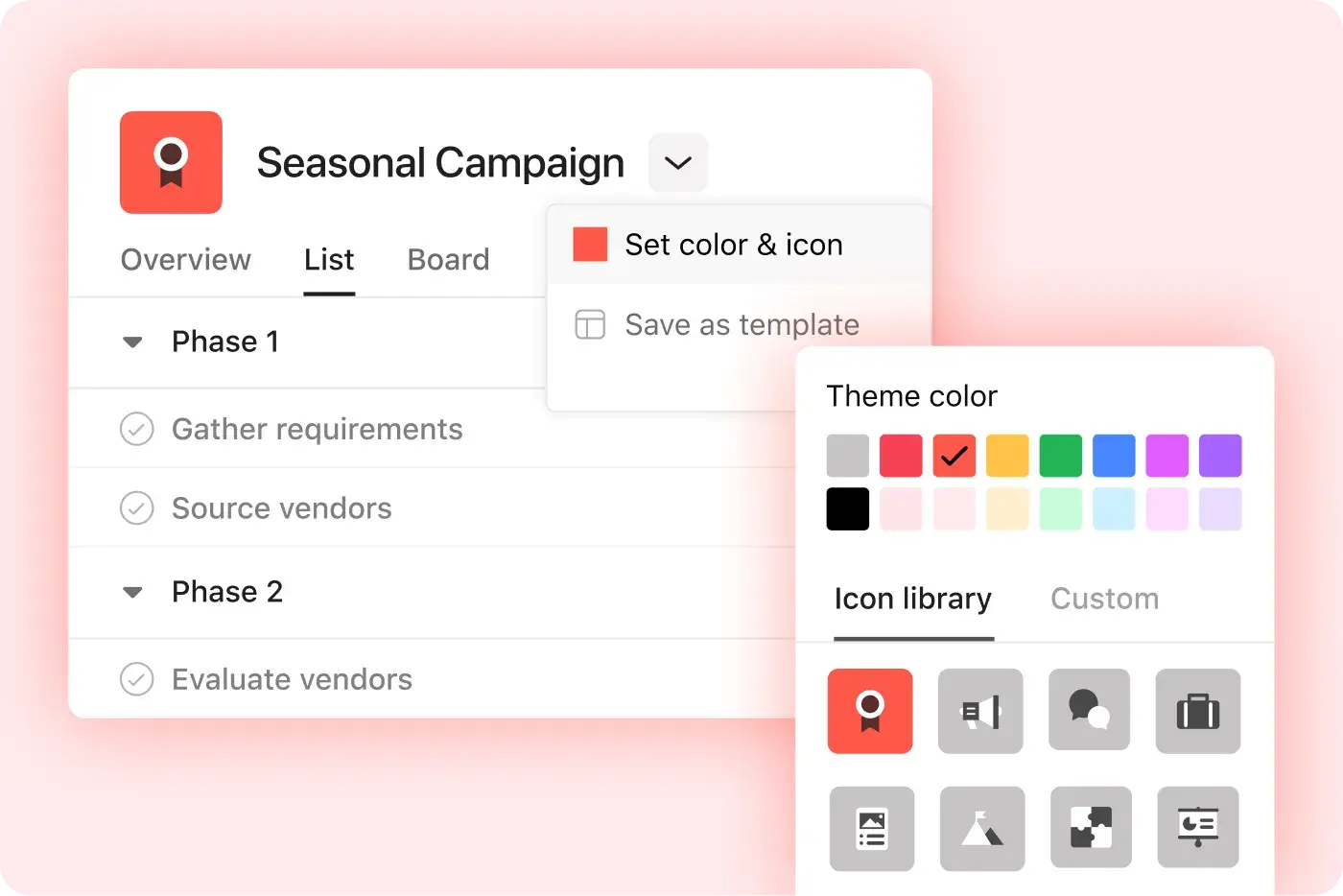

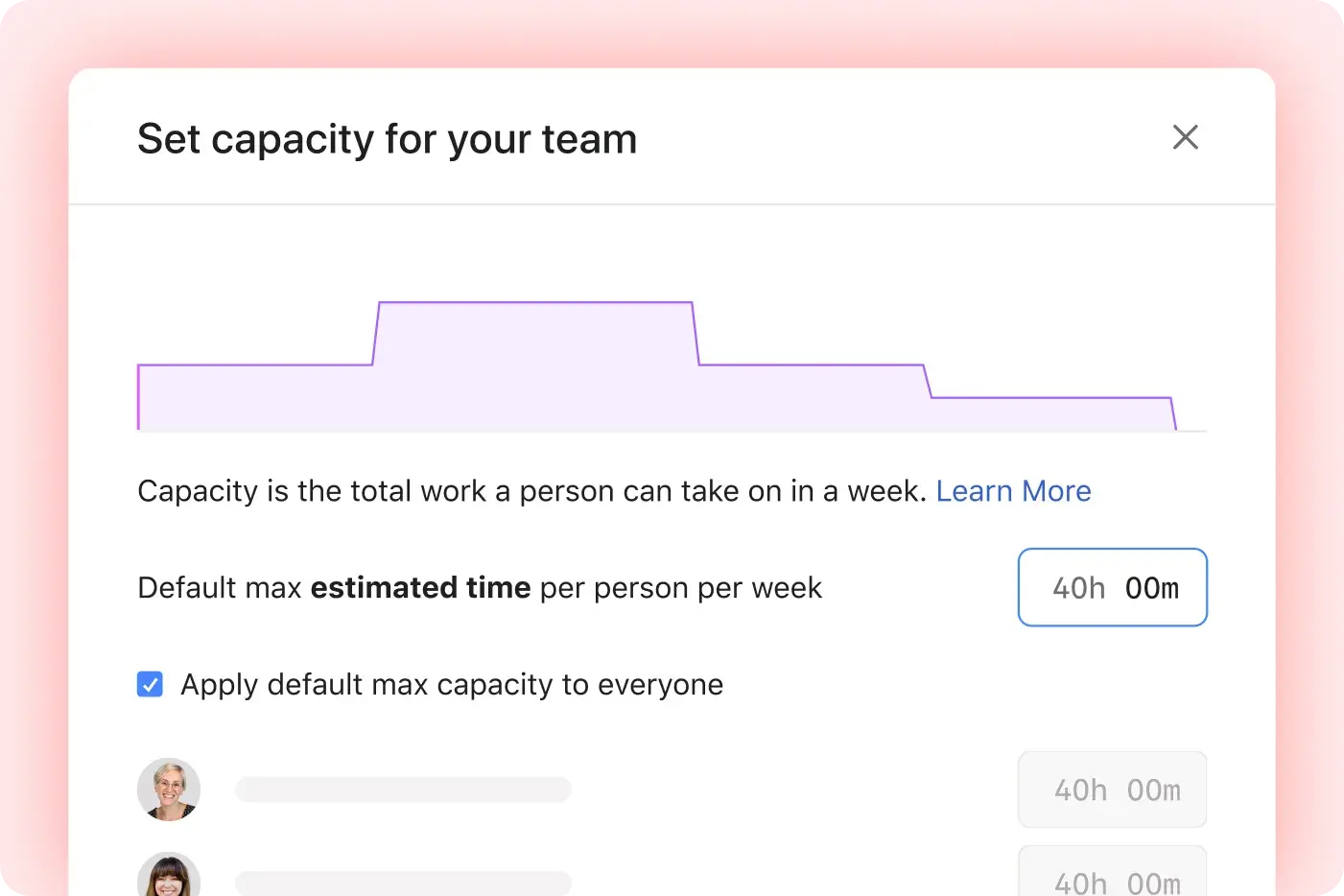
AI your whole team can actually use
Asana AI Teammates understand your goals, projects, and dependencies from day one—Smartsheet’s AI is confined to the "grid," analyzing rows of data without understanding human workflows.
Asana AI Teammates build shared memory that compounds across your whole team—Smartsheet AI resets with every new sheet, preventing the growth of a collective team memory.
Every AI action is visible in your activity log, just like a human teammate—Smartsheet treats AI like a formula, leaving no clear "teammate" identity to track or hold accountable.
Asana에 대한 전문가의 의견
업계 분석가와 엔터프라이즈 조직에서 Asana를 최고의 업무 관리 플랫폼으로 평가합니다.

Projects are spread across tools and inboxes
3년 연속 협업 관리 부문 선도 기업

No shared view of progress and deadlines
12,000개 이상의 사용자 리뷰를 통해 업무 관리 및 OKR 소프트웨어 부문 리더로 선정

Status updates eat the week
Every Friday, you chase updates and paste them into a deck. Then Monday's check-in runs on Friday's information, because that's the last time anyone pulled it all together. It's stale before anyone reads it. Across every project you run, manual reporting turns into a second job.
This is exactly what we built Asana to fix.


회사 규모
엔터프라이즈
업종
기술
Asana has completely changed the way our design team works. We now have full visibility into priorities, timelines, and workloads, which has helped us deliver higher-quality work faster—and with less burnout.
Mike Evans
Sr. Manager Multimedia, Asurion


FAQ
Asana의 내장된 CSV 가져오기 기능 덕분에 Smartsheet에서 Asana로 프로젝트를 손쉽게 마이그레이션할 수 있습니다. 이 기능을 사용하면 복잡한 설정이나 기술적 장벽 없이 프로젝트 데이터와 작업을 직접 이전할 수 있습니다(Asana에서 프로젝트를 생성하는 방법에 대한 세부 정보 참조). 또한 Asana는 비기술 팀이 빠르게 도입할 수 있도록 설계되었으며, 온보딩 가이드와 전문 서비스를 통해 전환을 지원하고 팀이 빠르게 생산성을 높일 수 있도록 지원합니다.
반면 Smartsheet는 복잡하고 수동 구성에 의존한다는 점으로 자주 언급되며, 이로 인해 마이그레이션 속도가 느려지고 팀의 온보딩이 더 어려워질 수 있습니다. Asana의 직관적인 설정 기능과 스프레드시트와 호환되는 가져오기 툴 덕분에 비기술 팀도 프로젝트를 손쉽게 옮기고 업무 중단을 최소화하면서 업무 관리를 시작할 수 있습니다.
Asana는 직관적인 인터페이스로 설계되어 있어 스프레드시트 기반 도구에서 전환하는 사용자가 기술적 경험이 없어도 빠르게 시작할 수 있습니다. 팀은 Asana 아카데미, 즉시 사용할 수 있는 템플릿, 프로젝트 관리 기능 등 포괄적인 온보딩 리소스의 혜택을 누릴 수 있습니다. 이러한 리소스는 학습 기간을 단축하고 빠른 도입을 지원하는 데 도움이 됩니다.
Smartsheet는 스프레드시트 기반의 복잡성과 수동 구성에 대한 의존도로 인해 비기술 사용자의 경우 학습 곡선이 더 가파른 경우가 많습니다. Asana는 직관적인 작업 관리를 통해 간단한 작업 생성과 소유권에 중점을 두어 팀이 추가적인 어려움 없이 스프레드시트를 넘어갈 수 있도록 지원합니다.
Asana는 신속한 설정과 직관적인 구성을 위해 설계되었으므로, 팀은 기술적 전문 지식이나 장기간의 온보딩 없이도 프로젝트와 작업을 관리하기 시작할 수 있습니다. 단계별 가이드, 즉시 사용할 수 있는 템플릿, 앱 내 온보딩 리소스를 통해 사용자가 빠르게 적응할 수 있도록 지원하므로 플랫폼을 배우는 데 필요한 시간을 최소화할 수 있습니다.
Smartsheet의 경우, 팀이 프로젝트 관리 기능을 완전히 활용하기까지 Asana보다 일반적으로 학습 곡선이 더 가파르고, 더 많은 기술적 절차가 필요합니다.
Asana는 부서 리더에게 온디맨드 교육을 제공하는 Asana 아카데미, 즉시 사용할 수 있는 온보딩 템플릿, 팀의 Asana 도입을 원활하게 지원하는 HR 도구와의 연동 등 온보딩을 위한 포괄적인 리소스 세트를 제공합니다. 이러한 리소스는 팀이 빠르게 시작하고, 변경 관리 관련 마찰을 줄이고, 새로운 프로젝트 관리 워크플로로 원활하게 전환할 수 있도록 설계되었습니다.
일반적으로 더 많은 기술적 온보딩과 수동 설정이 필요한 Smartsheet와 달리, Asana는 사용 편의성과 팀의 빠른 도입을 우선시합니다.
고객 결과와 온보딩 지표에서 확인할 수 있듯이, Asana로 전환하면 온보딩 속도가 빨라지고 팀 효율성이 크게 향상되어 측정 가능한 ROI를 얻을 수 있습니다. 예를 들어, HelloFresh는 팀의 절반 이상에서 생산성을 33% 증가시켰습니다.
Smartsheet는 복잡하고 도입 속도가 느린 것으로 종종 언급되는 반면, Asana는 사용 편의성과 빠른 가치 실현 시간으로 꾸준히 선호됩니다.
Fortune 선정 100대 기업 중 85%가 Asana를 사용하고 있습니다.**
**2025년 12월 기준 정확, 무료 및 유료 사용자를 포함합니다.