


ASANA VS. TODOIST
Which task management app is right for you?
Asana enables teams to plan projects, coordinate work, automate routine tasks, and track results. Todoist is designed for straightforward personal task management. Compare Asana vs Todoist.


Trusted by 85% of Fortune 100 companies









Asana vs Todoist at a glance
FEATURES
Task and subtask management
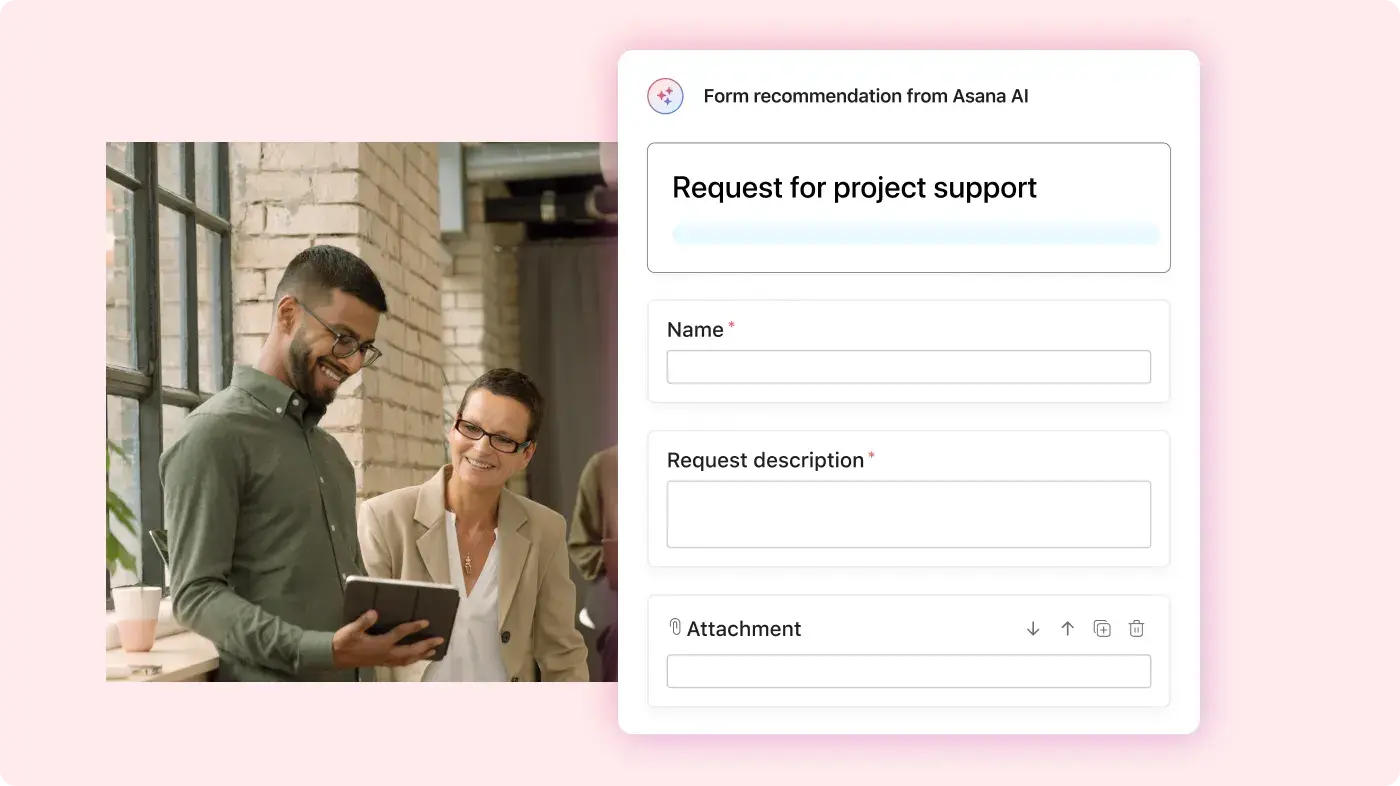
Asana offers tasks, subtasks, assignees, due dates, custom fields, attachments, and comments. Todoist provides tasks, subtasks, priorities, labels, and natural-language quick-add. Learn more.
Project views for different types of work
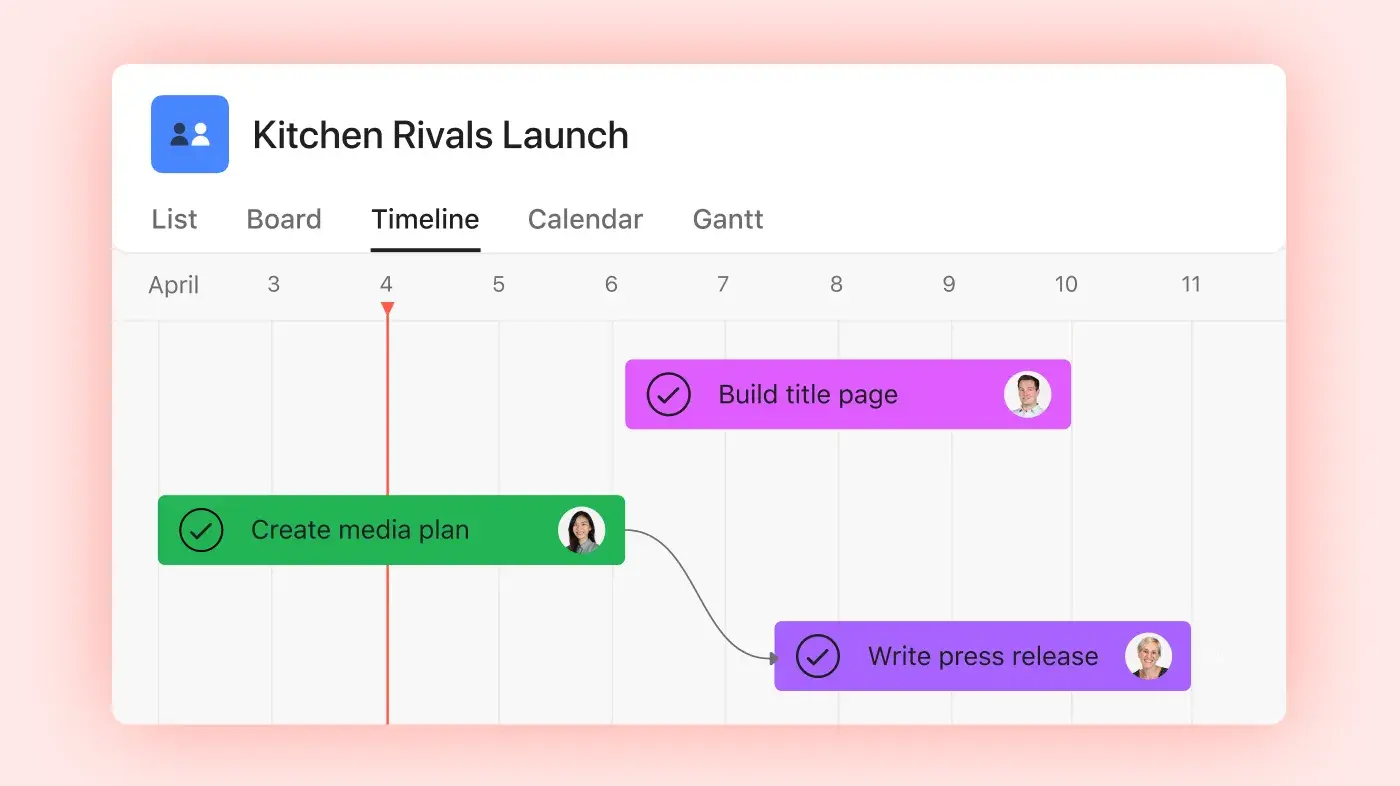
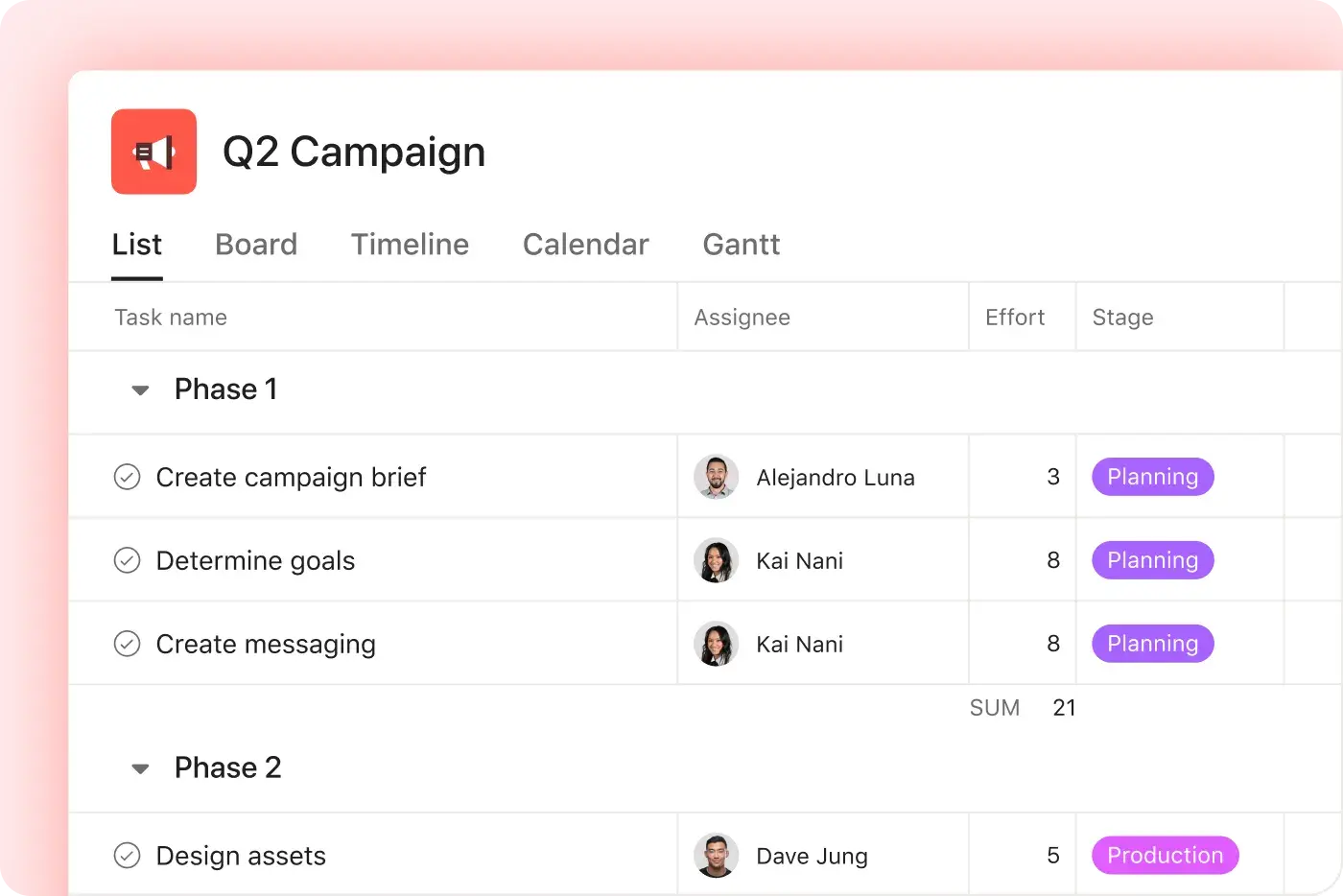
Asana provides List, Board, Calendar, Timeline, and Gantt views. Todoist offers List and Board views for organizing tasks within projects. Learn more.
Task dependencies and milestones
Asana allows teams to link sequential tasks and designate major project checkpoints as milestones. Todoist does not offer native task dependencies or milestones. Learn more.
Strategic goal tracking
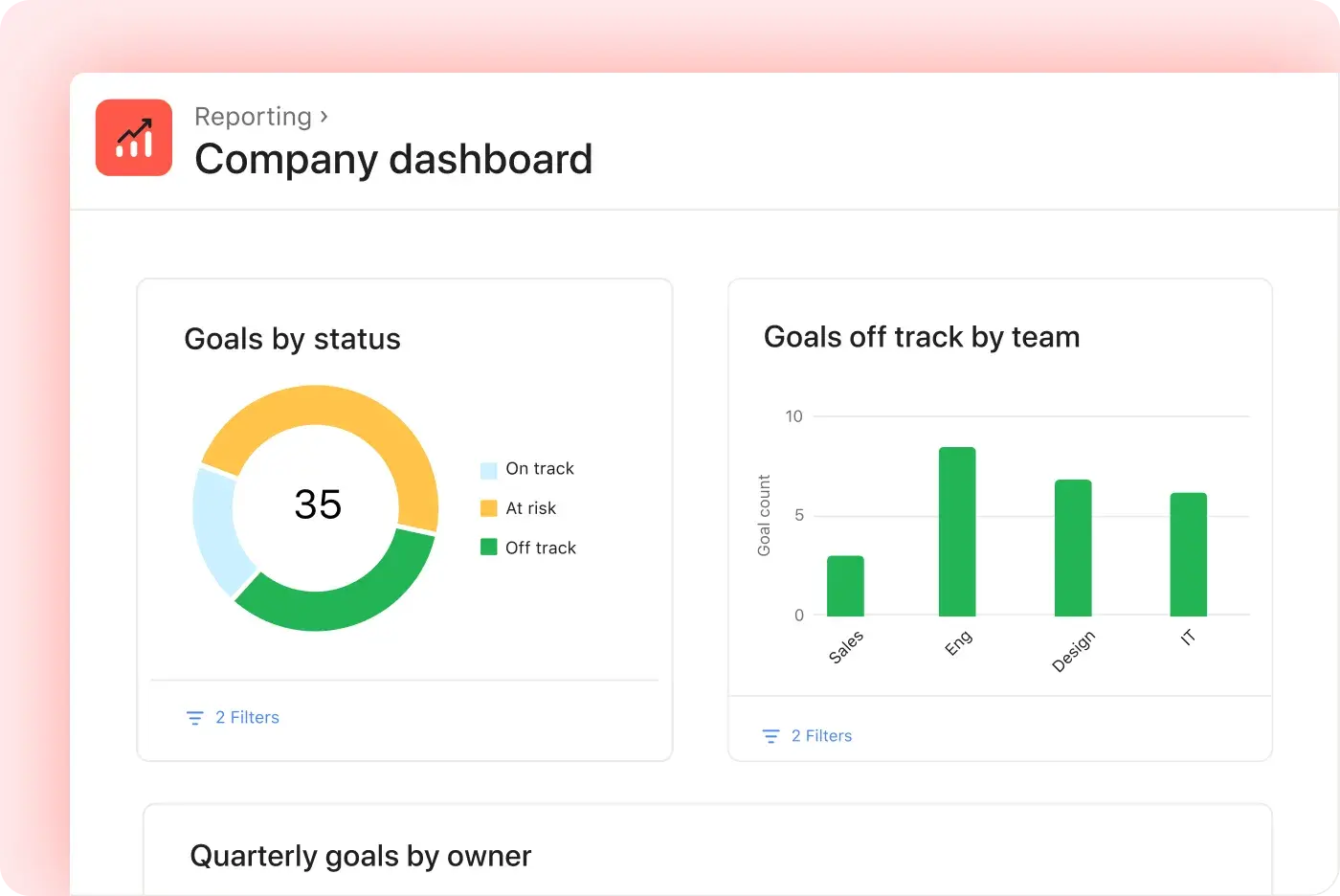
Asana enables teams to set company, team, and individual goals and link them to supporting projects, portfolios, and tasks. Todoist does not provide strategic goal tracking connected to project progress. Learn more.
Portfolio management
Asana Portfolios allow teams to group related projects, monitor project health, assign project owners, review status updates, and track shared metrics. Todoist does not offer a native portfolio feature for managing multiple connected projects. Learn more.
Team collaboration
Asana lets teams assign work, comment on tasks, send project messages, and share status updates. Todoist supports assignees and comments within shared projects. Learn more.
Native workflow automation
Asana Workflow Builder enables teams to create rules and multi-step processes without coding. Todoist does not offer a comparable native workflow builder.
AI for workflows and automation
Asana features AI Studio and AI Teammates for projects, workflows, and goals. Todoist AI supports natural-language task entry and Task Assist for task-level assistance. Learn more.
App integrations
Asana integrates with over 200 workplace tools. Todoist supports approximately 100 integrations for calendars, communication apps, and productivity tools. Learn more.
When Asana is the better option
Choose Todoist if you mainly manage personal tasks, prefer simple lists and reminders, and want fast natural-language entry. It works best when you do not need dependencies, milestones, portfolios, or reporting. For more complex teamwork, Asana offers the following features:
Plan every project from start to finish
The Citizenry reduced weekly reporting data entry by 6 to 9 hours after centralizing work in Asana.
Organize tasks with sections, milestones, custom fields, and dependencies.
Switch between List, Board, Calendar, Timeline, and Gantt views.
Collect requests, manage approvals, and track project details in one place.
Automate work and track progress
According to an IDC survey, Asana customers reported spending 34% less time on administrative tasks and 55% less time searching for information.
Build repeatable workflows without writing code.
Route tasks, update fields, and automatically notify teammates.
Monitor deadlines, workload, goals, and project status.
Use AI that understands your work
The 2024 State of Work Innovation report by Asana found that busywork accounts for 53% of knowledge workers’ time.
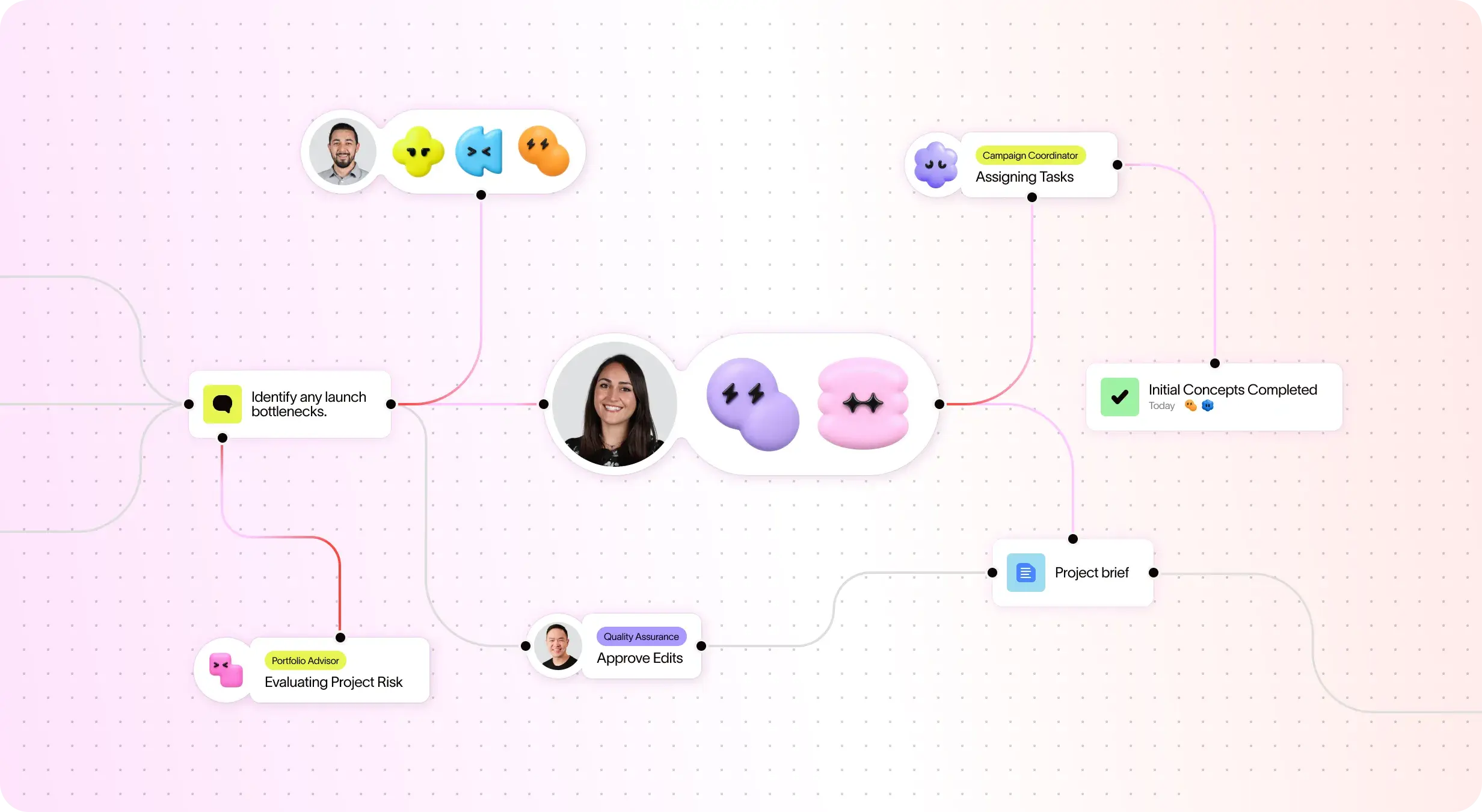
Automate workflows and manual tasks with AI Studio
Assign AI Teammates to work on tasks, projects, and goals.
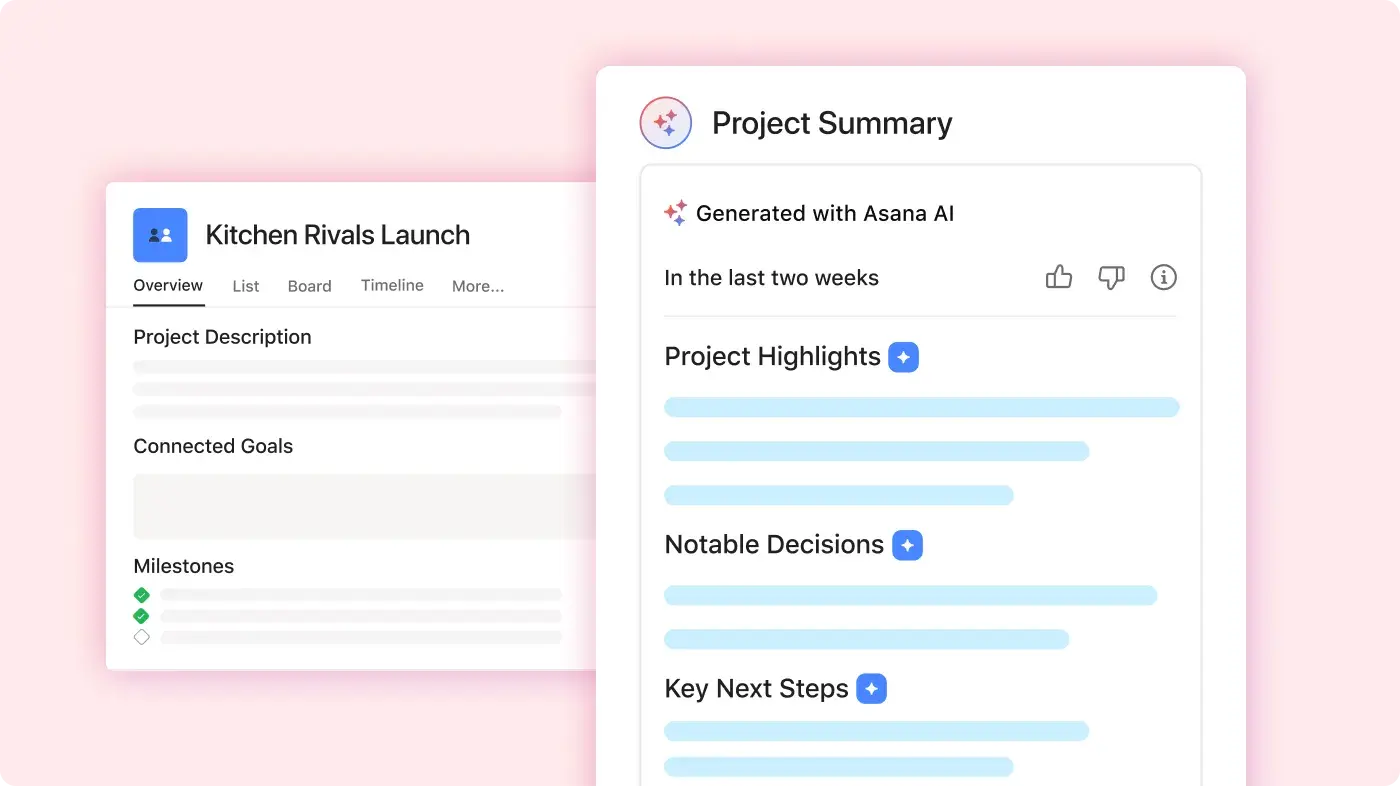
Use smart summaries to create updates, draft content, and suggest next steps.
Why our customers prefer Asana


我曾在多個團隊和多種類型的專案中使用 Asana,從行銷活動到產品開發,應有盡有。 與其他專案管理工具相比,… Asana 是我最喜歡的工具。
我使用過許多專案管理工具,包括 Monday.com、Trello、ClickUp 和 Wrike。 Asana 擁有最直覺的介面、進階整合、智慧功能以及直觀的使用者介面。

「Asana 使 ORK 的管理和追蹤變得輕鬆容易。」 我們全公司都知道關鍵的優先事項是什麼,並可相應地計劃、追蹤和報告工作。 它提高了我們的效率,故我們可以更快地執行和擴展工作。」
- Dian Rosanti,產品管理部門

「隨著 Zoom 的發展,我們需要一套標準化的檢視來查看所有正在進行的工作,以便我們確定工作的優先順序並做出業務決策。」 我們需要在工作的完成方式上實現可視度、當責、一致性以及跨團隊的知識共享。
- 安全主管 Ariel Chavan
Asana powers teams with flexible, scalable workflows
Explore how Asana helps teams of all sizes customize projects, connect tools, and report on progress all in one place.






![[比較 - Monday] 功能標籤頁 (整合和可擴展性)](https://assets.asana.biz/transform/2090e635-5343-4f52-a1ee-4e4a04a8f67e/compare-monday-fy26-features-integrations?io=transform:fill,width:2560&format=webp)
AI your whole team can actually use
Asana AI 隊友從一開始就能瞭解您的目標、專案和相依性——Trello 的基本看板結構缺乏深度,無法將日常卡片與高層策略連結起來。
Asana AI 隊友會建立整個團隊共用的記憶庫——Trello 的 Butler 自動化功能可以處理單次任務,但無法學習您團隊的整體業務情境。
每一個 AI 動作都可以在您的活動紀錄中看到,就像人類隊友一樣——Trello 的自動化功能通常是隱藏的,因此很難稽核由 AI 所驅動的變更。
What experts say about Asana
Asana is rated as a top work management platform by industry analysts and enterprise organizations.

Projects are spread across tools and inboxes
連續三年成為協作管理的領導者

No shared view of progress and deadlines
工作管理和 OKR 軟體領域的領導者,擁有超過 12,000 則使用者評論

Status updates eat the week
Every Friday, you chase updates and paste them into a deck. Then Monday's check-in runs on Friday's information, because that's the last time anyone pulled it all together. It's stale before anyone reads it. Across every project you run, manual reporting turns into a second job.
This is exactly what we built Asana to fix.


公司規模
Enterprise 版
產業
零售與消費品
Asana 的行事曆協助我們提前將工作內容可視化,評估團隊的工作負荷,並且按時交付專案。 我們可以查看接下來幾個月的內容,或者直接深入到本週,確保進展順利,實現我們的目標。
Bene Cipolla
Birchbox 採編營運總監


FAQs
Yes, Todoist offers a free plan for personal task management that includes tasks, due dates, priorities, labels, and a limited number of active projects. Todoist Pro adds more projects, reminders, filters, calendar features, and activity history. Todoist Business adds team workspaces, member management, shared templates, and centralized billing.
Asana Personal is free forever for up to two users. It includes unlimited tasks and projects, List, Board, and Calendar views, project messages, basic search, status updates, and access to supported integrations. Individuals and two-person teams can start free, then move to a paid plan when they need more project and workflow features.
Asana pricing reflects a broader range of project management capabilities. Todoist Pro primarily adds personal productivity features, while Todoist Business introduces shared workspaces and team administration. Asana Starter includes Timeline and Gantt views, forms, custom fields, dashboards, and Workflow Builder. Asana Advanced adds goals, portfolios, workload planning, approvals, proofing, and advanced reporting for teams managing connected projects.
Both products offer account protections and administrative options for business customers. Todoist Business emphasizes workspace membership, billing, and team management. Asana’s higher-tier plans support organizations requiring centralized administration, permissions, governance, and security controls. Buyers should review current plan documentation to confirm required security features before purchasing.