


ASANA VS. TODOIST
Which task management app is right for you?
Asana enables teams to plan projects, coordinate work, automate routine tasks, and track results. Todoist is designed for straightforward personal task management. Compare Asana vs Todoist.


Trusted by 85% of Fortune 100 companies









Asana vs Todoist at a glance
FEATURES
Task and subtask management
Asana offers tasks, subtasks, assignees, due dates, custom fields, attachments, and comments. Todoist provides tasks, subtasks, priorities, labels, and natural-language quick-add. Learn more.
Project views for different types of work
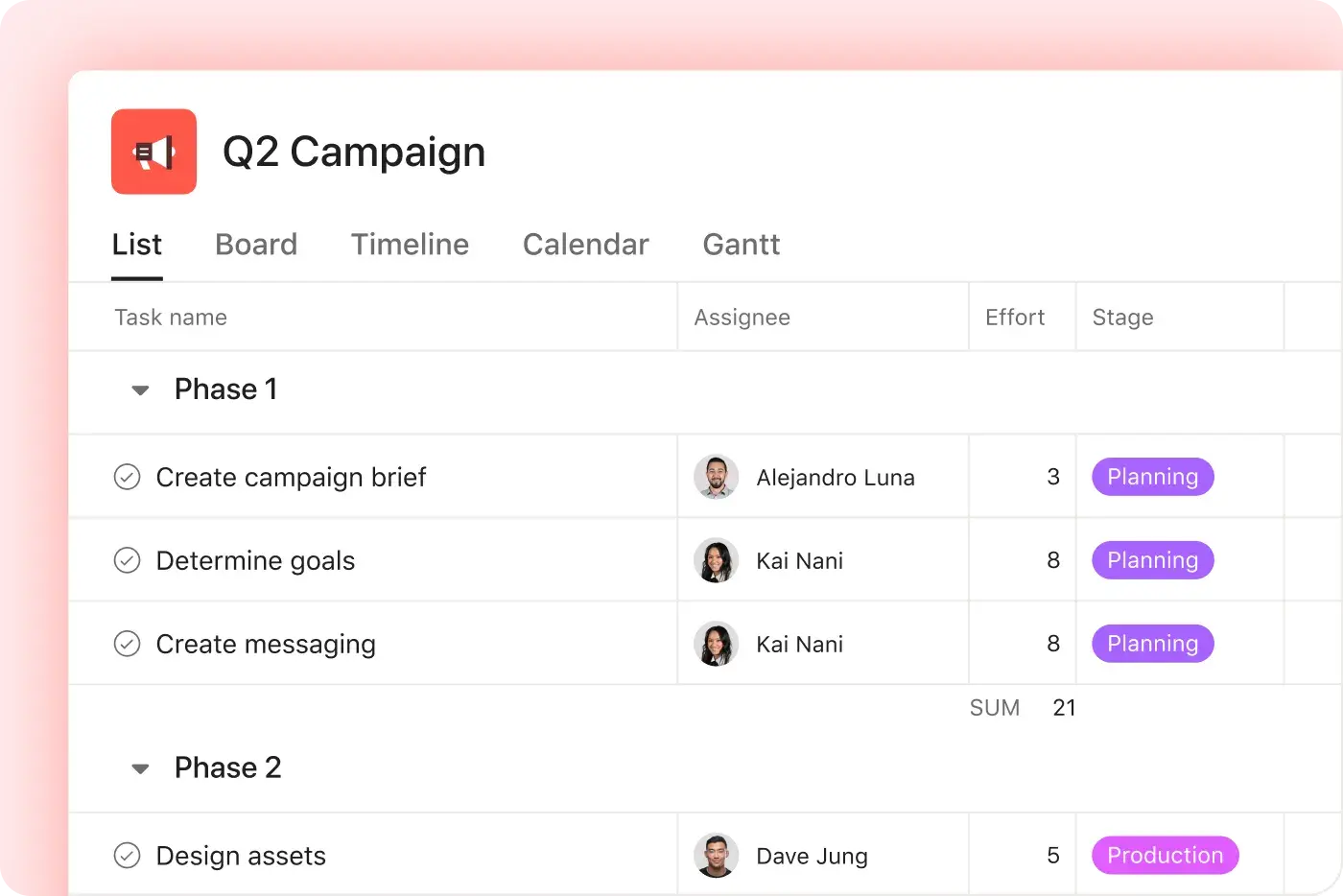
Asana provides List, Board, Calendar, Timeline, and Gantt views. Todoist offers List and Board views for organizing tasks within projects. Learn more.
Task dependencies and milestones
Asana allows teams to link sequential tasks and designate major project checkpoints as milestones. Todoist does not offer native task dependencies or milestones. Learn more.
Strategic goal tracking
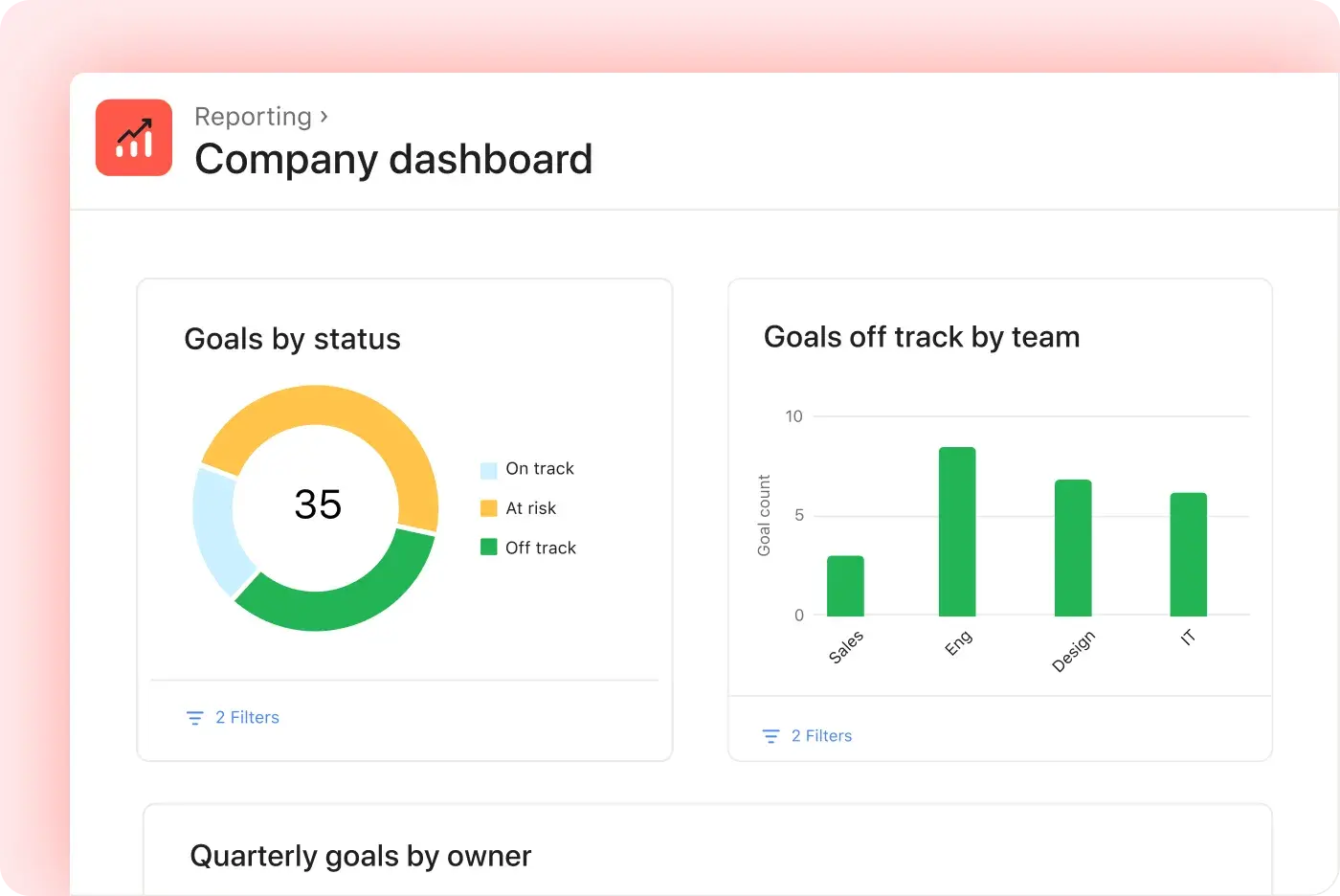
Asana enables teams to set company, team, and individual goals and link them to supporting projects, portfolios, and tasks. Todoist does not provide strategic goal tracking connected to project progress. Learn more.
Portfolio management
Asana Portfolios allow teams to group related projects, monitor project health, assign project owners, review status updates, and track shared metrics. Todoist does not offer a native portfolio feature for managing multiple connected projects. Learn more.
Team collaboration
Asana lets teams assign work, comment on tasks, send project messages, and share status updates. Todoist supports assignees and comments within shared projects. Learn more.
Native workflow automation
Asana Workflow Builder enables teams to create rules and multi-step processes without coding. Todoist does not offer a comparable native workflow builder.
AI for workflows and automation
Asana features AI Studio and AI Teammates for projects, workflows, and goals. Todoist AI supports natural-language task entry and Task Assist for task-level assistance. Learn more.
App integrations
Asana integrates with over 200 workplace tools. Todoist supports approximately 100 integrations for calendars, communication apps, and productivity tools. Learn more.
When Asana is the better option
Choose Todoist if you mainly manage personal tasks, prefer simple lists and reminders, and want fast natural-language entry. It works best when you do not need dependencies, milestones, portfolios, or reporting. For more complex teamwork, Asana offers the following features:
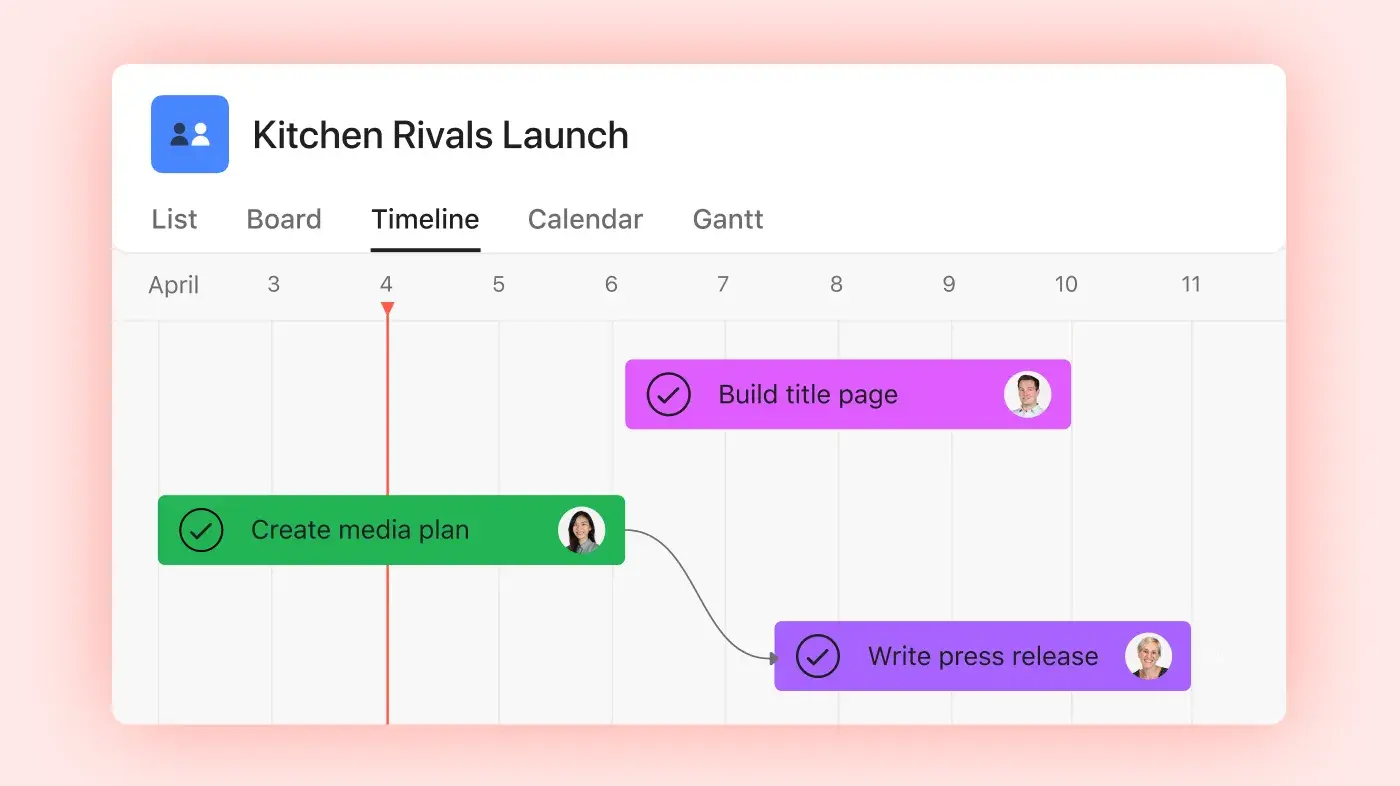
Plan every project from start to finish
The Citizenry reduced weekly reporting data entry by 6 to 9 hours after centralizing work in Asana.
Organize tasks with sections, milestones, custom fields, and dependencies.
Switch between List, Board, Calendar, Timeline, and Gantt views.
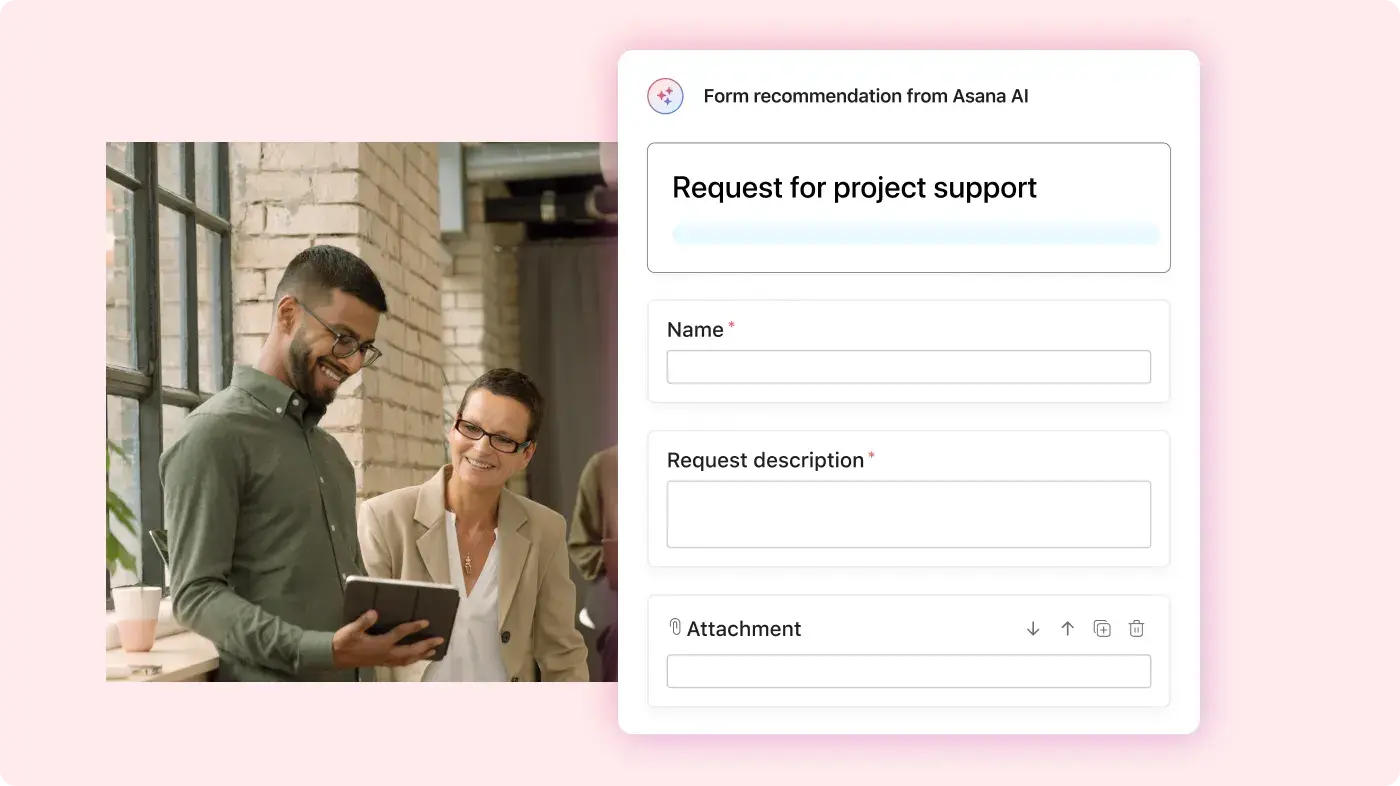
Collect requests, manage approvals, and track project details in one place.
Automate work and track progress
According to an IDC survey, Asana customers reported spending 34% less time on administrative tasks and 55% less time searching for information.
Build repeatable workflows without writing code.
Route tasks, update fields, and automatically notify teammates.
Monitor deadlines, workload, goals, and project status.
Use AI that understands your work
The 2024 State of Work Innovation report by Asana found that busywork accounts for 53% of knowledge workers’ time.
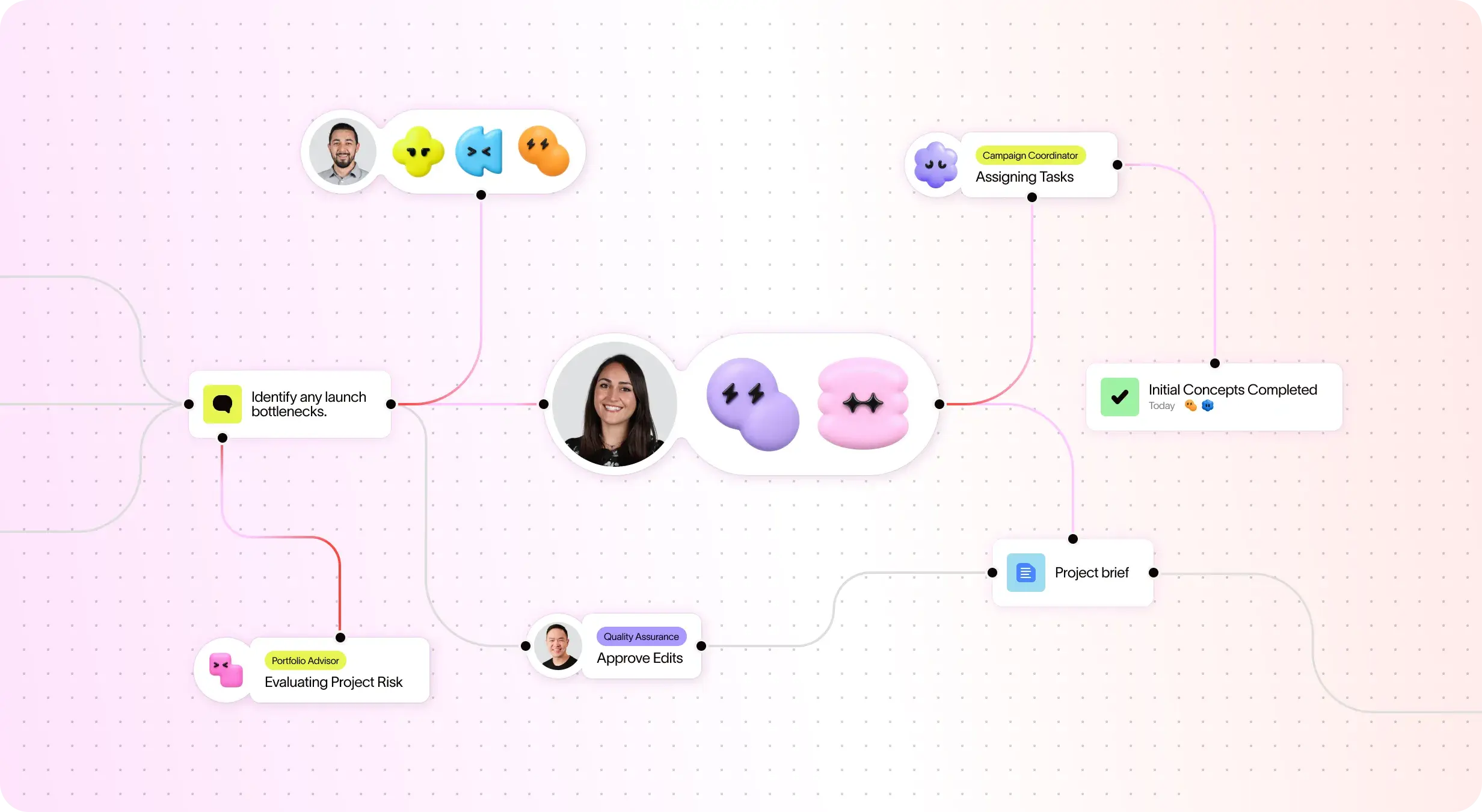
Automate workflows and manual tasks with AI Studio
Assign AI Teammates to work on tasks, projects, and goals.
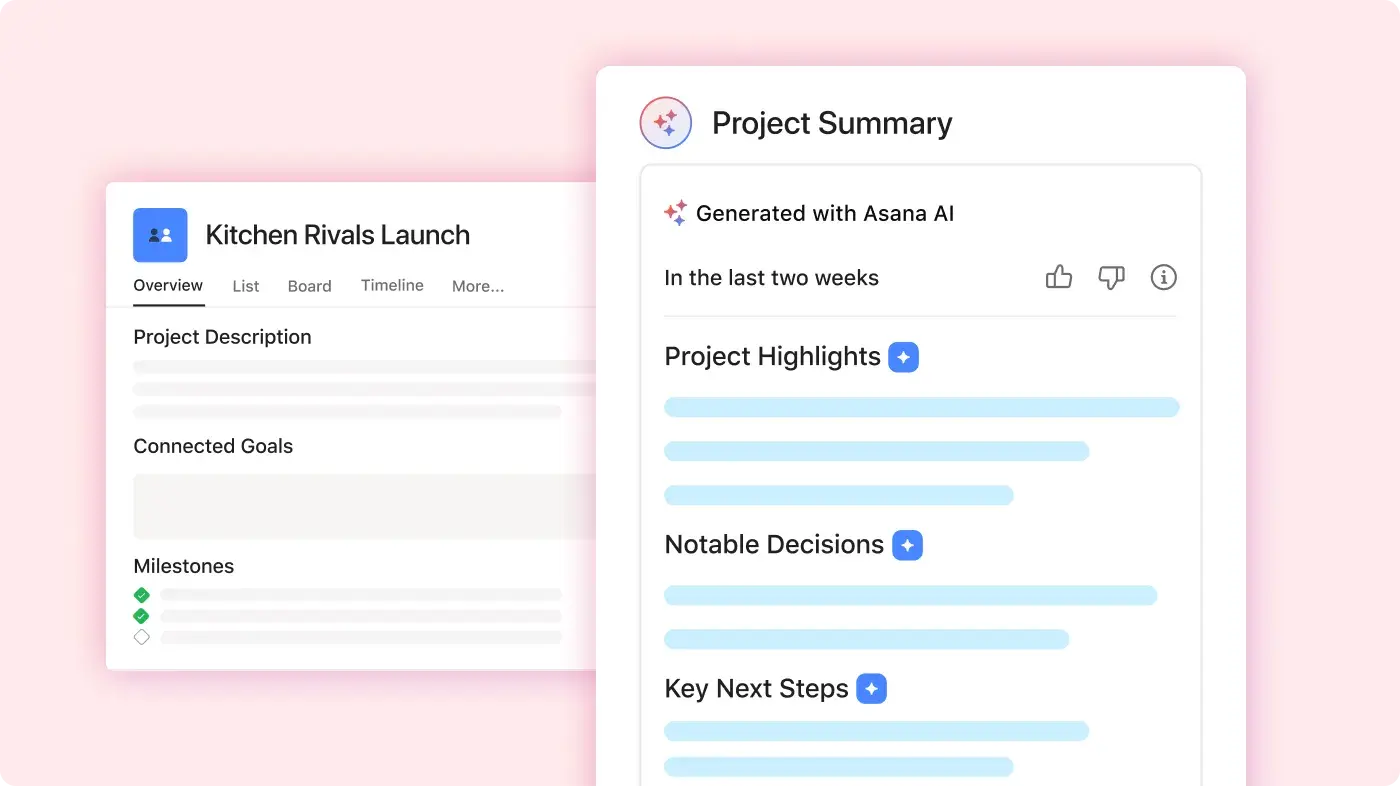
Use smart summaries to create updates, draft content, and suggest next steps.
Why our customers prefer Asana


저는 마케팅 캠페인부터 제품 개발에 이르기까지 여러 팀과 다양한 유형의 프로젝트에서 Asana를 사용해 왔습니다. 다른 프로젝트 관리 툴과 비교할 때... Asana가 제가 가장 좋아하는 도구입니다.
저는 Monday.com, Trello, ClickUp, Wrike 등 다양한 프로젝트 관리 툴을 사용해 보았습니다. Asana는 가장 직관적인 인터페이스, 고급 연동, 스마트 기능, 직관적인 UI를 제공합니다.

“Asana를 사용하면 OKR을 관리하고 추적하는 일이 수월해집니다.” 회사의 모든 인원이 주요 우선순위가 무엇인지 알고 이에 따라 업무를 계획, 추적, 보고할 수 있습니다. 이로 인해 효율이 높아져 더 신속하게 실행하고 확장할 수 있습니다.”
- 제품 관리 부문 Dian Rosanti

“Zoom이 성장함에 따라 업무 우선순위를 정하고 비즈니스상의 의사결정을 내릴 수 있도록 모든 진행 상황을 표준화된 방식으로 표시하고 싶었습니다.” 이를 위해 업무 처리 방식과 팀 간 지식 공유 방식에 대한 가시성, 책임감 또는 책임 소재를 파악할 수 있는 능력, 일관성이 필요했습니다.”
- 보안 부문장 Ariel Chavan
Asana powers teams with flexible, scalable workflows
Explore how Asana helps teams of all sizes customize projects, connect tools, and report on progress all in one place.






![[비교 - Monday] 기능 탭(연동 및 확장성)](https://assets.asana.biz/transform/2090e635-5343-4f52-a1ee-4e4a04a8f67e/compare-monday-fy26-features-integrations?io=transform:fill,width:2560&format=webp)
AI your whole team can actually use
Asana AI 팀원은 첫날부터 회원님의 목표, 프로젝트, 종속성을 이해합니다. Trello의 기본 보드 구조는 일상적인 카드를 상위 전략과 연결할 수 있는 깊이 있는 정보가 부족합니다.
Asana AI 팀원은 팀 전체에 걸쳐 공유 메모리를 구축합니다. Trello의 Butler 자동화 기능은 일회성 작업을 처리하지만 팀의 더 넓은 비즈니스 맥락은 학습하지 못합니다.
모든 AI 작업은 사람 팀원처럼 활동 로그에 표시됩니다. Trello의 자동화 기능은 종종 숨김 상태이므로 AI에 의해 이루어진 변경 사항을 감사하기가 어렵습니다.
What experts say about Asana
Asana is rated as a top work management platform by industry analysts and enterprise organizations.

Projects are spread across tools and inboxes
3년 연속 협업 관리 부문 선도 기업

No shared view of progress and deadlines
12,000개 이상의 사용자 리뷰를 통해 업무 관리 및 OKR 소프트웨어 부문 리더로 선정

Status updates eat the week
Every Friday, you chase updates and paste them into a deck. Then Monday's check-in runs on Friday's information, because that's the last time anyone pulled it all together. It's stale before anyone reads it. Across every project you run, manual reporting turns into a second job.
This is exactly what we built Asana to fix.


회사 규모
엔터프라이즈
업종
소매 및 소비재
Asana 캘린더를 사용하여 앞으로 수행할 업무를 시각화하고, 팀의 업무량을 파악하고, 프로젝트를 정시에 완료하고 있습니다. 계획대로 업무를 진행하여 목표를 달성하기 위해 향후 몇 개월 동안 수행할 일을 파악하거나 주중에 처리할 업무를 세부적으로 계획할 수 있습니다.
Bene Cipolla
Birchbox 편집부 이사


FAQs
Yes, Todoist offers a free plan for personal task management that includes tasks, due dates, priorities, labels, and a limited number of active projects. Todoist Pro adds more projects, reminders, filters, calendar features, and activity history. Todoist Business adds team workspaces, member management, shared templates, and centralized billing.
Asana Personal is free forever for up to two users. It includes unlimited tasks and projects, List, Board, and Calendar views, project messages, basic search, status updates, and access to supported integrations. Individuals and two-person teams can start free, then move to a paid plan when they need more project and workflow features.
Asana pricing reflects a broader range of project management capabilities. Todoist Pro primarily adds personal productivity features, while Todoist Business introduces shared workspaces and team administration. Asana Starter includes Timeline and Gantt views, forms, custom fields, dashboards, and Workflow Builder. Asana Advanced adds goals, portfolios, workload planning, approvals, proofing, and advanced reporting for teams managing connected projects.
Both products offer account protections and administrative options for business customers. Todoist Business emphasizes workspace membership, billing, and team management. Asana’s higher-tier plans support organizations requiring centralized administration, permissions, governance, and security controls. Buyers should review current plan documentation to confirm required security features before purchasing.