



Verdo + Asana
Resolve team decisions with structured votes, deadlines, and automatic Asana task updates when outcomes are locked.




What is Verdo?
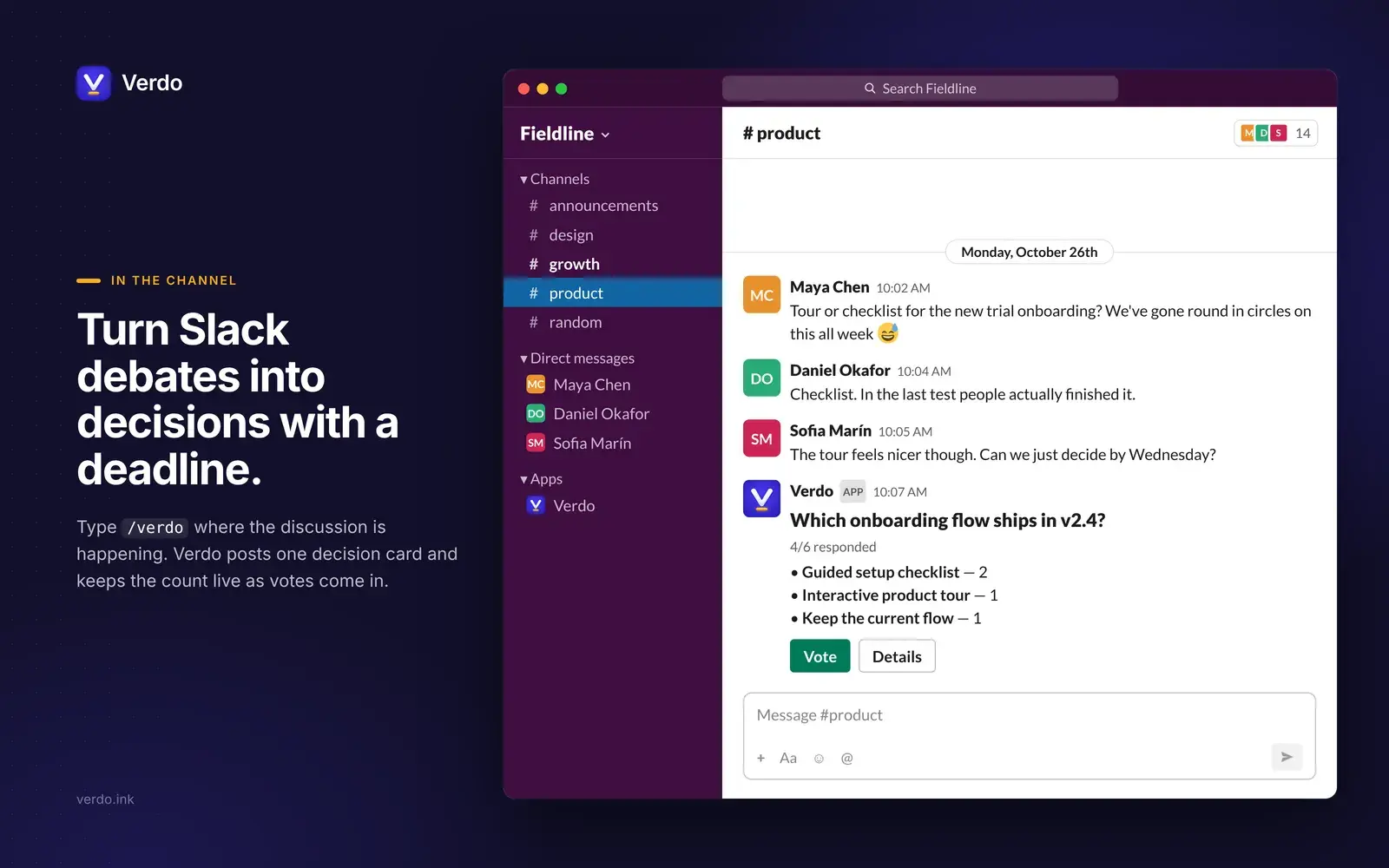
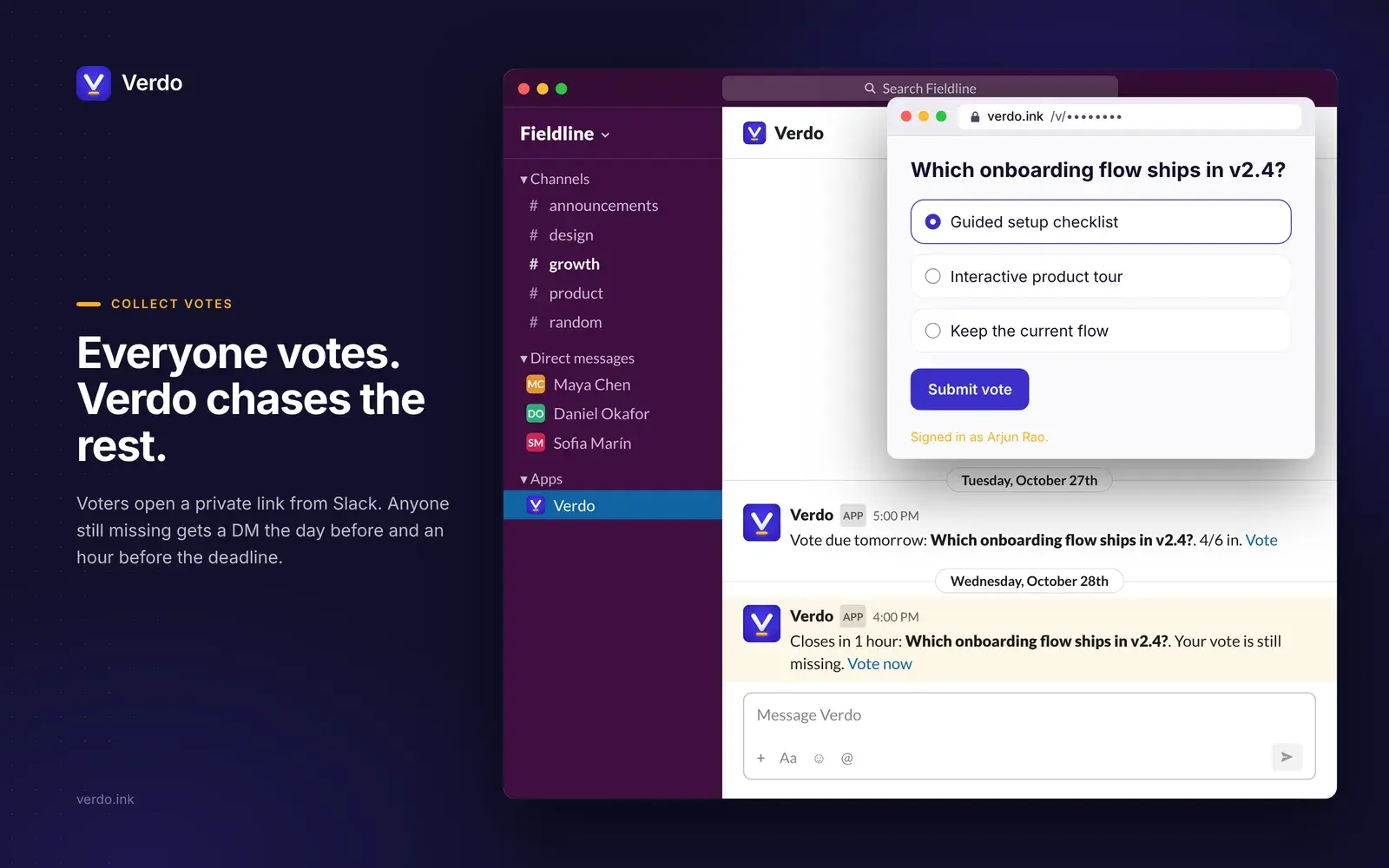
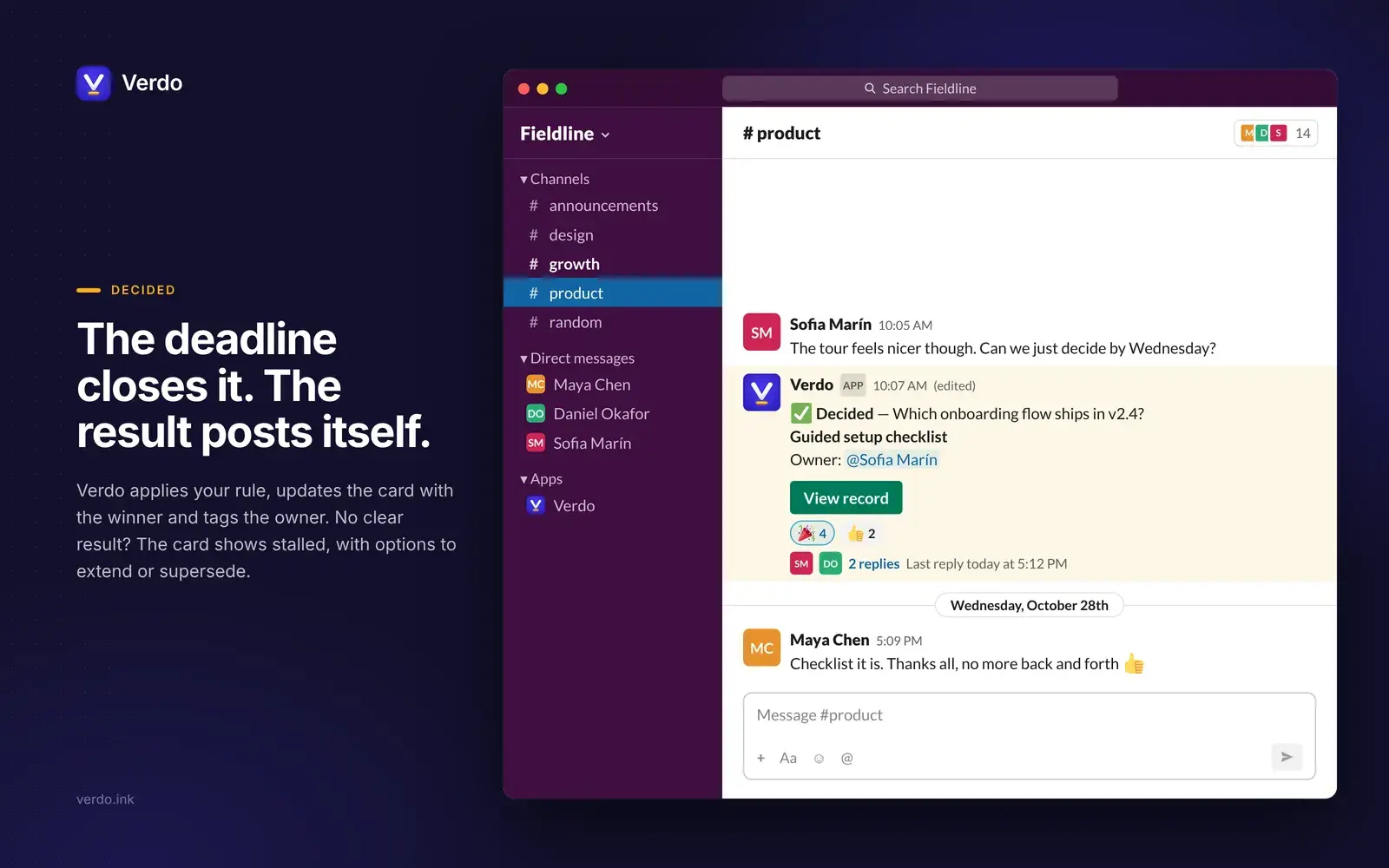
Verdo replaces the email thread and the "can you approve this?" chase with a structured decision. Create a decision with 2 to 6 options, invite voters, choose a decision rule (Majority, Unanimity, or Creator decides) and set a deadline. Each voter gets a private link and votes in the browser, no account needed.
When connected to Asana, Verdo creates a task on your chosen project whenever a decision settles. The task title is the winning option and the question, the description includes the full tally, and a link points back to the timestamped decision record. The task becomes the action item that follows the decision.
Built for engineering, product, and ops teams that lose decisions in threads. No per-seat pricing.
How to connect Verdo + Asana?
Follow these steps to connect Verdo and Asana:
Sign in to Verdo at verdo.ink and go to Settings.
Under Connected Apps, find Asana and click Connect Asana.
Authorize Verdo to access your Asana workspace.
Pick the workspace and project where settled-decision tasks should land.
Enable "Create a task when a decision settles" to automate task creation.
Every settled decision now creates a task with the winning option as the title, the full tally in the description, and a link to the timestamped decision record.
Learn more and get support
To learn more about using the Verdo + Asana integration, visit Verdo.
If you have questions, feedback, or need support, visit the Verdo support page.
Asana does not endorse or certify apps built by third-party developers. If you encounter inappropriate content or behavior, please report it here. Otherwise, please contact the app developer for support.
Collaborate effortlessly with Asana
From the small stuff to the big picture, Asana organizes work so teams know what to do, why it matters, and how to get it done. It's free to get started, simple to use, and powerful enough to run your entire business. Learn more about Asana today.