Asana tips: 3 ways to increase project visibility


85% perusahaan Fortune 100 memilih Asana¹






At Asana, we think of “visibility” as insight into who’s doing what by when. With increased project visibility, teams can work together seamlessly while still making sure nothing falls through the cracks.
But creating purposeful visibility across your entire team can be hard. Routine email updates or status meetings might feel useful in the moment, but they add up quickly—according to the Anatomy of Work Index, meetings, emails, and scheduling make up as much as 60% of an employee’s workday.
So how can you increase project visibility to make your team more aligned without adding more work about work to your plate? Try these three tips to increase project visibility with Asana, so your team always knows who’s doing what by when.
1. Maximizing project visibility with tasks
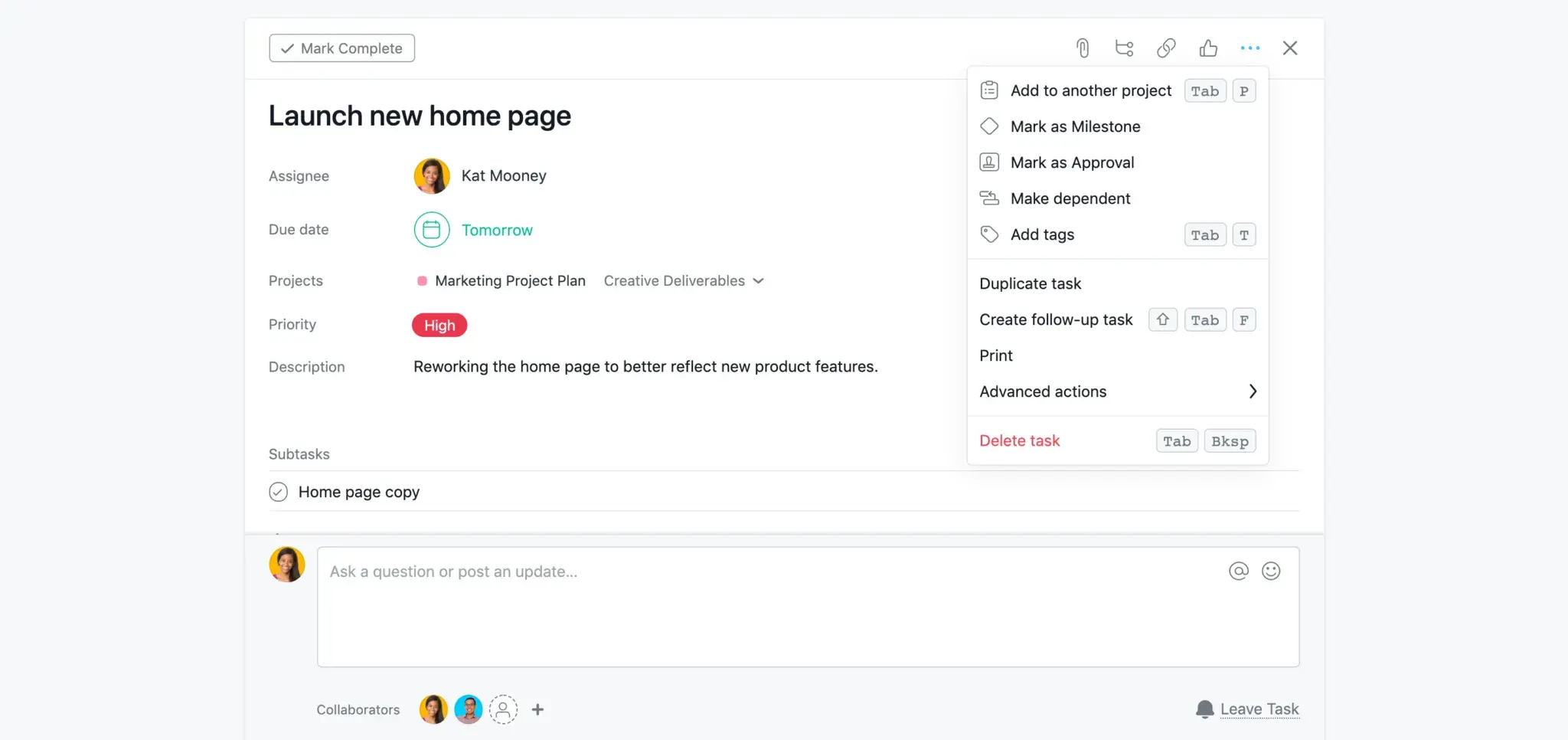
Tasks are the basic building blocks of any Asana project, and good tasks have two things: an assignee and a due date—the basic building blocks of “who’s doing what by when.” But there are even more ways to enrich tasks and give your team more visibility into your work.
Add stakeholders as task collaborators: Collaborators get notified when someone comments on a taks, completes a task, or attaches a document. Stakeholders and interested parties can join a task and stay up to date without the need to hold a status meeting or ping the person working on the task to ask when it will be done.
Break work up into subtasks: Subtasks allow you to break tasks down into smaller pieces to tackle more easily, or divide up responsibilities. For example, a task like “Publish blog post” might have subtasks for drafting the blog, reviewing the blog, and designing the graphics, each assigned to a different team member. By connecting each subtask to the main task, everyone can see the goals of the blog post and see how their work connects to the rest of the team’s work.
Start work at the right time with dependencies: If you frequently find yourself waiting on a teammate to finish a task before you can start yours, dependent tasks are your answer. Mark your task as “dependent” on theirs, and Asana will automatically let you know when they’ve completed their task so you can get started with yours. These tasks have a unique icon to help you quickly spot what might be blocked.
Review and approve work with Approvals: Approvals make it easier for reviewers to know where their signoff is needed, and for those waiting on it to know when something is approved. Approval tasks are slightly different from regular tasks—at the top bar, there are three buttons: Approve, Request Changes, Reject. You can transform any task into an Approval task.
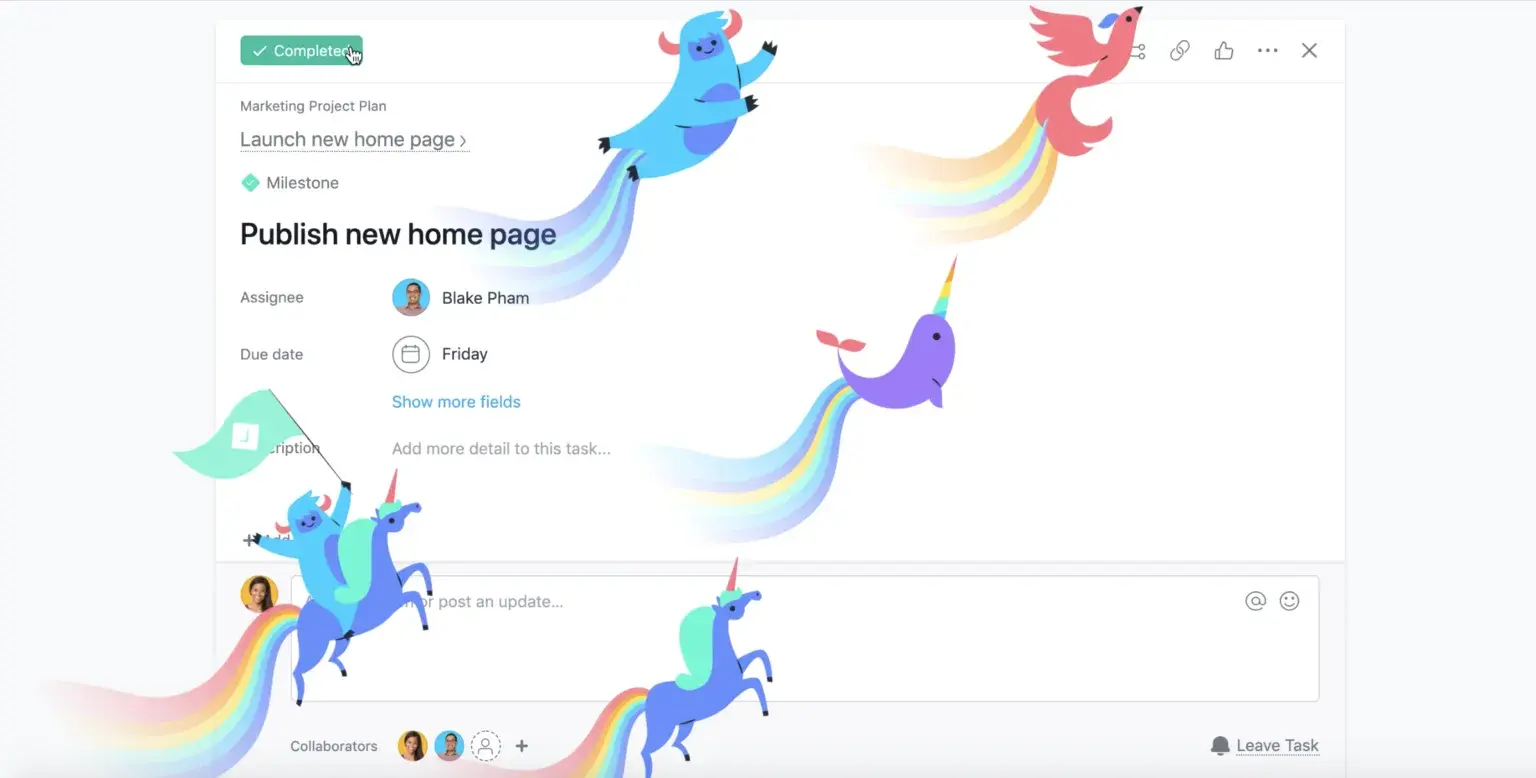
Mark your most important goals with Milestones: By marking a task as a Milestone, you can show that it represents an important goal or priority so they know to prioritize the work that helps you achieve it. Like dependent tasks, Milestones have a unique icon—in this case, a green diamond. And when you finish it, you get an extra special celebration as a result.
2. Adding tasks to multiple projects
Some of the most important work we do every day is cross-functional. But because every team has their own way of managing and recording data, half of your “cross-functional” work might just be updating teams on what work you’re doing.
That’s why, in Asana, you can add a task to multiple projects. Keep each task in the right context, maximize the task’s visibility within each project, and keep your team aligned on the work at hand—without ever duplicating work.
Here’s an example: say you’re planning your company’s annual conference and you need to finalize the event agenda. You’ve created a task that lives in your team’s “FY21 Annual Conference Plan” project. But you also want to add it to your “Weekly Team Meeting” project, since there are some action items you and your team need to discuss. Instead of creating two records of that task in each project, just add the original task to both projects. Then, if anything changes, the task will update across all the projects it’s in.
3. Using Progress reports to keep your team up-to-date
Status meetings often create more work about work—but you do need a way to keep your team updated. The “status” part of “status meeting” isn’t the problem—teams need a way to shine a light on any blockers, offer a progress report on how the timeline is looking, and re-evaluate their roadmap if necessary.
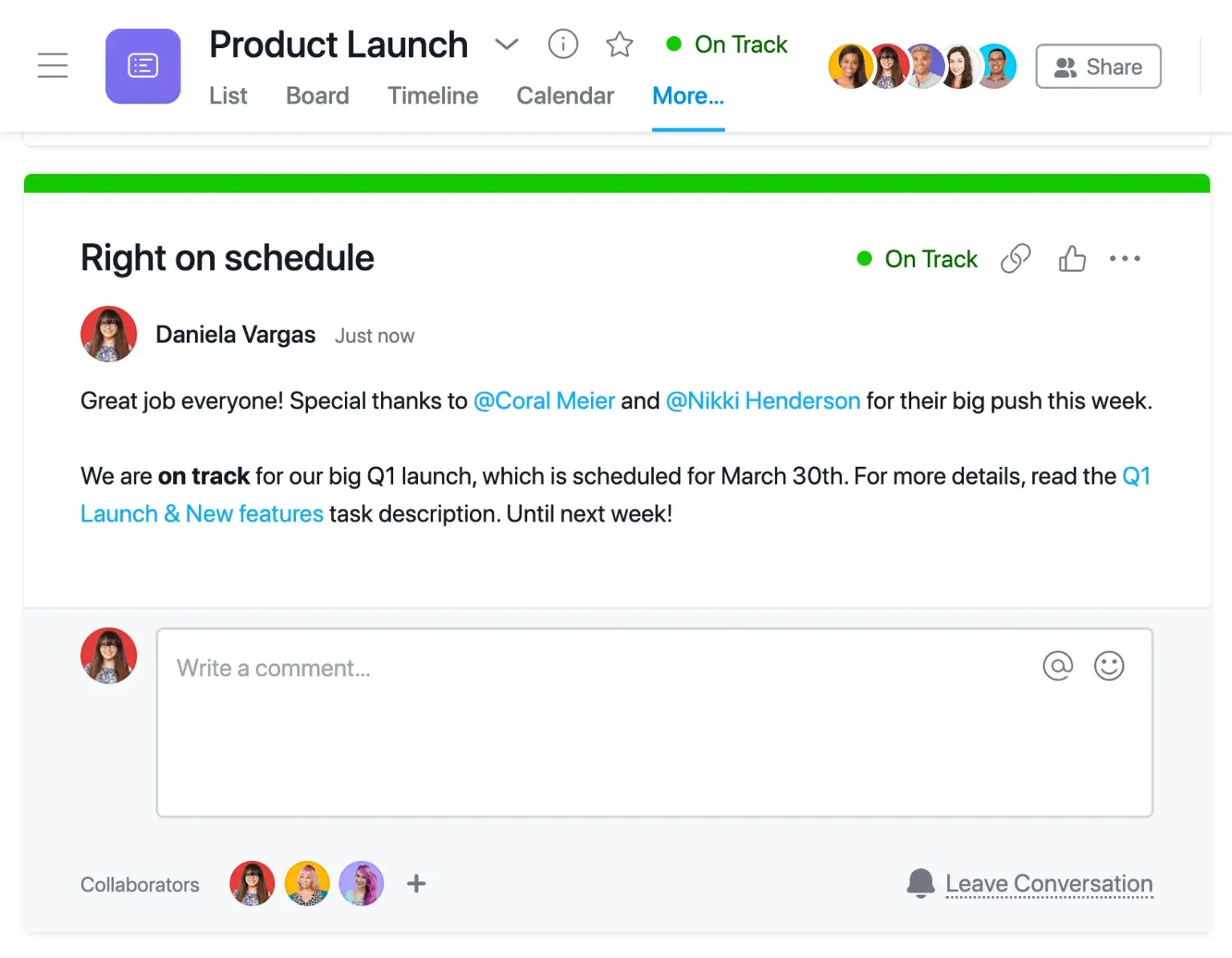
But instead of going through it in a long meeting, try updating a project’s Progress tab. Provide visibility into a project’s status by sending a status update to everyone who follows the project. Let them know if it’s “on track” (green), “at risk” (yellow), or “off track” (red). The project leader can also add a title and a description, and use @mentioning to link to specific tasks, projects, or teammates. Then, to see progress across multiple projects, add them to a Portfolio.

Strike the balance between under- and over-communicating by providing visibility through work management software like Asana. Asana can help your team do great work whether you’re working in an office or as part of a global team, but increased project visibility can be especially helpful for remote teams.
Is your team transitioning to remote work? Read more about how Asana can help your remote team collaborate, and sign up for free.