


![[Compare - Monday] Hero](https://assets.asana.biz/transform/e2c8d0ab-d011-42c3-ae49-73a3f261c188/Wrike-Hero?io=transform:fill,width:2560&format=webp)
從新創公司到《財星》百大企業,超過 170,000 個團隊* 信賴 Asana





![[標誌] Goodrx - AI](https://assets.asana.biz/m/464cae48ddeaf94a/original/WEB-AI26-buyer-goodrx-logo.svg)
![[標誌] Clear Channel Outdoor](https://assets.asana.biz/transform/9120e59d-a371-4090-96b7-7c05b4a46876/WEB-AI26-builder-clear-channel-outdoor?io=transform:fill,width:2560&format=webp)


FEATURES
為團隊打造的人工智慧
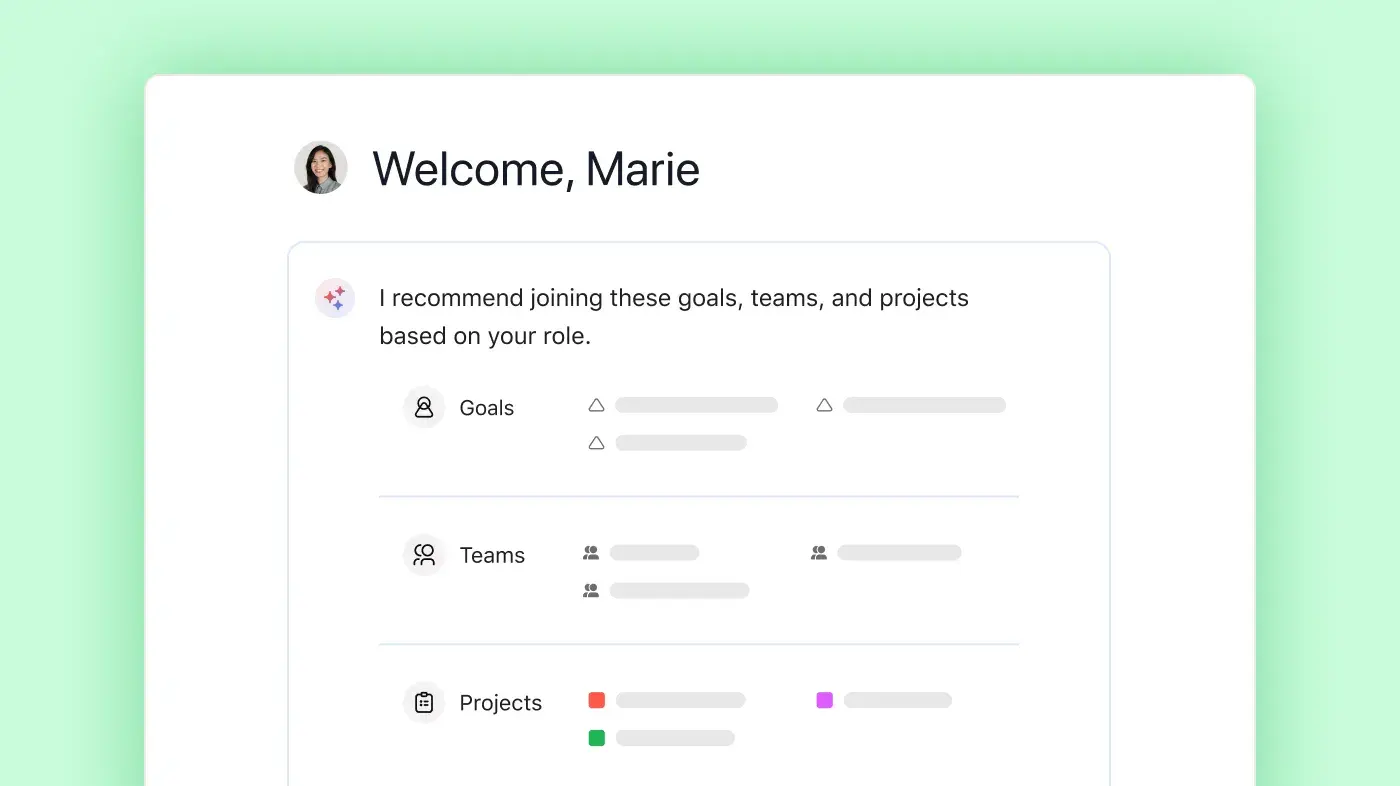
Asana AI 隊友是由 Work Graph 提供支援的 AI 代理,因此他們從第一天起就瞭解您團隊的目標、專案和相依性,且每個 AI 動作都是可查看且可稽核的。 深入瞭解。
直觀的全公司報告功能
Asana 提供隨 Business 版而變化的即時報告功能。 團隊可以透過儀表板和深入解析,追蹤數千個專案和任務中的目標、專案集和績效指標,從而將策略與執行加以連結。 深入瞭解
專案與工作流程自訂
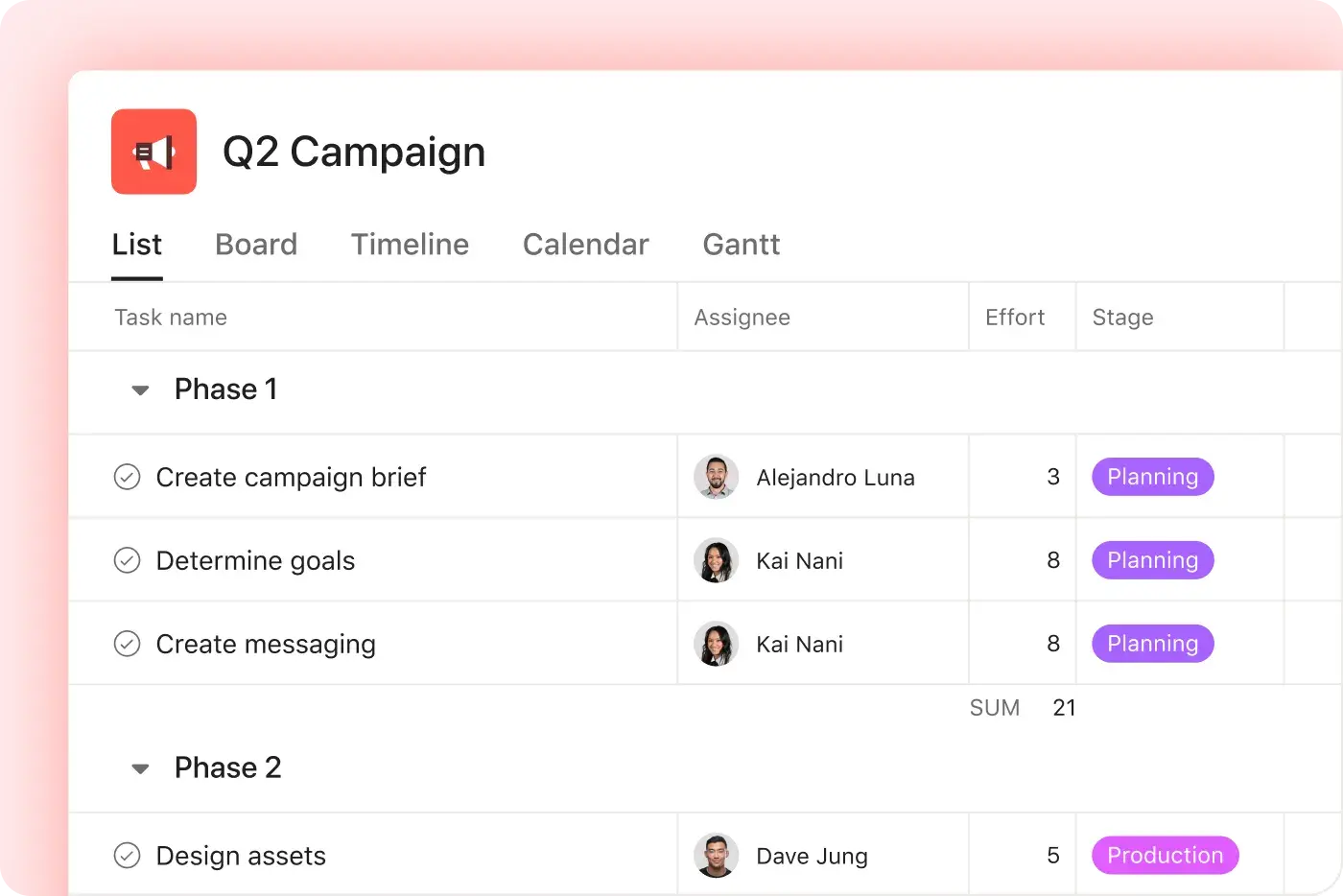
Asana 提供結構清晰、易於使用的自訂功能,包括自訂欄位、多種專案檢視方式和範本,使團隊能夠快速適應並有效管理工作流程,而不會增加複雜度。 深入瞭解
有條理的上線引導和指引,加速採用速度
Asana 將直觀的介面與全面的引導流程、應用程式內指引、範本、核對清單以及 Asana 學院培訓相結合,使團隊能夠在單一平台上從任務追蹤擴展到企業專案集管理。 深入瞭解
超過 400 項整合,實現工作連結
Asana 提供 400 多項整合,可與 Slack、Microsoft Teams、Google Drive 及 Salesforce 等熱門工具整合,使團隊能夠連結跨專案與部門的工作流程,並有效地擴展協作。 深入瞭解
跨工作的集中式更新
Asana 將溝通和專案更新串聯在同一處。 評論、檔案分享和集中式收件匣有助於讓每個人都能掌握最新進度,而且任務可存在於多個專案,因此更新會自動在團隊之間流通。 深入瞭解
我們的客戶為什麼偏好 Asana


「在嘗試過 Smartsheet 和 Monday 等其他平台後,我們發現 Asana 的設計最乾淨、最易於使用,且無需大量訓練。Asana AI Studio 徹底改變了工作流程和協調的自動化。」
- 財務長 Brandon H.
「在嘗試過 Smartsheet 和 Monday 等其他平台後,我們發現 Asana 的設計最乾淨、最易於使用,且無需大量訓練。Asana AI Studio 徹底改變了工作流程和協調的自動化。」
- 財務長 Brandon H.
「在嘗試過 Smartsheet 和 Monday 等其他平台後,我們發現 Asana 的設計最乾淨、最易於使用,且無需大量訓練。Asana AI Studio 徹底改變了工作流程和協調的自動化。」
- 財務長 Brandon H.
「在嘗試過 Smartsheet 和 Monday 等其他平台後,我們發現 Asana 的設計最乾淨、最易於使用,且無需大量訓練。Asana AI Studio 徹底改變了工作流程和協調的自動化。」
- 財務長 Brandon H.
Asana 透過彈性、可擴展的工作流程為團隊提供動力
探索 Asana 如何協助各種規模的團隊在一處位置自訂專案、連結工具並報告進度。


![[比較 - Monday] 功能標籤頁 (報告和分析)](https://assets.asana.biz/transform/8aa41d60-779d-45ab-b1a1-c3405c6b42e3/compare-monday-fy26-features-reporting?io=transform:fill,width:2560&format=webp)
![[比較 - Monday] 功能標籤頁 (自訂與個人化)](https://assets.asana.biz/transform/9320191e-4027-40b5-afaf-ce7577cafad0/compare-monday-fy26-features-customization?io=transform:fill,width:2560&format=webp)


您整個團隊都能真正使用的 AI
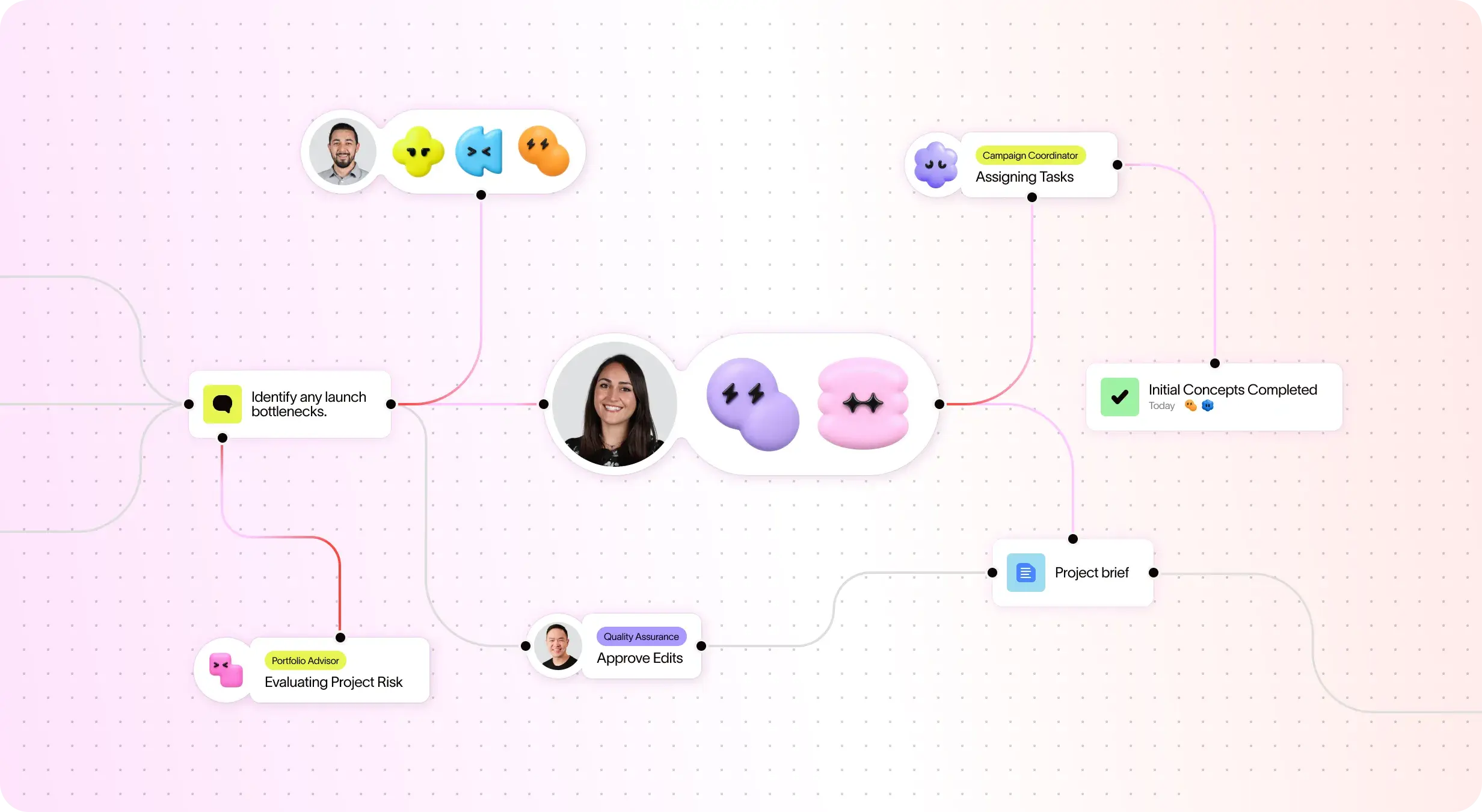
Asana AI 隊友從一開始就能瞭解您的目標、專案和相依性——monday.com 的單一看板模式無法提供如此深入的資訊。
Asana AI 隊友會建立整個團隊共用的記憶庫,而 monday.com 的智慧助理在每個工作階段之間會重新設定,因此您的團隊每次都要從頭開始。
每一個 AI 動作都會顯示在您的活動紀錄中,就像隊友一樣。monday.com 將代理程式的動作歸因於人,從而造成當責方面的盲點。
專家對 Asana 的看法
Asana 獲業界分析師和企業組織評為最佳工作管理平台。

Projects are spread across tools and inboxes
連續三年成為協作管理的領導者

No shared view of progress and deadlines
工作管理和 OKR 軟體領域的領導者,擁有超過 12,000 則使用者評論

Status updates eat the week
Every Friday, you chase updates and paste them into a deck. Then Monday's check-in runs on Friday's information, because that's the last time anyone pulled it all together. It's stale before anyone reads it. Across every project you run, manual reporting turns into a second job.
This is exactly what we built Asana to fix.


公司規模
Enterprise 版
產業
科技
擴大規模就是要讓我們的員工有能力使用 Asana,而無需專案經理把關。 我們希望保持高度靈活性,並提供足夠的指引,讓人們能夠建立自己的專案。
Marc Seitz
威脅與弱點管理資深安全計劃經理,Zoom



常見問題
Migrating your projects to Asana is straightforward, with dedicated onboarding resources and step-by-step guides to walk teams through the process. For larger teams or complex projects, Asana also provides professional services and guided support to reduce the risk of data loss and ensure a smooth transition.
Wrike migrations often require more manual setup and technical knowledge, which can slow adoption for teams with many projects. Asana’s structured onboarding, built-in guidance, and additional professional services make it easier to move work into a single platform, enabling teams to begin managing projects and tracking tasks quickly without disrupting ongoing workflows.
Asana provides a comprehensive suite of onboarding resources to help teams learn the platform quickly, including Asana Academy. Teams can access self-paced courses, live webinars, and in-app onboarding checklists to reduce the learning curve and make project management accessible, even for larger teams or those with limited IT support. These resources support efficient adoption and help teams master key features at their own pace.
Wrike has a less intuitive interface, which can slow adoption and make it harder for teams to get started. Asana’s structured learning tools and step-by-step guidance make it easier for teams to understand workflows, standardize practices, and begin managing projects effectively from day one.
Asana protects your organization’s data with enterprise-grade security controls and maintains a robust set of compliance certifications suitable for regulated industries. Teams can access detailed security and compliance documentation to understand how Asana meets requirements for data privacy, auditability, and regulatory standards, helping ensure a secure and compliant transition when migrating from Wrike to Asana.
Wrike offers security features, but Asana’s transparent documentation and compliance framework make it easier for organizations to verify regulatory adherence, manage sensitive data, and maintain secure workflows across teams, especially during onboarding and migration.
You can keep your existing workflows when moving to Asana, thanks to native integration with over 400 tools and robust support resources. Asana also provides integration guides and workflow templates to help you connect your current project management software and processes without major disruption.
Wrike supports integrations but often requires additional configuration or add-ons to fully connect tools and workflows, which can make it harder to maintain established processes. Asana’s flexible platform and native integrations allow teams to transition smoothly while preserving how they already work and improving overall efficiency.
唯一可以為您的公司提供各種規模支援的平台
*準確性僅至 2025 年 12 月