Deliver standout marketing with new features and integrations for marketing and creative teams

For the past decade, marketing and creative teams have had access to an exploding number of technology solutions to do everything from delivering ads and content across their channels to tracking and optimizing digital performance. In fact, marketers can now choose from nearly 7,000 tools. But while the vast majority of these tools are focused on distribution, marketers spend most of their time on all the work that happens before that step: planning, creating, reviewing, and approving work. Without a way to manage the entire marketing process, team members miss important deadlines and milestones that throw plans off track and leaders have no visibility into where work stands or whether it will happen at all.
Today, we’re excited to announce five new features and integrations designed to give your team an end-to-end solution to run the entire marketing and creative process. Some of the world’s best brands, like Stance, already manage their marketing and creative work in Asana. With the addition of forms, proofing, and an approvals workflow—plus integrations with Litmus—we’re excited to see what marketing and creative teams accomplish next using Asana.
From kickoff to launch: Manage every step of your marketing process
With our new features and integrations for marketing and creative teams, and existing features like custom fields, Timeline, and Portfolios, you can manage all of your important initiatives and programs from start to finish in one place, including:
Marketing strategy and execution
Creative production
Campaign management
Product launches
Event management
Editorial calendar

Asana has been instrumental in enabling our team to grow by 6X this year and successfully scale our processes to our new size so we could effectively execute our strategy.”
Kick off work with forms
Behind every great marketing campaign, launch, and event are multiple deliverables and creative assets. But when work isn’t kicked off properly, teams end up wasting time tracking down the information they need to complete their work on time.
With forms, it’s now even easier to kick off work in Asana. Add a form to a project to capture all the information you need up front, including custom fields for details like priority level, marketing channels, and more. Forms can be shared with anyone, from internal marketers to external agency partners and vendors (even if they’re not yet on Asana), so teams can easily request work for their campaign, product launch, event, or editorial calendar.
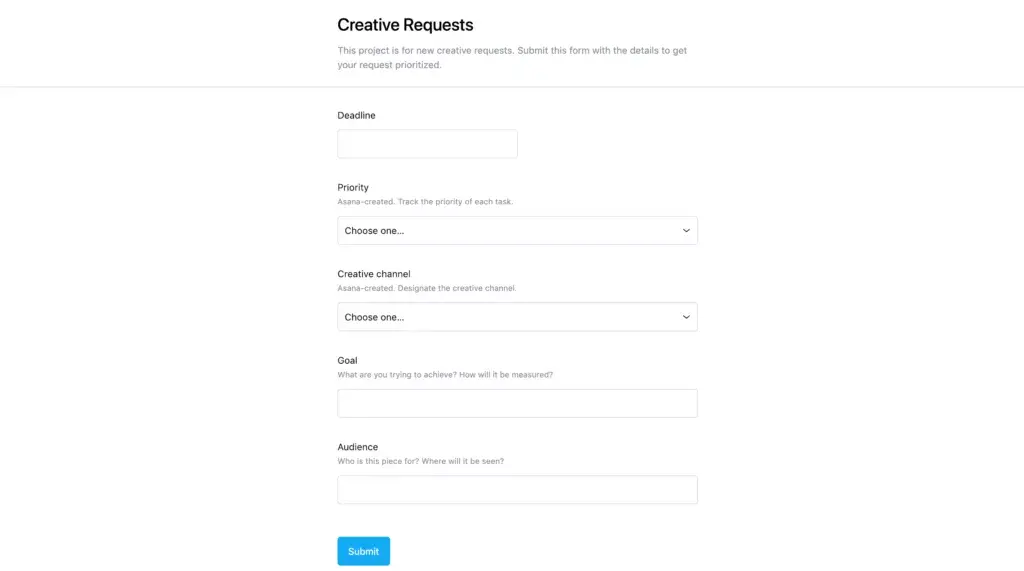
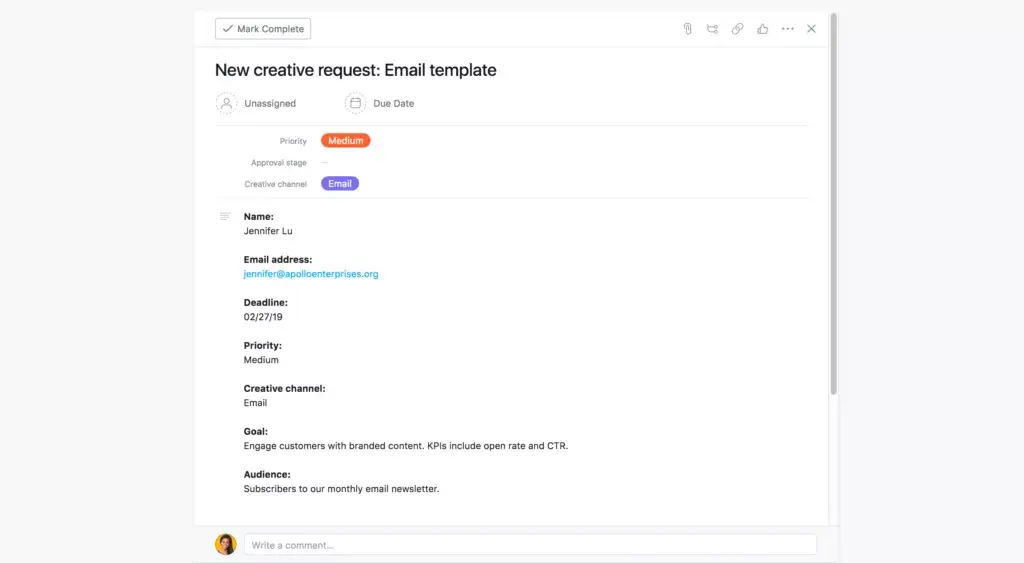
Each submitted form will get added to your project as a new task, which is automatically assigned to the project owner so nothing falls through the cracks. You can then add stakeholders as followers to individual tasks so everyone can stay up to date as work progresses.
Hit every deadline with Timeline
As work gets kicked off, you can use Timeline to map out your project plan. Whether you’re running an event, launching a new product, or managing a campaign, Timeline makes it easy to see how all the pieces of your plan fit together and spot timing conflicts before they hit. With Timeline, you’ll feel confident that your project will launch on time and on budget.
Give feedback with proofing
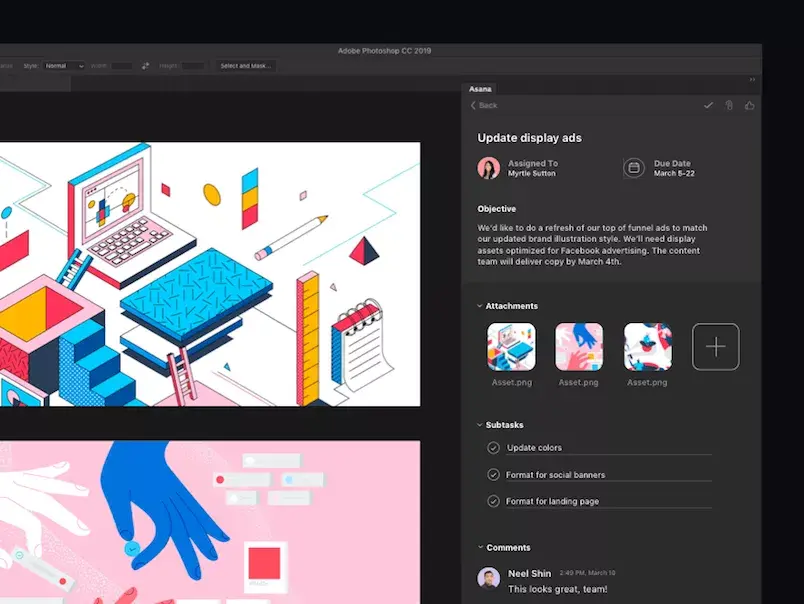
Once your teams start producing assets and deliverables, the next step in the process is getting stakeholder feedback. We’ve made that even easier with the launch of proofing in Asana. Now when you open an image from a task on desktop or mobile, you’ll see an option to Add feedback, which lets you click on a specific area, and leave feedback about that part of the image. Your feedback will be added as a subtask and assigned to whoever uploaded the image.
So instead of scheduling multiple in-person review meetings or sending long emails with every change listed out, you can give actionable and specific feedback right from Asana and track next steps to ensure that your feedback gets incorporated.
Sign off on work with an approvals workflow
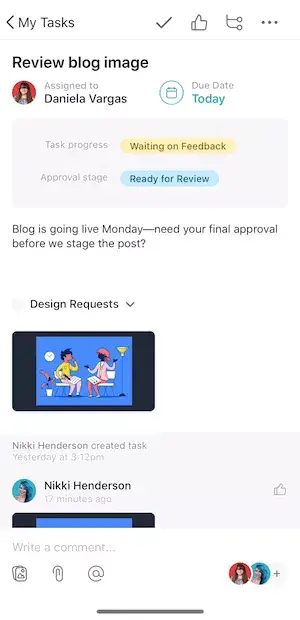
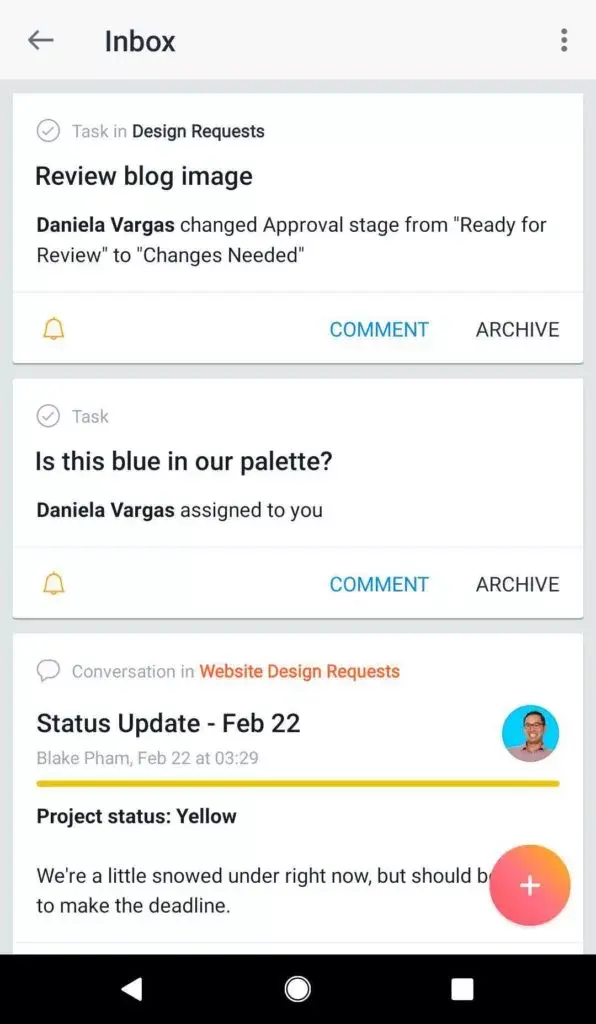
When you’re working with multiple assets and deliverables, not knowing whether something is approved or not can lead to delays and frustration. Custom field notifications change that. Track each stage of your process by adding our “Approval stage” custom field to your project and turning on notifications for it. Whenever a task moves to a new stage, you’ll get a notification so everyone involved stays on the same page about the work’s status and no one’s wasting time waiting for confirmation or changes.
Monitor progress with Portfolios
At any given time, your marketing team could be working on dozens of campaigns, events, content deliverables, and product launches. As a marketing leader, you can make sure that every program and initiative gets planned, managed, and executed successfully by using Portfolios to monitor progress.
Asana + the marketing and creative tools you love
In addition to new features, today we’re announcing two new integrations with Litmus. Along with our existing Dropbox, Slack, and GSuite integrations, they make it even easier to manage all your marketing and creative work in Asana.
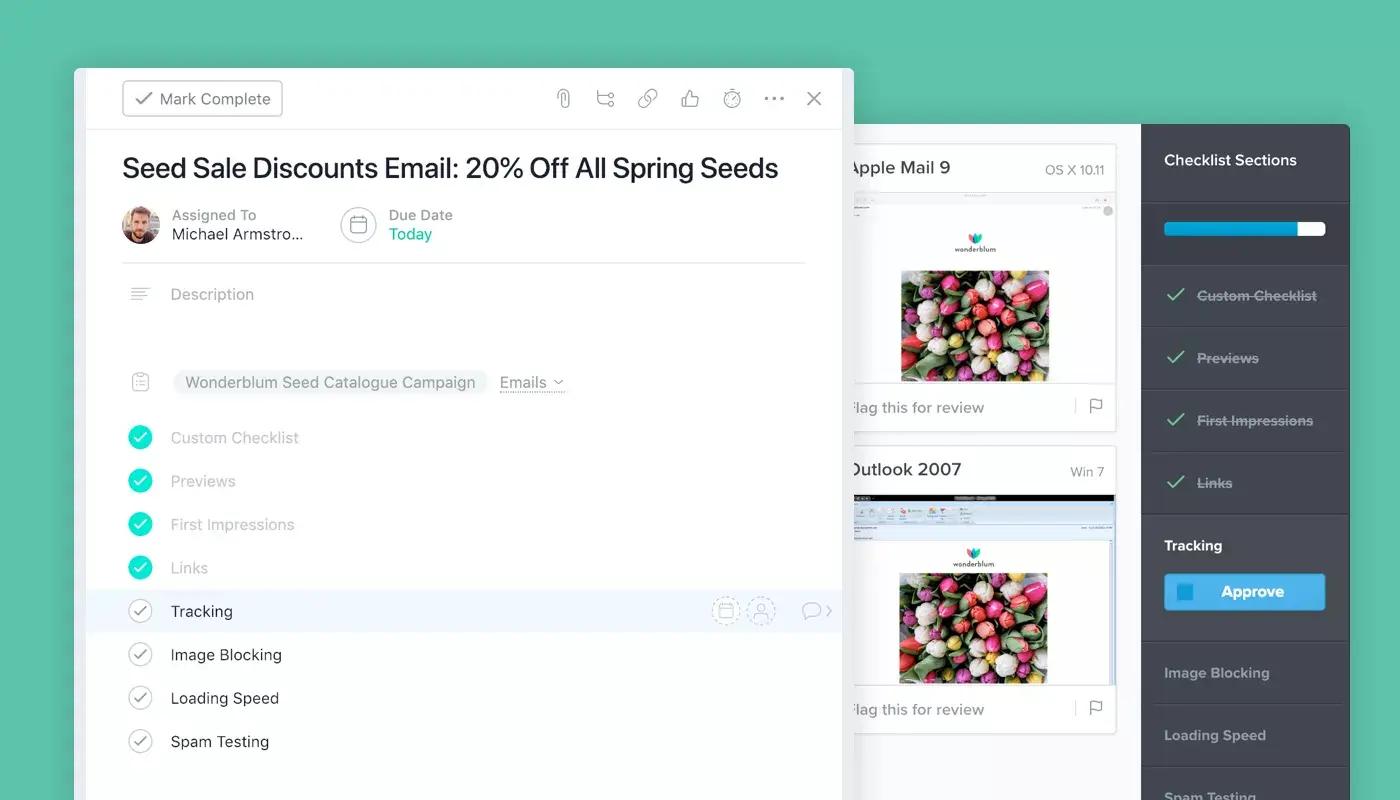
If you rely on email as a marketing channel to reach your audience, our new Litmus integration helps you easily manage your email creation and testing workflow, so you can execute flawless email campaigns, faster. Sync your Litmus Checklist to Asana so you don’t miss any broken links or images before hitting send on your next email newsletter.
Run your entire marketing process with Asana
We can’t wait to see what your marketing and creative teams do next with Asana. If you’re already an Asana Business customer, you can start using forms, proofing, approvals workflow and Litmus integrations today. If you’re not yet on Asana Business, you can try it for free now or talk to our sales team to learn more.
![[Pemasaran Versi Musim Semi 2026] Gambar Hero](https://assets.asana.biz/transform/365f4526-36ae-48a9-b24e-d5835d7b1d9a/FY26-Spring-Blog-image-1578-x-1052?io=transform:fill,width:2560&format=webp)