


Turn messages into action with the new Asana for Slack

Fast-moving teams communicate with each other about work all day–often in a real-time messaging tools. But in addition to communicating about their work in tools like Slack, teams need to coordinate their work—-to plan out who’s doing what by when, track progress, and make adjustments as things change.
That’s where work management apps like Asana come in. When teams connect Asana and Slack, they can turn conversations into action items in Asana with clear accountability, so that nothing falls through the cracks.
Get Asana updates in Slack, take action on those updates, and even turn Slack messages into Asana tasks or comments—without leaving Slack.
Today we’re excited to announce that the new and improved Asana for Slack integration is now available. With this new version of the integration, your team can get Asana updates in Slack, take action on those updates, and even turn Slack messages into Asana tasks or comments—-without leaving Slack.
Communicate and coordinate seamlessly
When you turn your team’s Slack messages into tasks and projects in Asana, everyone will know who’s doing what by when—no matter which tool they’re using. The team at Food Network relies on Slack and Asana to keep their team in sync and moving quickly.

Our team relies on Slack for real-time communication and Asana for coordinating our work. With this new integration we’ll be able to keep everyone in sync across the two tools, hold teammates accountable for their work, and move faster as a business.”
Turn ideas and conversations into actions
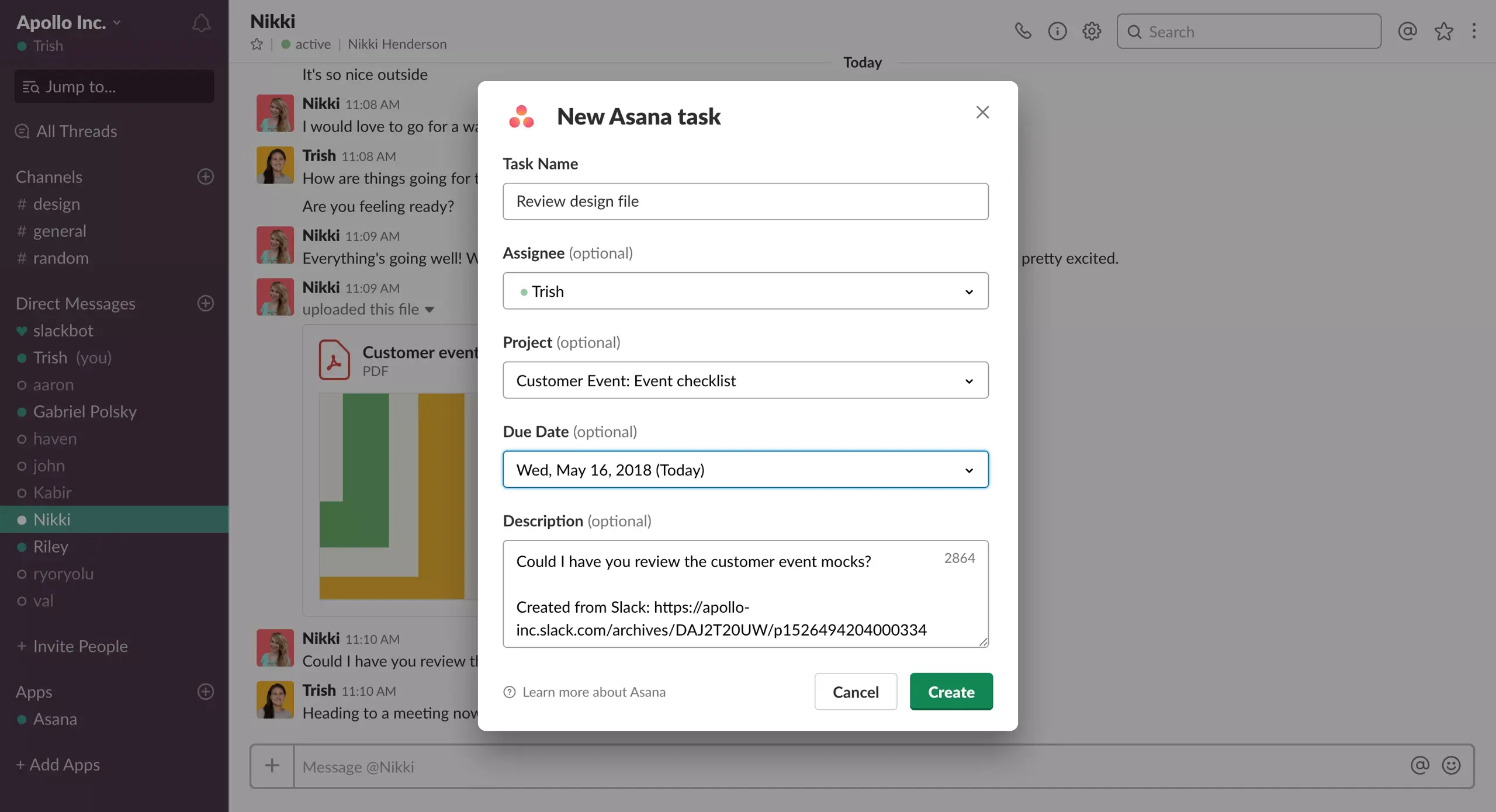
What often starts out as bouncing ideas off another teammate in Slack, often evolves into new work that needs to be done. Now you can turn these action items into trackable Asana tasks.
Using the new actions menu in Slack, you can capture all the details of a new task: who’s responsible for it, when it’s due, what needs to be done, and what project it’s for–so nothing falls through the cracks.
And you can also add Slack messages to existing Asana tasks as comments so you keep important updates and context tied to the work it’s about.
Take action on Asana tasks without leaving Slack
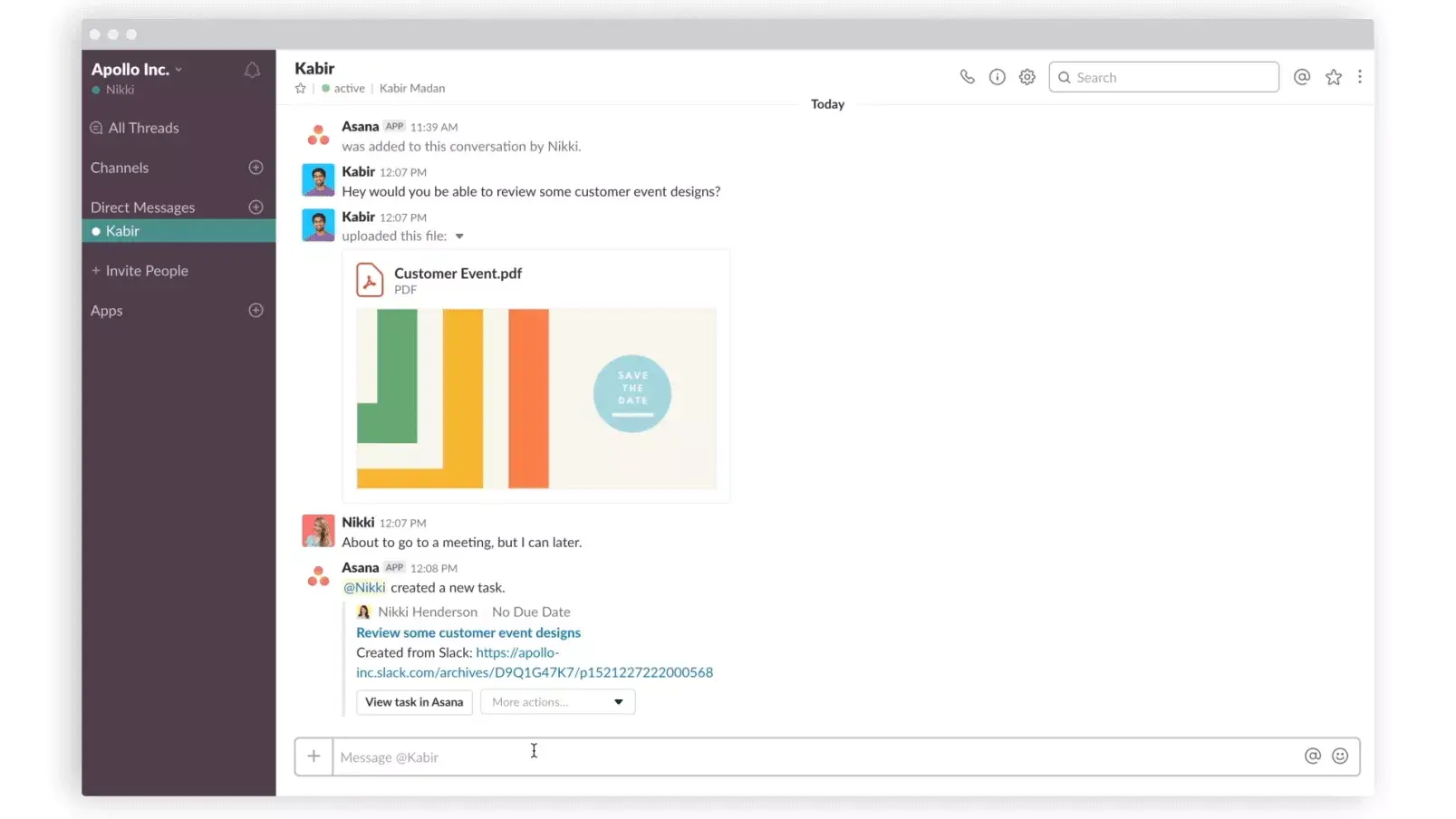
With the new integration, you can take action on Asana tasks right from within Slack. When you get an Asana notification or a teammate shares an Asana task link with you, you can complete it, change the assignee and/or due date, add it to a project, or open it in Asana. You won’t need to switch between tools, so you can stay in your workflow.
Meet your team where they are
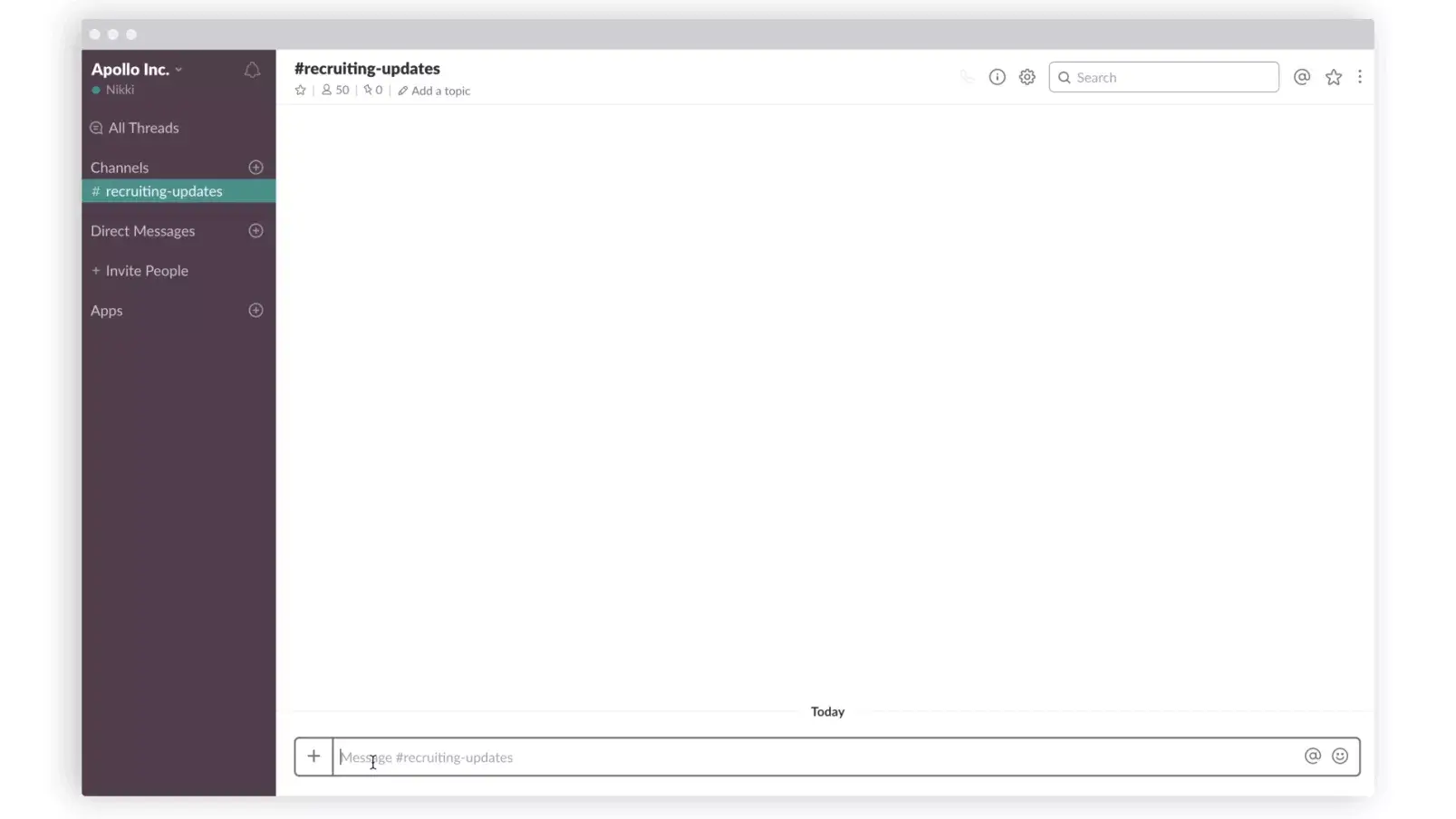
Since you’re already messaging teammates about work in Slack all day, why not get updates on tasks and projects being managed in Asana there too? Now you can get notifications for updates to work assigned to you and tasks you’re following. And you can set up Slack channels to get notifications from specific projects, so everyone stays up-to-date on progress being tracked in Asana.
The new Asana for Slack integration makes work more seamless, whether team members spend time in Asana or in Slack. It reduces the number of open questions within our product team so we can build better product, faster.”
Get Asana for Slack
It’s frustrating when you’re working hard to move faster, but to-dos keep falling through the cracks and your team doesn’t know where work stands. The new Asana for Slack makes it easy for you and your team to stay on track, so you hit your deadlines and reach your goals.
Install the new Asana for Slack to start turning your messages into action items now. For step-by-step instructions on how to use this new integration, visit the Asana Guide.
Editor’s note: The new Asana for Slack is now available, however Actions from Slack are slowly rolling out to customers on May 22, 2018. Hang tight if you don’t see Actions yet.