


New for Asana mobile: tags, Spotlight search, 1Password, and more
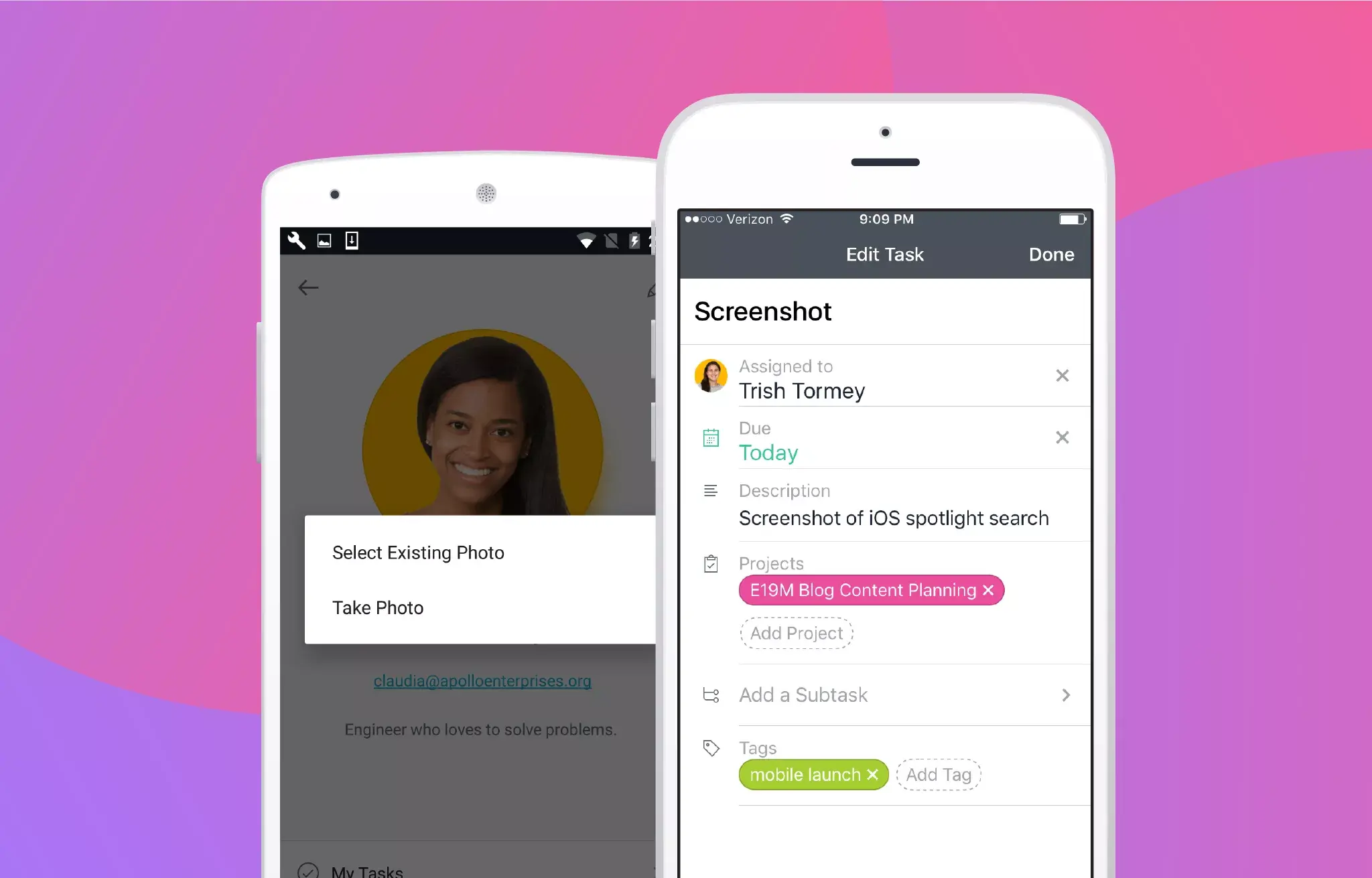
When you’re on the go, you need to get to the work you’re looking for—fast. Same goes for making changes to your projects and tasks. The latest updates to the Asana iOS and Android apps are designed to do just that, so you can track your work from anywhere.
New in Asana’s iOS mobile app
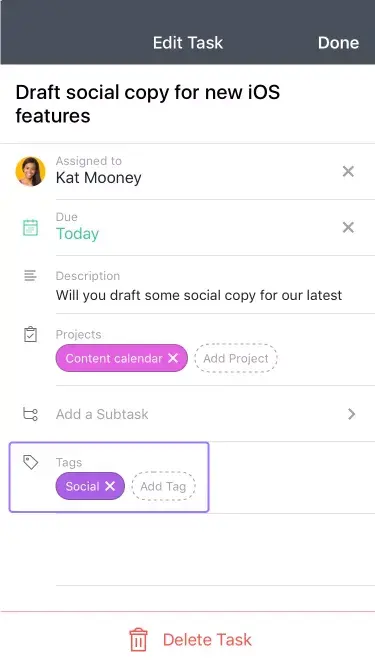
Create tags
Create tags to label a task with relevant information. For example, add a “social” tag to a task about social media content. To make a tag easier to identify, assign it a color. This lets you scan and spot the information you need quickly.
To create a new tag:
Tap the pencil icon in the topbar of a task.
Scroll down to the Tags section on the Edit Task screen, and tap Add Tag.
Select New Tag, give it a name, assign it a color, and then tap Create.
Use Spotlight search
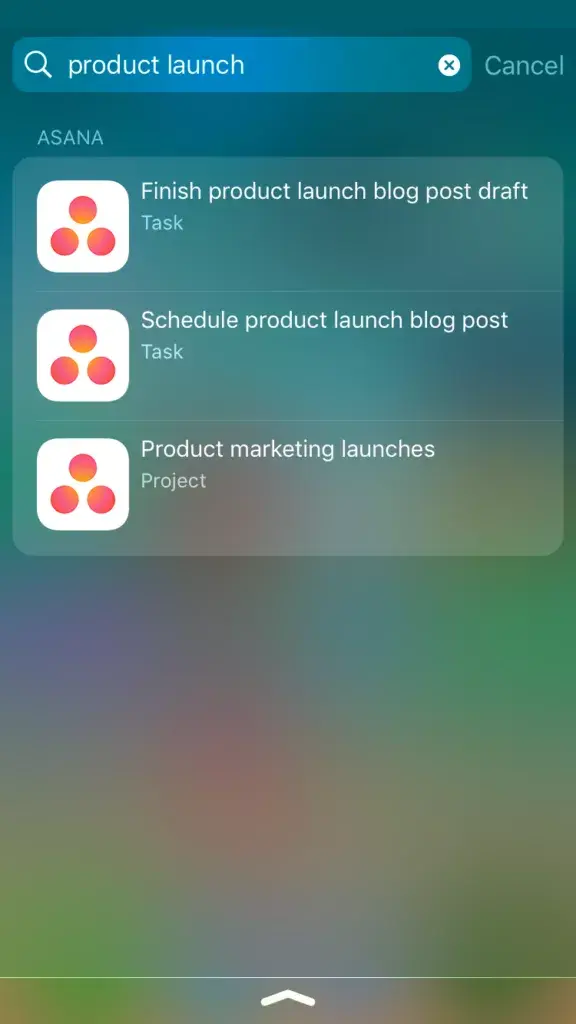
In iOS, Spotlight search lets you find recent Asana tasks, projects, conversations, and tags without even opening the app. From your home screen, just touch your finger to the screen and drag down. Type in words relevant to the work you’re looking for in the Search field, and choose the work in Asana you want to access.
Log in with 1Password
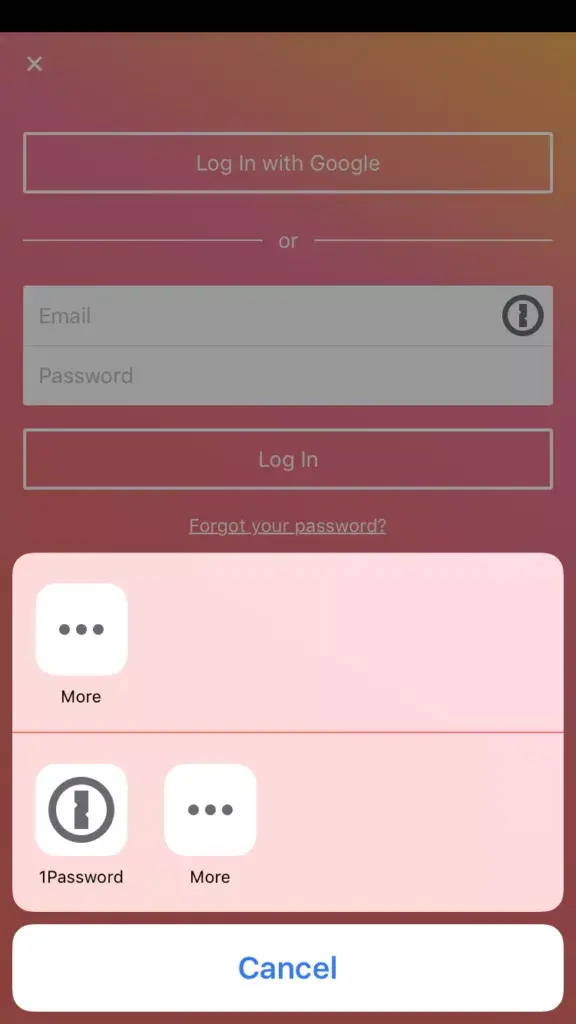
Everyone forgets their password now and then, but with our new 1Password integration you don’t have to worry 😁. If you use 1Password on your iOS device, you’ll now see the 1Password icon on the Asana login screen. Just tap the icon, select the account you want to use, and your credentials will be filled in automatically.
Edit project details
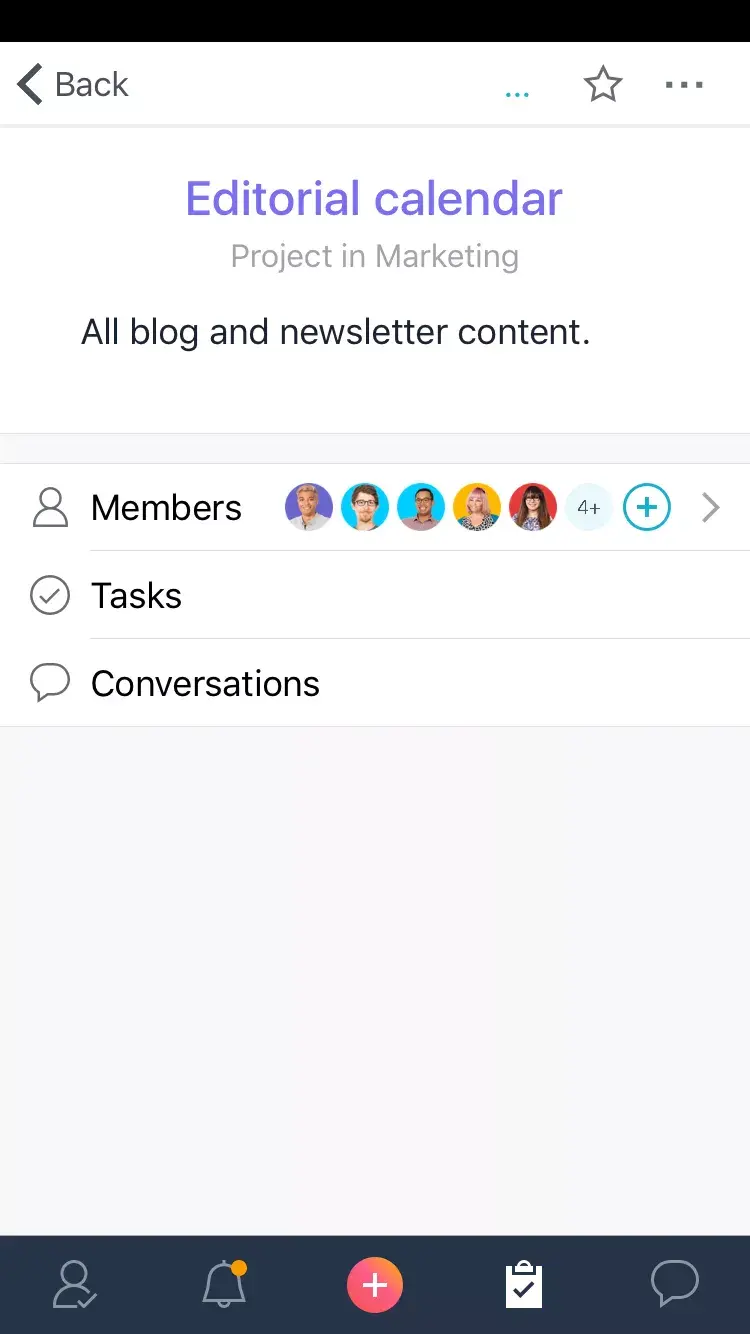
We’ve been working to make managing projects on iOS easier, and now you can edit a project’s details on the go. The latest update lets you quickly edit a project’s name, the description, and assign it a color for easy reference right on iOS.
To edit project details:
Tap the information icon in the top right corner of the project’s task list.
Tap the … icon in the top right and then select Edit Project.
New in Asana’s Android mobile app
Add or change your profile picture
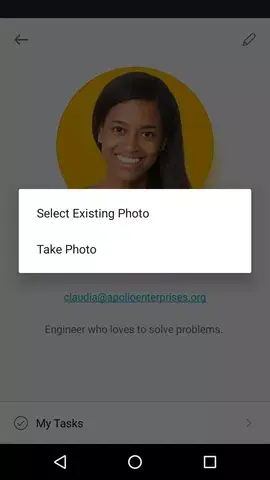
Sometimes you just can’t wait to update your profile picture, and now you don’t have to 📷. Head to your My Tasks screen and tap the information icon in the top right to add or update your profile picture. Tap on your current profile picture (or the circle in the middle), and upload a photo from your camera—or snap a pic if you’re feeling spontaneous.
Updated push notifications
In the past, you only received a summary of your Asana notifications on your Android device. Now with bundled push notifications, you can expand individual notifications for more details. You can even tap on a notification to go right to the task, project, or conversation in Asana. Swipe down or press on the caret at the top to expand an individual notification.
Please note: This feature is only available for Androids with Android N and Android watches.
Check in on work, from anywhere
When work and life take you away from your desk, we hope these new Asana mobile app updates make it easier to keep moving work forward. We’ll be rolling out more improvements to our mobile apps in the coming months, so stay tuned for updates. And if you haven’t given our mobile apps a try yet, head to your app store to download the Asana iOS or Android app.