Why Asana?
Asana increases employee productivity and customer satisfaction, according to IDC²
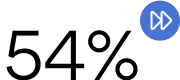
faster execution of business processes

more business processes completed
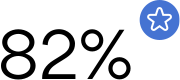
improvement in employee satisfaction
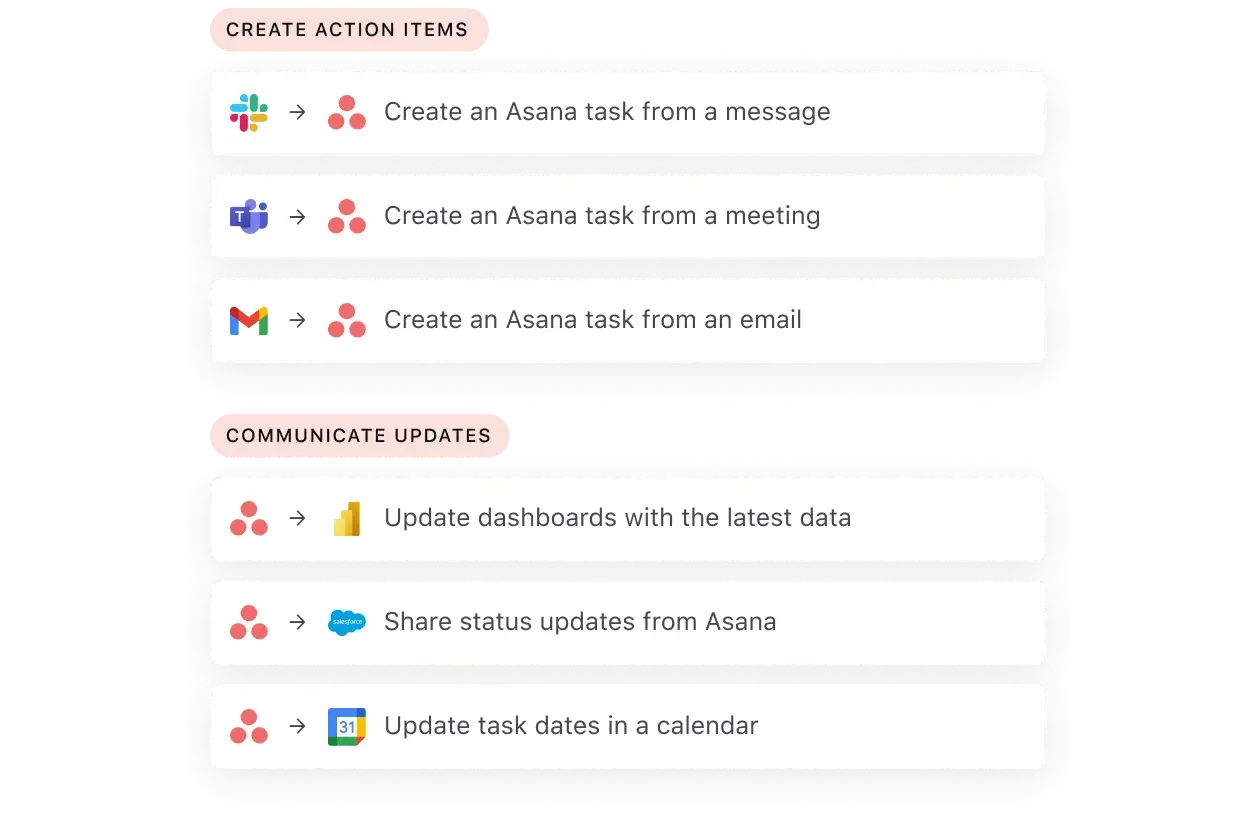
Supercharge daily work with built-in automation
From product development to employee onboarding, automation can help you save time and increase productivity.
Connect work to top business priorities
See how projects contribute to top-line objectives so your team always knows what to work on first. By tracking all of your work in one place, never lose sight of what’s most important for the business—and for your day-to-day.

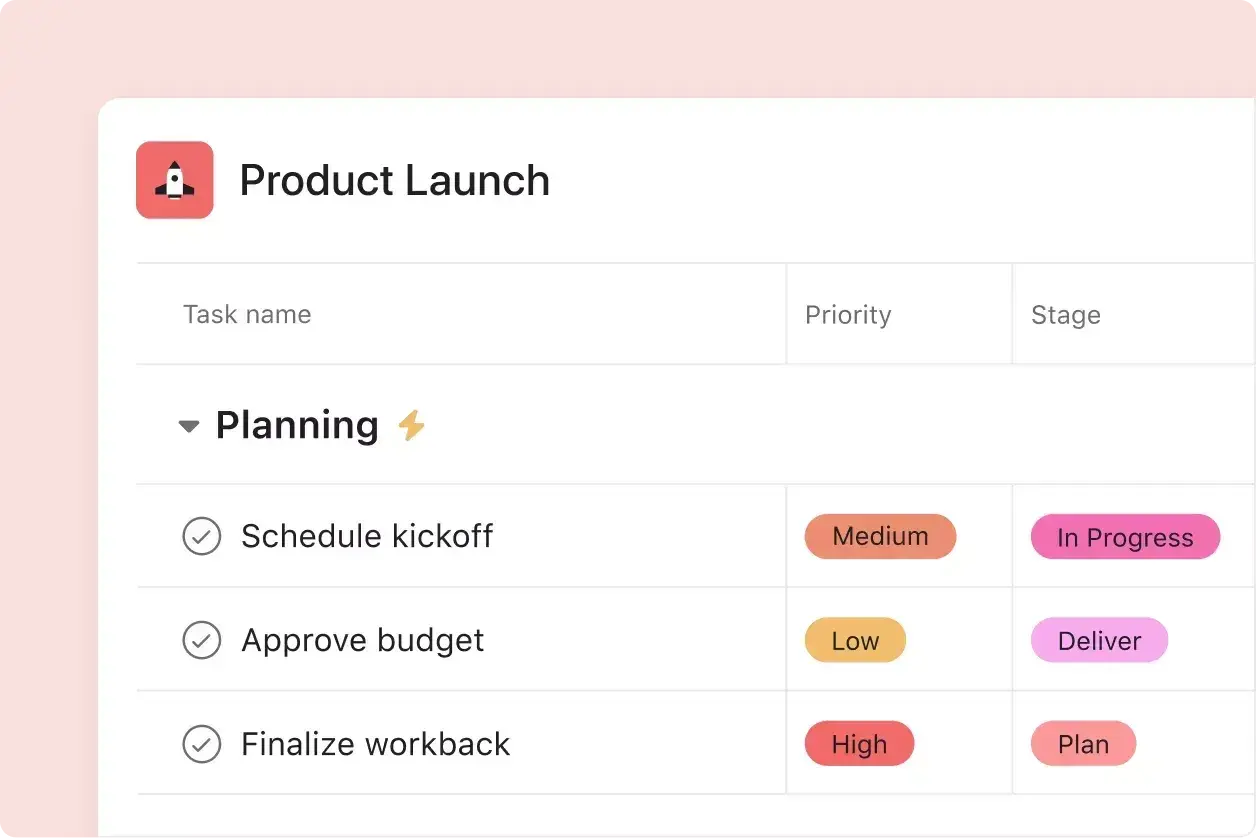
Understand campaign priorities at-a-glance
Keep your cross-team stakeholders up-to-date on important, blocked, and high-priority campaign work. Tag, sort, and filter campaign deliverables in a centralized place, so stakeholders always know what to focus on first.
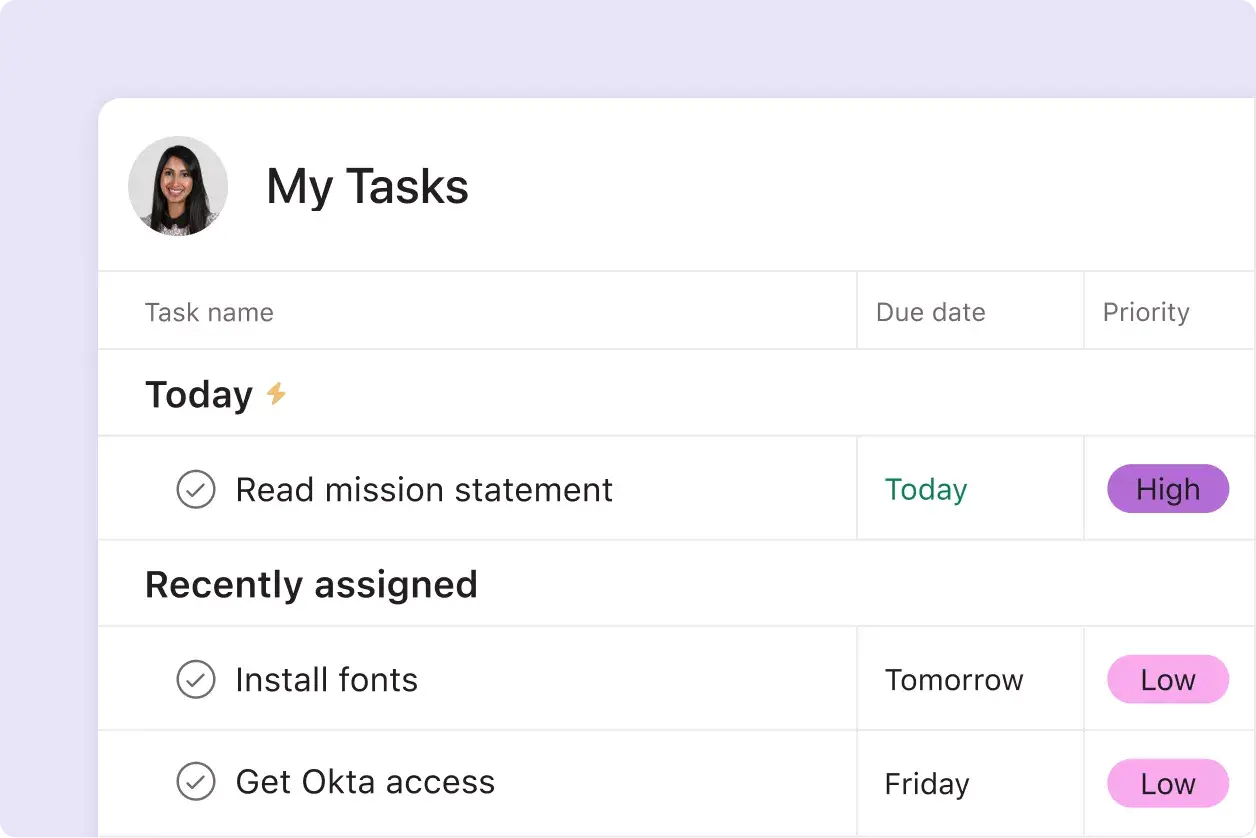
Expedite onboarding with clear prioritization
Automatically bring critical work to the forefront, even on day one. Quickly prioritize work, so new hires can spend less time organizing and more time executing.
Avoid distractions with app integrations
Asana integrates with 200+ of your favorite tools. Centralize your most important work in one tool to reduce app switching and get your most important work done.





Featured templates
Check out our easy-to-use templates for popular projects and processes. Then, customise them for your workflows.
![[QBR Meeting Agenda] template Card Image](https://assets.asana.biz/transform/f9fa4005-1bcf-43d0-b78a-55f8f84c3569/TG23-web-thumbnail-026-kickoff-meeting-static-2x?io=transform:fill,width:2560&format=webp)
![[Templates] Campaign management plan template banner image](https://assets.asana.biz/transform/d0762c4d-c7d8-49bc-823b-4b93513e6b48/Template_CampaignMgmt_Thumb?io=transform:fill,width:2560&format=webp)


Company Size
Mid-market
Industry
Non-profit
With Asana, people aren't as lost anymore. They don't need to ask, 'Is this happening on Tuesday?' If plans change quickly, the team is aware and it's clearly documented. You don't have to wait until a meeting, a chat. You see everything in one place.
Thea Skaff
Senior Manager, Global Fundraising Campaigns, Wikimedia Foundation





Task management features and capabilities

My Tasks
My Tasks is a personalized view of every task that’s assigned to you, regardless of which project it’s in. Visualize all of your to-dos in one place to ensure nothing falls through the cracks.

Multi-homing
Track and manage tasks across multiple projects. When you make changes to a task in one project, instantly see those changes reflected across all projects in real time.

Time tracking
With native time tracking, quickly estimate expected and actual time spent on tasks. Get better real-time estimates on project progress which is essential for budgeting and forecasting.

Workflows
Workflow Builder is a no-code point-and-click tool to visualize and build powerful automated workflows. Streamline tasks and keep your teammates in sync via integrations with 200+ of your favorite business apps.

Custom fields
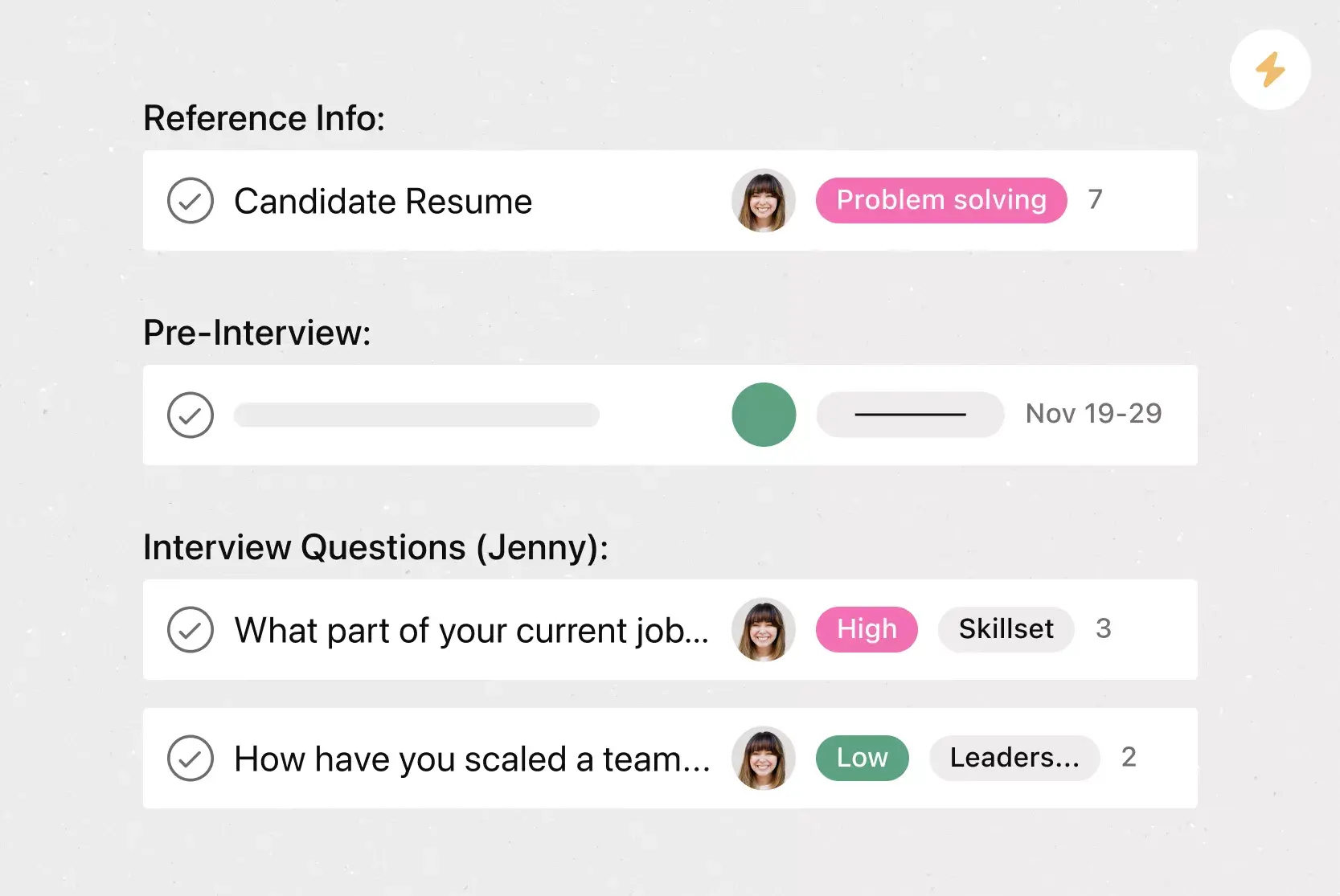
Custom fields are the best way to tag, sort, and filter work. Create unique custom fields for any information you need to track—from priority and status to email or phone number.

Rules
Automate manual work so your team spends less time on busywork and more time on the tasks that matter. Use Rules to automatically assign work, adjust due dates, notify stakeholders, and more.

Mobile
The Asana app is available on Mac, iOS, and Android. Review any new inbox notifications, send messages, and access project tasks so you’re always up to date on project information.

Custom templates
Custom templates make it easy to duplicate existing workflows or common processes—giving teams confidence that they don’t have to recreate work from scratch or worry about missing any steps.

Project views
Project views make it easy for you to see your work, your way. Select between List, Board, Calendar, and Timeline, and toggle between the project views to find a view that works for you.

Dependencies
Mark a task as waiting on another task with dependencies. Teams with collaborative workflows can easily see what tasks they’re waiting on from others, and know when to get started on their portion of work.

Timeline
Timeline View is a Gantt-style project view that displays all your tasks in a horizontal bar chart. With Timeline View, you can easily track how the pieces of your plan fit together.

Calendar
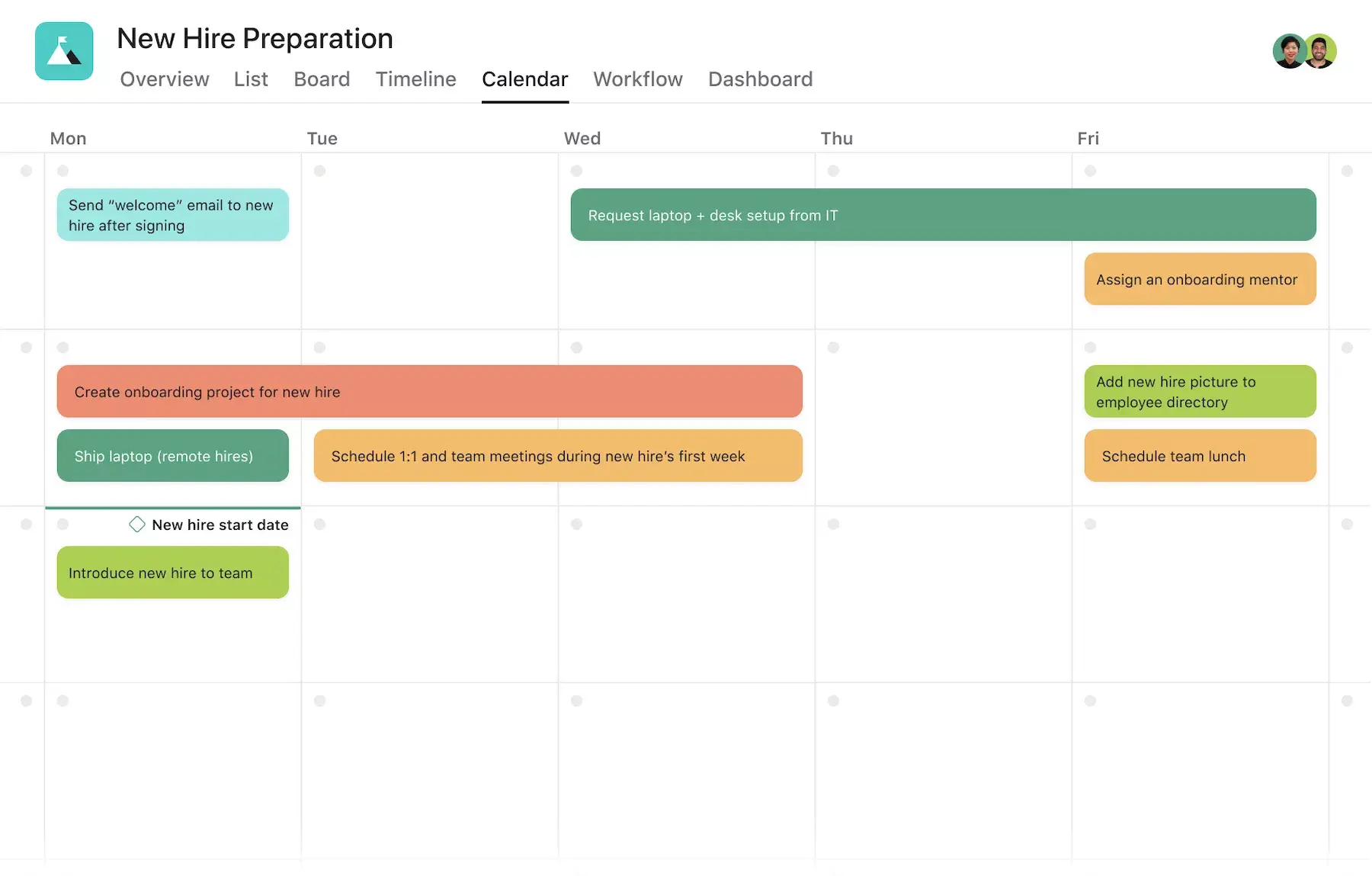
View any project in Calendar view to see all upcoming and past work in a calendar format. Give stakeholders insight into task due dates, as well as the larger cadence of scheduled project work.
Use Asana as your team’s task tracker
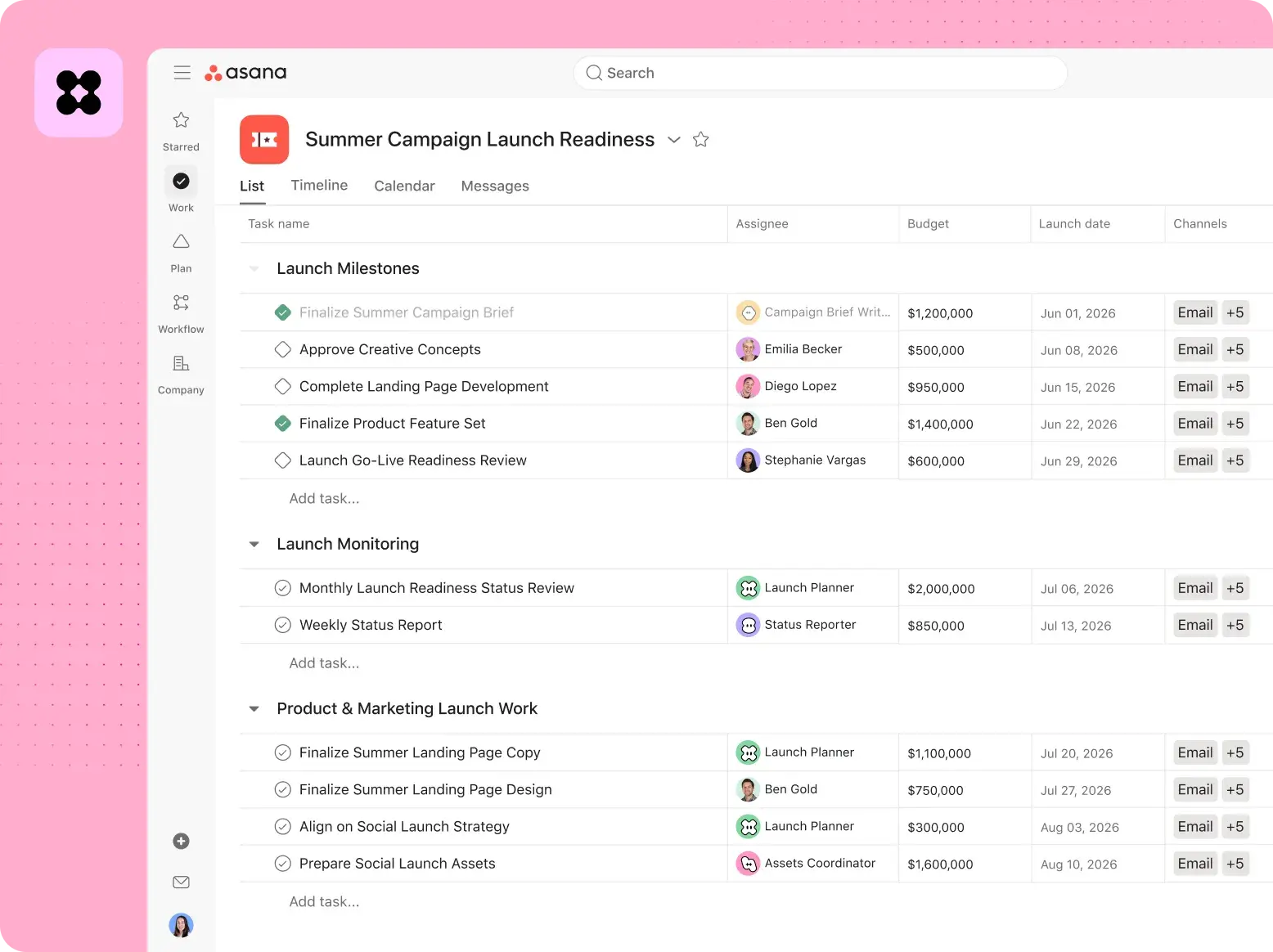
Add tasks to your project schedule with owners, due dates, priorities, and project details.
Delegate your to-do list, schedule recurring tasks, and share status updates as priorities change.
Use custom fields, issue tracking, and workflow automation to route requests, flag blockers, and keep tasks moving.
Frequently asked questions
Try Asana for free; no credit card is required. Start with a free Business trial, and follow the on-screen instructions to log in and explore project planning, task tracking, team collaboration tools, and more. Discover how a powerful task management app can transform your workspace today!
Task management is the process of organizing, prioritizing, and tracking tasks to make sure they’re completed efficiently and on time. At its core, it’s about assigning tasks, breaking down projects into smaller pieces, and making sure to set deadlines that keep everything moving forward.
But task management isn’t just about staying organized—it’s about staying ahead. Whether you’re managing a team’s tasks or running a small business, it’s what turns big ideas into actionable steps. Tools like subtasks, task lists, and templates make it easy to tackle even the most complex projects. By regularly monitoring task progress, you can ensure that every effort aligns with your goals, helping you work smarter—not harder.
The best task management software helps individuals and teams plan, organize, and complete tasks effectively. By centralizing your work into a single workspace, it allows you to streamline task assignment, set priorities, and track progress while keeping everyone on the same page.
Task management tools go beyond basic organization. With features like Kanban boards, Gantt charts, and calendar views, you can visualize timelines, workflows, and project roadmaps in real time. And advanced collaboration features bring teamwork to life, letting team members connect and share updates. With dynamic visualization tools and built-in metrics, a task management app turns data into actionable insights.
Asana is a task tracker that helps teams create tasks, assign owners, set due dates, and connect daily work to the larger project schedule. Teams can use Asana like a shared to-do list, then add the details each task needs, such as priority, dependencies, project phase, files, comments, and approval steps.
For team projects, Asana helps managers delegate work, schedule recurring tasks, and share status updates as priorities change. Teams can also use custom fields for issue tracking, blockers, launch dates, budgets, request types, or resource management details.
Asana also supports larger workflows that connect task tracking to other types of work:
Document management: Attach files, add comments, and keep task-related details with the work they support.
Program management: Track related projects, milestones, dependencies, and status updates in a shared workspace.
Resource management: Review owners, due dates, priorities, and workload details before assigning new work.
With workflow automation, Asana can route requests, assign tasks, update fields, and notify teammates when work reaches the next step. Teams can quickly see what’s due, who owns it, what’s blocked, and what needs attention next.
Your task management tool should have everything you need to manage and execute your work. Make sure the task management software you choose aggregates your to-dos in one view—at the project and portfolio level. You’ll also want to look for a tool that gives you the flexibility to do your work your way by offering integrations with your favorite business apps. And last but certainly not least, make sure the task management software you select can automate your workflows with rules, templates, and more. You can also compare Asana and Todoist to see how their task management features differ.
Multi-homing is a powerful feature in Asana’s task management software that allows a single task to live in multiple projects simultaneously. Your most important work happens with team members from other departments—who each have their own way of storing and organizing to-dos. With multi-homing, you can house the same task in multiple projects (rather than creating duplicates of the task, which can quickly get outdated). Then, if you change any task details in one project, those changes are instantly and automatically reflected across every other project in real time.
Subtasks are smaller, actionable parts of larger tasks, designed to break down work into manageable steps. They let you assign specific responsibilities to assignees, track every detail, and improve the overall functionality of your workflow.
In an agile framework, for example, a “feature development” task might be divided into subtasks like writing user stories, coding, testing, and deployment—all aligned with a specific sprint. These subtasks are tailored to the project’s use case, which simplifies task tracking and keeps everything aligned with the bigger picture. By incorporating subtasks into your task management software, teams can stay organized, collaborate effectively, and achieve their goals more efficiently.
Task templates are pre-designed structures within a task management system that help you standardize and simplify repetitive workflows. Instead of starting from scratch every time, you can use templates to create consistent processes for tasks like onboarding new hires, budgeting and invoicing, or managing product launches.
These templates are especially useful for breaking down larger workflows into actionable steps. For example, a contract review template might include key subtasks for assignees like drafting, editing, and final approval, all with clear due dates. By leveraging a task management app with built-in templates, you can save time, reduce errors, and stay organized.
Transform the way you work with Asana
Start your free trial
Try Asana for free. No credit card required.
Watch the demo
See how Asana connects companies at scale.
Speak with a sales rep
Learn how Asana helps teams collaborate seamlessly.
For more info on our G2 review
IDC White Paper, The Business Value of the Asana Platform, Doc. #US50642023, June 2023